


Clean Gaming Keyboard: Guide for Dusty & Humid Conditions
Clean gaming keyboard quickly and safely in dusty or humid conditions with step-by-step tips, tool checklist, and maintenance routines to prevent corrosion and switch failure. 🧼💨
Read moreChoosing the right AI PC build components is crucial for performance. This guide breaks down the essential parts, from the GPU and CPU to RAM and storage, ensuring you build a powerful machine for AI tasks. Get ready to unlock next-level performance! 🚀💻
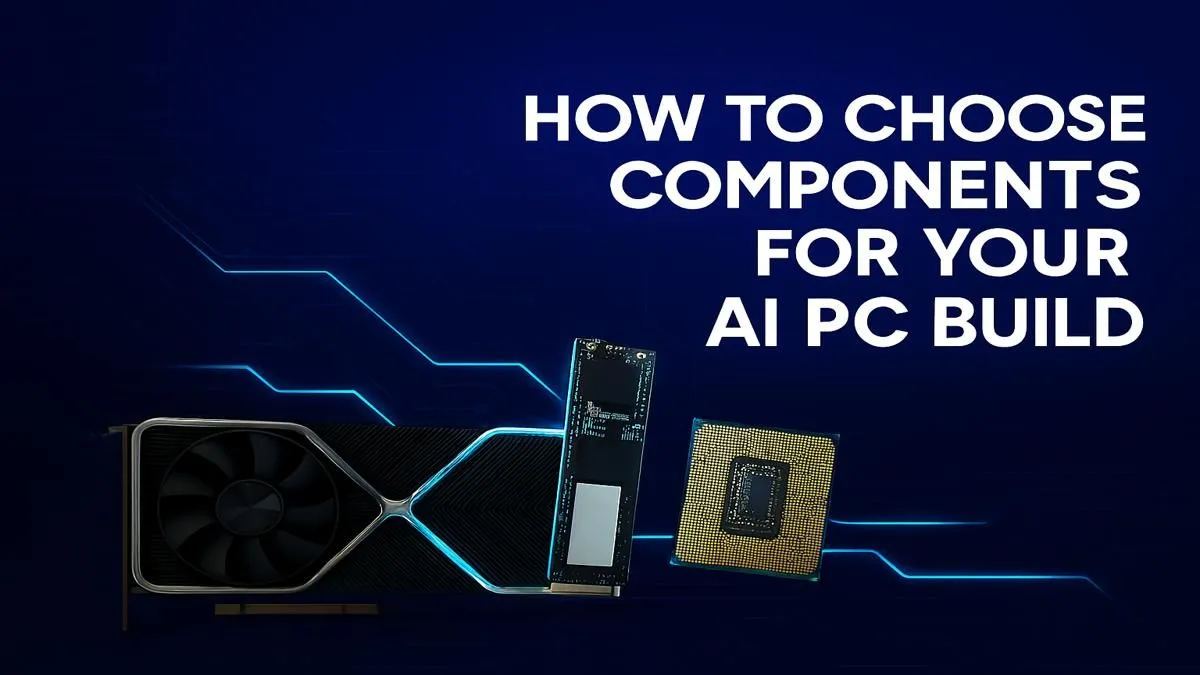
AI is no longer just a buzzword whispered in Silicon Valley... it's right here in South Africa, powering everything from your banking app to your next gaming masterpiece. What if your own PC could do more than just run games… what if it could create, learn, and accelerate your workflow? Building a rig for the AI revolution is surprisingly achievable. This guide breaks down the essential AI PC build components you need to get started. 🔧
For years, the CPU (Central Processing Unit) has been the undisputed brain of any PC. But the rise of AI has introduced a new player: the NPU (Neural Processing Unit). An NPU is a specialised processor designed specifically to handle the sustained, low-power calculations needed for constant AI tasks, like background blurring in video calls or Windows Copilot features.
Intel's new Core Ultra processors are leading the charge by integrating an NPU directly onto the chip. This makes them incredibly efficient for everyday AI tasks without draining your battery or slowing down your main applications. For anyone looking at a modern, power-efficient build, exploring the latest Intel-powered PC deals is a fantastic starting point.
Not to be outdone, AMD has integrated its Ryzen AI engine into many of its latest mobile and desktop processors. This technology accelerates AI workloads, making multitasking smoother and AI-powered software more responsive. If you're leaning towards Team Red, checking out the performance of AMD Ryzen PC deals will show you just how powerful these integrated solutions have become.
While an NPU is great for efficiency, for heavy-duty AI tasks like training models or generating complex art with Stable Diffusion, you need some serious graphical muscle.
When it comes to raw AI power, the GPU (Graphics Processing Unit) is still the champion. Its architecture, designed for parallel processing, is perfectly suited for the massive calculations required by AI models. This is the most critical of all AI PC build components.
For a long time, NVIDIA has been the undisputed leader in the AI space thanks to its CUDA platform. CUDA (Compute Unified Device Architecture) allows developers to directly access the GPU's processing power. Most popular AI tools and machine learning frameworks are optimised for CUDA, making NVIDIA cards the easiest and most compatible choice. A rig from our range of NVIDIA GeForce gaming PCs offers a straightforward path to top-tier AI performance. The more CUDA cores and VRAM you have, the faster your models will train and your images will generate.
When choosing a GPU for AI, Video RAM (VRAM) is often more important than raw clock speed. AI models need to be loaded into the GPU's memory to run. A card with more VRAM (like 12GB, 16GB, or even 24GB) can handle larger, more complex models without crashing or slowing down. For serious work, prioritise VRAM capacity!
AMD is making significant strides with its ROCm software platform, which serves as an open-source alternative to CUDA. While the ecosystem is still maturing, high-end AMD Radeon gaming PCs offer incredible performance-per-Rand and are becoming a viable option for tinkerers and developers. Similarly, Intel's Arc GPUs are a new and exciting entry. While their AI software support is still growing, they represent a promising future, and our selection of Intel Arc gaming PCs is worth watching for budget-conscious builders.
Your CPU and GPU are the stars, but they need a strong supporting cast to shine.
Now that you understand the key AI PC build components, how do you approach your purchase? You have a few great options.
For those who want a system that works perfectly out of the box, our pre-built PC deals are professionally assembled, tested, and ready for any task you throw at them. If you're just dipping your toes into AI and want to experiment, our range of budget gaming PCs often includes GPUs with enough power to get you started.
For the ultimate performance, our collection of the best gaming PC deals features high-end GPUs and CPUs perfect for a dual-purpose gaming and AI machine. And for professionals whose livelihood depends on AI and machine learning, our dedicated workstation PCs are optimised for maximum performance, stability, and computational power. ✨
Choosing the right components for an AI PC is about matching the hardware to your ambition. Whether you're generating art, coding the next big app, or simply exploring the future of technology, the perfect build is waiting for you.
Ready to Build Your AI Powerhouse? 🚀 Assembling the right AI PC build components is your first step into a new world of creativity and performance. From local AI models to next-gen gaming, the power is yours to command. Browse our massive range of PC components and find everything you need to start your AI journey today.
The GPU (Graphics Processing Unit) is the most critical part for most AI tasks like deep learning. Its parallel processing power is essential for training complex models.
For serious AI work, 32GB of RAM is a good starting point, but 64GB or more is recommended for handling large datasets and complex models without performance bottlenecks.
While the CPU manages system operations, the GPU is far more important for the heavy lifting in AI model training. Consider a strong CPU, but prioritize your GPU budget.
An NPU (Neural Processing Unit) excels at low-power AI inference tasks. While not essential if you have a powerful GPU, it's beneficial for sustained, efficient AI workloads.
Fast storage is key. A high-speed NVMe SSD is essential for your operating system and active datasets to ensure quick data loading and reduce training time significantly.
Choose a motherboard for an AI workstation that supports your CPU, has enough PCIe slots for multiple GPUs, and offers ample RAM capacity and high-speed I/O ports.
Clean gaming keyboard quickly and safely in dusty or humid conditions with step-by-step tips, tool checklist, and maintenance routines to prevent corrosion and switch failure. 🧼💨
Read more
Best gaming keyboard features to prioritize when building a high-end setup: mechanical switches, low latency, hot-swap, RGB, macros, durability and ergonomics 🎮⌨️
Read more
Custom actuation point keyboard setup guide: learn to set per-key actuation on your analog gaming keyboard for faster, precise inputs and better control 🎮⚙️
Read more
Cable management for home entertainment helps you eliminate cable clutter quickly and safely. Learn routing, concealment, and product picks to tidy your setup fast 📺🔌
Read more
conference room setup Microsoft Teams Zoom: Upgrade AV, camera, mic, and network to ensure seamless meetings, clear audio, and crisp video 🎯🔧
Read more
• Audit setup • Link accounts • Configure ViewBoard • Test workflows Integrate Google Workspace with ViewSonic ViewBoard to enable secure SSO, calendar and Drive sync, and smooth collaborative whiteboarding 🔗📋
Read more
Discover webcams that automatically adjust light and color for crystal-clear video calls 🎥✨. Boost your streaming quality today!

Discover webcams that blend into your workflow 🎯 Capture moments while you work, stream, or create. Upgrade your setup with smart, multitasking tech!

Dedicated media keys give streamers one-touch control to mute, switch scenes, clip highlights, and adjust audio — cutting task time and boosting consistency 🎛️⚡

PBT vs ABS keycaps: Clear, local guide for South African gamers—compare feel, sound, durability and where to buy. Find the best material for your budget and playstyle 🎮🇿🇦

- Multi-Function Digital Dial: define benefits - Show gamer setups and macros - Offer buying and setup tips Multi-Function Digital Dial puts programmable control at your fingertips for faster actions and smoother streaming. 🎮⚙️

- Explain benefits; - Show the science; - Compare options; - Recommend picks. Magnetic wrist rest for gaming cuts wrist strain and boosts comfort during long sessions 🕹️✨