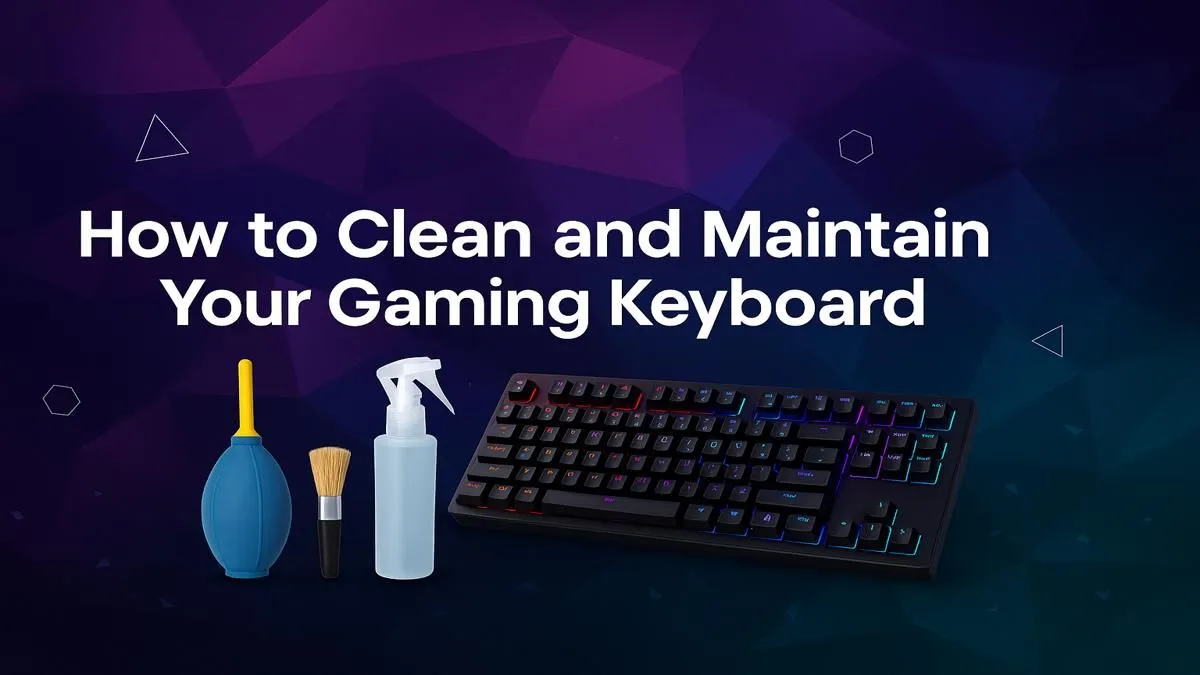
Let's be honest, your gaming keyboard has seen better days. Between an unexpected outage snack crumbs, that one time you spilled your cooldrink, and the general Highveld dust, it’s probably a biohazard. But a dirty keyboard isn’t just gross… it’s slow. Sticky keys and missed inputs can cost you the match. Learning how to clean a gaming keyboard properly is a non-negotiable skill for any serious South African gamer. Let’s get it done. 🔧
Why Cleaning Your Gaming Keyboard Matters
A clean keyboard is a fast keyboard. Over time, the build-up of dust, skin cells, and food particles can cause keys to stick, become unresponsive, or fail to register a press entirely. This isn't just about hygiene; it's about performance. Regular maintenance ensures every keystroke is as crisp and reliable as the day you unboxed it. Think of it as essential upkeep for your most important gaming tool.
Properly cleaning a gaming keyboard also extends its lifespan, protecting your investment. Whether you're rocking a top-tier mechanical board or found a deal on one of the cheapest gaming keyboards in South Africa, a little TLC goes a long way.
Your Keyboard Cleaning Toolkit
Before you start, gather your supplies. You don't need a high-tech lab, just a few simple items:
- Keycap Puller: Essential for mechanical keyboards. Don't try to use a screwdriver!
- Compressed Air: The best way to blast out loose debris from under the keys.
- Isopropyl Alcohol (70% or higher): Perfect for disinfecting and cutting through grime without damaging plastics.
- Microfibre Cloths: For a lint-free wipe-down.
- Cotton Swabs or Small Brush: For getting into tight corners.
- A Bowl of Warm, Soapy Water: For deep cleaning your keycaps.
Pro Tip: Snap a Pic First! 📸
Before you pull a single keycap, take a quick photo of your keyboard layout on your phone. It seems obvious, but you'll thank us later when you're not guessing where the function keys go. This is especially crucial for non-standard layouts or if you're using a set of awesome custom keyboard keycaps.
How to Clean Your Keyboard: A Step-by-Step Guide
There are two levels of cleaning: the quick weekly spruce-up and the full deep clean you should do every few months.
The Quick Clean (5-Minute Refresh)
This is your weekly maintenance routine.
- Unplug It: Always disconnect your keyboard first. Safety first.
- Turn & Tap: Turn the keyboard upside down over a bin and gently tap the back to dislodge loose crumbs and dust.
- Blast It: Use short bursts of compressed air to blow out any remaining debris from between the keys. Work from top to bottom.
- Wipe Down: Lightly dampen a microfibre cloth with water or a bit of isopropyl alcohol and wipe down the keycaps and frame.
The Deep Clean (The Full Monty 🧼)
This is the big one. Do this every 3-6 months, or after a major spill.
- Unplug & Photograph: Disconnect the keyboard and take that reference photo we talked about.
- Remove Keycaps: Use your keycap puller to gently lift off all the keycaps. Place them in a bowl to one side.
- Wash Keycaps: Fill the bowl with warm water and a drop of dish soap. Let the keycaps soak for about 30 minutes, then give them a gentle scrub. Rinse them thoroughly and lay them out on a towel to air dry completely. Crucial: Make sure they are 100% dry inside and out before putting them back.
- Clean the Board: With the keycaps off, turn the keyboard frame upside down and tap out any large debris. Use compressed air to clear out the rest. For any sticky residue around the switches, use a cotton swab dipped in isopropyl alcohol. Being gentle here will help protect your keyboard's switches from damage.
- Final Wipe & Reassemble: Wipe the keyboard frame with your microfibre cloth. Once the keycaps are bone dry, carefully press them back onto the switches, using your photo as a guide. While you're at it, it's a great time to give your whole keyboard and mouse combo a refresh and wipe down other accessories... seriously, don't forget your wrist rest!
When It’s Time for an Upgrade
Sometimes, a keyboard is just beyond saving. A major liquid spill, a cracked frame, or multiple dead keys might mean it's time to retire your old faithful. If a deep clean doesn't restore that satisfying click and clack, it might be the perfect excuse to upgrade your entire setup. A new keyboard can genuinely breathe new life into your gaming experience.
If your board has fought its last battle, it's worth seeing what new tech is out there. You might be surprised by the features and performance on offer. Before you commit, be sure to check out our latest gaming keyboard deals for the best prices in SA.