


Clean Gaming Keyboard: Guide for Dusty & Humid Conditions
Clean gaming keyboard quickly and safely in dusty or humid conditions with step-by-step tips, tool checklist, and maintenance routines to prevent corrosion and switch failure. 🧼💨
Read moreLearn how to clean your graphics card to boost performance and lower temps. Our complete guide covers everything from removing dust with compressed air to reapplying thermal paste, ensuring your GPU runs like new. Keep your gaming rig in top shape! 🧼✨
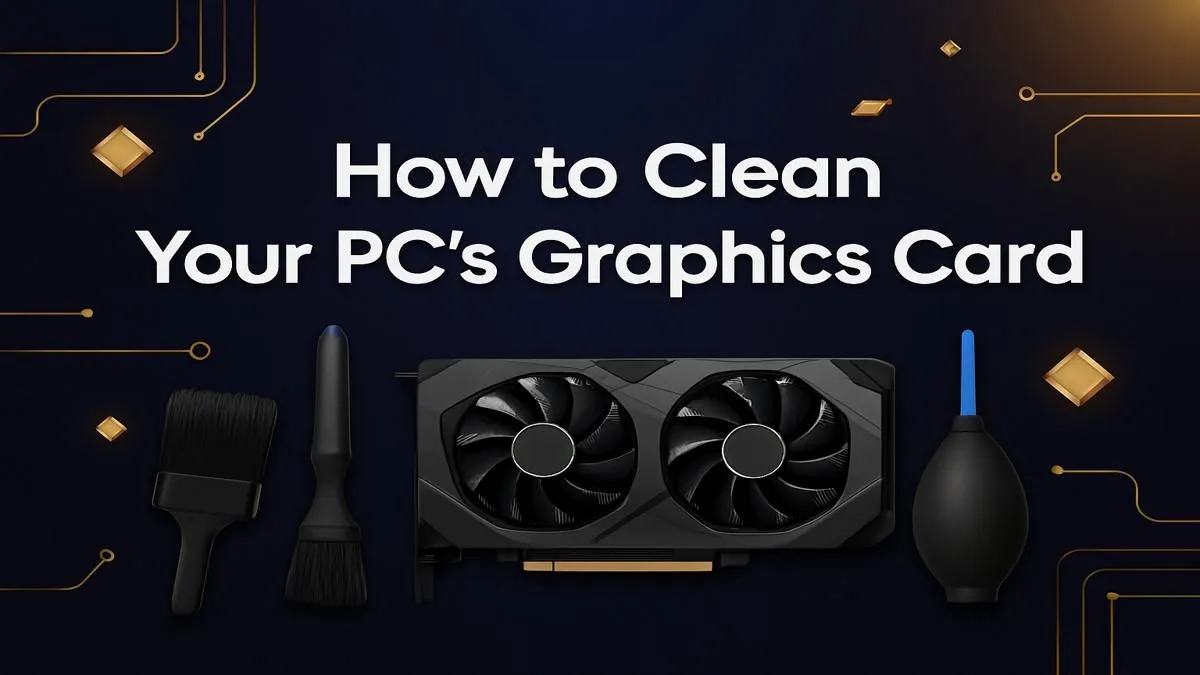
Every South African gamer knows that dust is the sneaky enemy of smooth gameplay. Your graphics card powers every pixel and frame in your favourite titles, but grime and dust can cause overheating and lag. Learning how to clean your graphics card safely keeps your PC running cooler and extends its lifespan. Before you dive in, know this guide will walk you step-by-step—no tech skills needed.
If you’re eyeing an upgrade while maintaining your current rig, check out budget gaming PCs tailored to SA prices that won’t break the bank.
Cleaning a graphics card safely is about gentle handling and the right tools. First, power down your PC and unplug it. Patience here prevents costly accidents. Next, ground yourself to avoid static. If your card is in a pre-built system, removal might be needed, but some air dusting can happen in-situ for a quick freshen-up.
If you want advice on ready-to-play systems, pre-built PC deals can offer hassle-free alternatives for gamers who prefer plug-and-play.
Avoid blasting your GPU’s fans with continuous air. Short bursts prevent fan damage and redistribute dust safely for a cleaner card.
Wondering where to find reliable components for your next upgrade? Browse through best gaming PC deals on Evetech for excellent pricing.
Dust isn’t just a GPU issue. Your entire system’s airflow affects temperatures and performance. Clean your fans, intake and exhaust vents regularly. Replace case filters if fitted. Consider upgrading your case fans on a budget with selections from buy PCs under R20k that come with efficient cooling setups.
For premium power users, PCs above R20k offer robust cooling and performance solutions with top-tier hardware right here.
Properly cleaning your graphics card without damage keeps your gaming rig running smoothly and prevents throttle-related FPS drops. This simple habit can extend your PC’s life and protect your investment. It’s a small time commitment for lasting benefits.
Ready to Upgrade or Maintain Your PC? Explore our latest pre-built PC deals and find the perfect fit for your gaming setup. Shop now at Evetech for performance that leaves lag in the dust.
For most users, cleaning your graphics card every 6 to 12 months is ideal. If you have pets or a dusty environment, consider a light cleaning every 3 to 6 months.
You'll need a can of compressed air, 99% isopropyl alcohol, cotton swabs, a soft brush, and new thermal paste if you plan on a deep clean. Always work in a static-free area.
Yes, it is safe. Hold the GPU fans in place to prevent over-spinning, keep the can upright, and spray in short bursts from a distance to avoid moisture buildup.
Absolutely. Removing dust improves airflow and cooling, which prevents thermal throttling. This allows your GPU to maintain its peak performance, especially during intense gaming.
For a light dusting, you can leave it in the case. However, for a deep clean like reapplying thermal paste, you must remove the GPU from your PC for safety and access.
Consider cleaning GPU thermal paste and replacing it every 2-4 years, or if you notice consistently high temperatures that a standard dust cleaning does not resolve.
Hold the fan blades steady with a finger or non-conductive tool. Use a can of compressed air to blow dust out from the fan blades and the heatsink fins beneath them.
Clean gaming keyboard quickly and safely in dusty or humid conditions with step-by-step tips, tool checklist, and maintenance routines to prevent corrosion and switch failure. 🧼💨
Read more
Best gaming keyboard features to prioritize when building a high-end setup: mechanical switches, low latency, hot-swap, RGB, macros, durability and ergonomics 🎮⌨️
Read more
Custom actuation point keyboard setup guide: learn to set per-key actuation on your analog gaming keyboard for faster, precise inputs and better control 🎮⚙️
Read more
Cable management for home entertainment helps you eliminate cable clutter quickly and safely. Learn routing, concealment, and product picks to tidy your setup fast 📺🔌
Read more
conference room setup Microsoft Teams Zoom: Upgrade AV, camera, mic, and network to ensure seamless meetings, clear audio, and crisp video 🎯🔧
Read more
• Audit setup • Link accounts • Configure ViewBoard • Test workflows Integrate Google Workspace with ViewSonic ViewBoard to enable secure SSO, calendar and Drive sync, and smooth collaborative whiteboarding 🔗📋
Read more
Discover webcams that automatically adjust light and color for crystal-clear video calls 🎥✨. Boost your streaming quality today!
Read more
Discover webcams that blend into your workflow 🎯 Capture moments while you work, stream, or create. Upgrade your setup with smart, multitasking tech!
Read more
Dedicated media keys give streamers one-touch control to mute, switch scenes, clip highlights, and adjust audio — cutting task time and boosting consistency 🎛️⚡
Read more
PBT vs ABS keycaps: Clear, local guide for South African gamers—compare feel, sound, durability and where to buy. Find the best material for your budget and playstyle 🎮🇿🇦
Read more
- Multi-Function Digital Dial: define benefits - Show gamer setups and macros - Offer buying and setup tips Multi-Function Digital Dial puts programmable control at your fingertips for faster actions and smoother streaming. 🎮⚙️
Read more
- Explain benefits; - Show the science; - Compare options; - Recommend picks. Magnetic wrist rest for gaming cuts wrist strain and boosts comfort during long sessions 🕹️✨
Read more