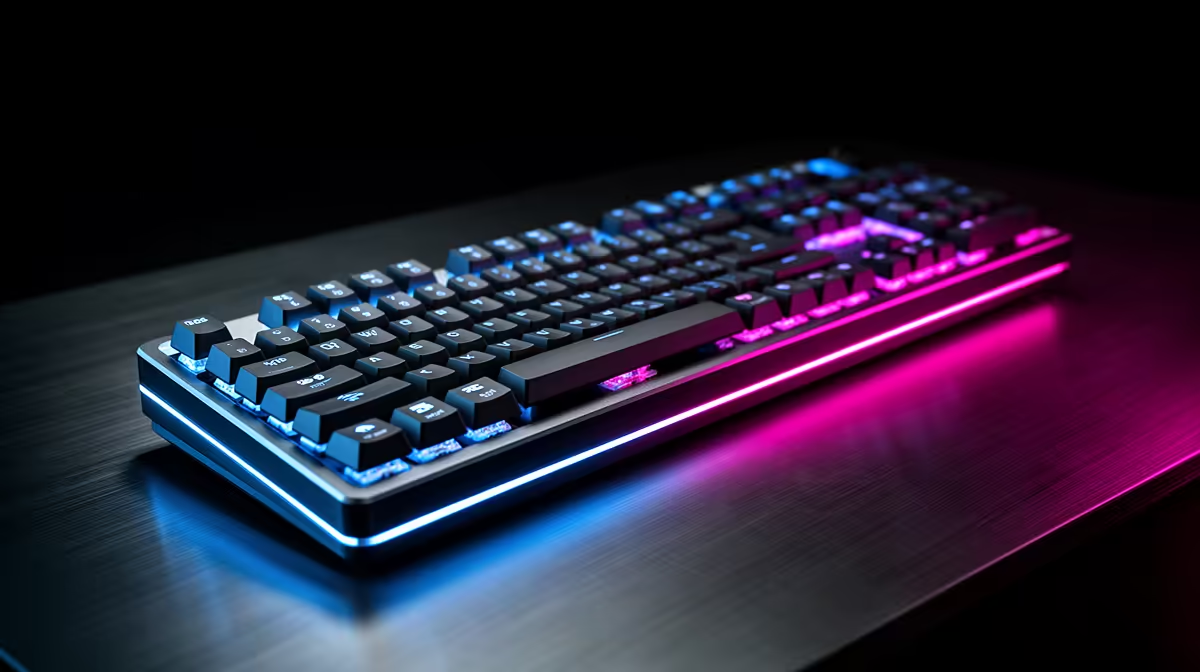
Engineering simulations make a keyboard a long-session tool, since you spend hours setting up models, running solvers and typing scripts, so the comparison favours typing comfort and durability over flashy gaming features. The right board reduces fatigue across heavy workloads.
Quick Answer
For engineering simulation work, compare keyboards on typing comfort, durable switches and a full layout with a number pad, not gaming gimmicks. A tactile-switch mechanical board with a number pad, around R1,000-R2,500, suits long modelling and scripting sessions. Prioritise switch feel, build quality and the numeric keypad over RGB, since you type and enter data for hours.
What Simulation Work Asks Of A Keyboard
Engineering and simulation involve long hours of typing scripts, entering parameters and navigating CAD or solver interfaces, so comfort and the right layout matter most. A tactile switch gives a clear feedback bump that suits accurate typing without bottoming out harshly, reducing fatigue over a full day. A number pad speeds up entering coordinates, values and calculations, which engineering students and professionals do constantly. Build quality matters for durability, since a board used heavily for years should not develop mushy or failing keys.
Layout And Switch Choices
A full-size board with a number pad is the practical choice for simulation work, given the constant numeric entry. Tactile switches suit the mix of typing and shortcut use better than pure linear gaming switches, though preference varies. Quiet variants help in shared labs or offices. Programmable keys can map solver shortcuts or macros, a genuine time-saver in repetitive simulation setup. Anti-ghosting and N-key rollover, standard on most mechanical boards, ensure every keypress registers during complex shortcut combinations in CAD and analysis software.
Buying Sensibly In SA
A full-size tactile mechanical keyboard at R1,000-R1,800 covers most engineering needs, with R2,000-R2,500 buying premium switches, wrist support or programmable layers. Prioritise a number pad, comfortable tactile switches and solid build over RGB and gaming branding. For a shared lab, choose quieter switches. A keyboard you type on for hours daily across a degree or career justifies spending on comfort and durability, since fatigue and failing keys cost far more in lost time than the price difference.
FAQ
Do engineering users need a number pad?
Yes, generally. Entering coordinates, parameters and calculations constantly makes a number pad a real time-saver. A full-size board with a dedicated numeric keypad suits simulation and CAD work well.
Which switches suit long simulation sessions?
Tactile switches, which give a clear feedback bump for accurate typing without harsh bottoming-out, reduce fatigue over long sessions. Quiet tactile variants suit shared labs and offices best.
Are programmable keys useful for engineering?
They are. Mapping solver shortcuts or repetitive setup macros to programmable keys saves real time in simulation work, where the same sequences recur often across modelling and analysis tasks.
For simulation work, choose a full-size tactile mechanical board with a number pad and programmable keys, prioritising comfort and durability over RGB and gaming styling.