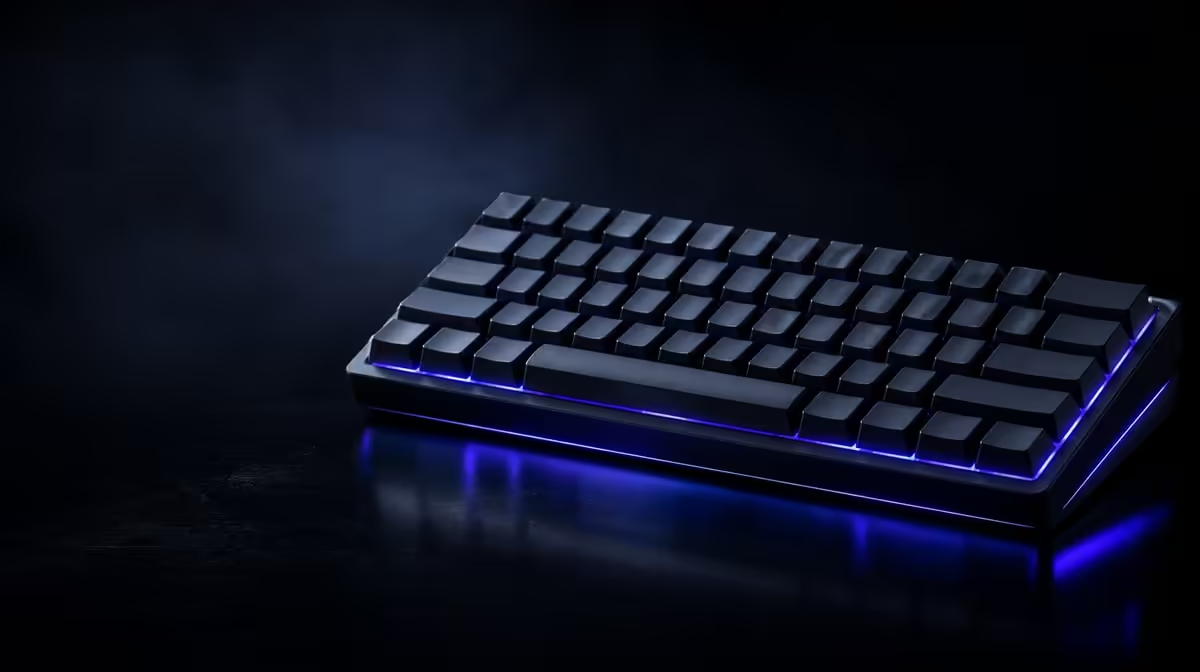
Profiles help when they make controls easier to recognise and restore. Customising RGB lighting and macros by game should produce a restrained visual map, compliant assignments, clear names and a default state another user can understand.
Quick Answer
Create one base profile, highlight only the controls relevant to each game and name every macro by its exact purpose. Check title rules, test automation outside live play, preserve an easy disable path and back up the known-good configuration before major changes.
🌈 Build a readable lighting map
Group movement, abilities, communication and system controls with a small colour vocabulary. A rainbow where every key competes for attention is difficult to learn.
Reserve one distinct signal for a changed layer or important status. Decorative effects should not reuse it and weaken its meaning.
Choose colours with contrast in mind. Two nearby shades that look different in the utility may merge on the physical caps or for a user with colour-vision differences.
Add a shape or position pattern when colour alone is insufficient. The left movement cluster and top ability row can remain distinguishable even when hues are similar.
Test the map in daylight and the room's normal evening light. Keycap legends and lighting zones can appear different from product images.
Start with static colours. Add reactive or game-linked behaviour only after essential keys remain legible during play.
Watch the effect through a full session. Motion that looks impressive for a minute can distract in peripheral vision or make layer state harder to recognise.
Compare software-capable boards in Evetech's Logitech keyboard selection.
⌨️ Create macros that remain controlled
Define the legitimate repetitive action and check the game's current rules. Automation accepted in desktop work may be restricted in competitive play.
Keep the sequence short and write what one press sends. Avoid mapping destructive system actions to a key used casually in games.
Name the trigger and destination state. A macro that depends on a menu already being open can produce unintended input when launched elsewhere.
Test inside a text editor, training area or safe offline context. Repeat the sequence, interrupt it and confirm it stops when the profile changes.
Check key release and repeated activation. One successful run cannot show whether the sequence overlaps with itself when pressed twice.
Assign an obvious return to default. The user should never be trapped in an unfamiliar map after leaving a game.
Keep the recovery control free from automation. It must behave predictably even when another part of the profile fails.
Browse Evetech's broader gaming-keyboard listings while checking model-level software support.
🗂️ Organise and protect profiles
Name each profile with the game and purpose. Remove abandoned duplicates instead of creating endless "final" versions.
Preserve a clean desktop profile with ordinary mappings and simple lighting. Screenshot or export key configurations where supported.
Test automatic switching through the normal launcher, full-screen mode and game exit. A profile that remains active on the desktop can resemble a hardware fault.
Try restart, sleep and another user account where relevant. Profile availability can depend on the operating context, so a shared PC needs a clear default.
Retest after software or game updates. Rules, launch detection and useful bindings can change.
Review whether each macro remains allowed before a competitive season or event. Old assumptions should not continue after policy changes.
🧪 Validate the profile as a complete product
Begin at desktop with ordinary typing. Confirm that letters, modifiers and system shortcuts behave normally before the game profile loads.
Launch the title through the usual route and verify the lighting state. Press every remapped control in a training area and check the expected output.
Trigger and cancel each permitted macro. Note any dependency on game menus or timing, then decide whether manual input would be safer.
Leave the game and confirm the desktop profile returns. Test a short message to catch an assignment that remained active.
Use the same procedure after exporting, importing or restoring a profile. A backup is useful only when it recreates known behaviour.
Keep screenshots of lighting zones and a table of assignments. If the utility stops recognising the device, the user still knows what must be rebuilt.
Remove features that create repeated recovery work. Effective customisation saves attention during play rather than demanding constant maintenance.
Share a one-minute explanation with anyone else using the keyboard: profile name, colour meaning, changed keys and return-to-default action.
Check accessibility as part of the review. A stable colour map or permitted sequence may support a genuine need, but it still requires clear documentation and compliance.
Test the keyboard after closing the utility. Note which settings remain and which depend on software, so a startup delay is not mistaken for failure.
Keep important password and system-entry contexts on the default map. A game macro should never become active where unexpected repeated input carries a larger risk.
Review brightness and motion from the normal seated distance, not close to the caps. Effects should help orientation without pulling attention away from the screen.
The finished profile earns its place when the player can enter the game, recognise controls, leave safely and restore normal typing without troubleshooting.
See Evetech's accessory best-seller selection when the profile plan is clear and check current availability.
Frequently Asked Questions
How can RGB lighting support a game profile?
It can highlight relevant controls or show profile state when the colour map is restrained and readable.
What makes a macro assignment safe to test?
Its output is documented, compliant with the application rules and first run in a low-risk environment.
Why should decorative effects remain restrained?
Too much motion and colour can obscure the controls the profile is meant to clarify.
How should profiles be named and organised?
Use the game and purpose, keep one trusted default and remove obsolete duplicates.
Can the same macro be appropriate in every title?
No. Rules, controls and acceptable automation differ by game.
What should be backed up before major customisation?
Preserve the default mappings, working profiles and a readable record of important assignments.
Want profiles that remain clear after setup day?
Compare Evetech gaming keyboards by software support, then build a simple colour map and one documented macro at a time.