


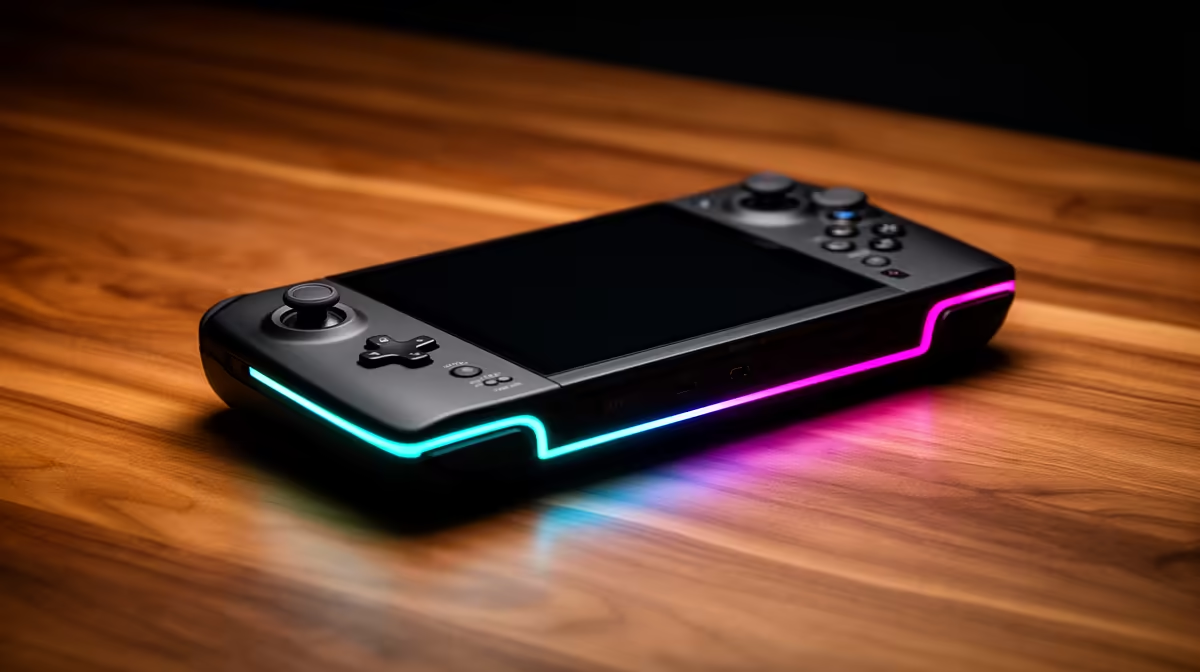
Comparing handheld gaming PCs for home-theatre gaming flips the priorities: weight matters less, and what counts is clean docking, HDMI 2.1 output and how well each handheld drives a big TV at 4K or high refresh.
Quick Answer
For home-theatre use, the ROG Ally X (around R16,000 at Evetech) docks cleanly over USB-C to a TV and runs Windows for full big-screen flexibility, while the Steam Deck OLED (around R12,000) plus its official dock outputs to a TV neatly. For 4K60 on a TV, pair either with a USB-C dock supporting HDMI 2.1.
What Home-Theatre Gaming Needs
Docked to a TV, the handheld becomes a tiny console, so the dock and video output matter most. A USB-C dock with HDMI 2.1 lets the ROG Ally X or Steam Deck push 4K60 or 1440p120 to a modern TV. The Ally X's stronger chip handles big-screen 1080p better, while the Steam Deck sips power docked. A controller pairs over Bluetooth so you play from the couch.
The Handhelds Worth Comparing
Three handhelds dominate the SA shortlist. The Steam Deck OLED (around R12,000) has the best screen and battery efficiency. The ROG Ally X (around R16,000) runs Windows with the strongest performance and a 80Wh battery. The Lenovo Legion Go (around R15,000) offers a large 8.8-inch 144Hz screen and detachable controllers. Compare weight, battery life and screen, not just raw specs, since how it feels in your hands decides whether you keep using it.
FAQ
Can a gaming handheld run on my TV?
Yes. Docked over USB-C with an HDMI 2.1 dock, the ROG Ally X or Steam Deck OLED outputs to a TV at up to 4K60 or 1440p120. Pair a Bluetooth controller and it plays like a compact console.
Which handheld is best docked to a TV?
The ROG Ally X, thanks to its stronger chip and Windows flexibility for big-screen 1080p. The Steam Deck OLED docks neatly too and uses less power, so it suits lighter home-theatre sessions.
Do I need a special dock for home-theatre gaming?
A USB-C dock with HDMI 2.1 is ideal to reach 4K60 or high refresh on a modern TV. A basic HDMI 2.0 dock works at 4K60 but caps higher refresh rates, so match the dock to your TV.
USB-C dock with HDMI 2.1 to unlock 4K60 or 1440p120 on a modern TV. A cheaper HDMI 2.0 dock still does 4K60 but locks you out of high-refresh couch gaming.











