A little planning here saves money and frustration down the line. When your RTX 5070 build hits a ghosting issue, work through the checks in order rather than guessing, since the cause is often a loose connection, a driver, or a setting rather than dead hardware.
Quick Answer
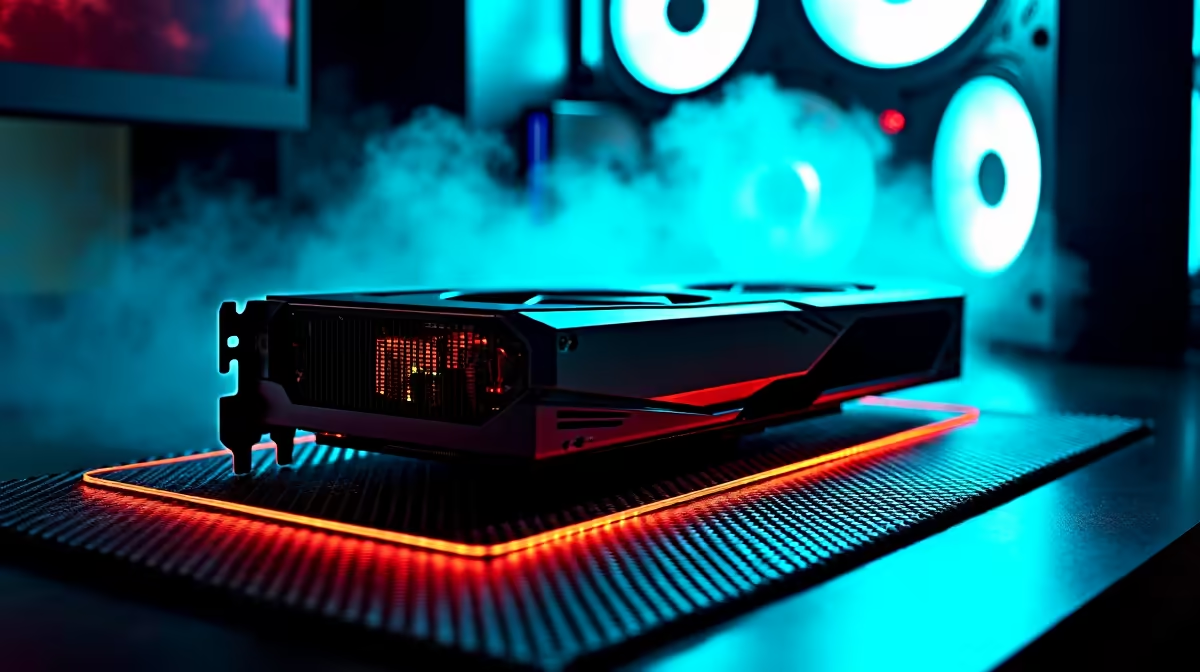
Yes, a ghosting issue on a RTX 5070 build is usually a quick fix: set the monitor to its full refresh rate, choose a medium overdrive level, and update the GPU driver. Start with that the monitor cable is in the RTX 5070, not the motherboard video output before spending money on replacements.
Drivers, Firmware, and Software
An outdated GPU driver causes frame-pacing problems that look like ghosting. Update to the latest Game Ready or Adrenalin driver. On a RTX 5070 build, run DDU in safe mode, then install the current NVIDIA Game Ready driver. A clean driver reinstall using DDU often clears display faults that survive a simple reboot.
Isolate the Faulty Part
Test a different game and a desktop UFO test to confirm whether ghosting is panel-wide or game-specific. Swap one variable at a time so you know which part of the RTX 5070 build chain is at fault. Move the monitor cable to the GPU and try a known-good DisplayPort cable.
When to Get SA Support
If the ghosting issue survives every check, the issue may be hardware. RTX 5070 cards carry a 2 to 3 year warranty; the retailer handles RMA. Keep proof of purchase and note the exact symptom so Evetech support or the brand RMA process moves faster.
FAQ
Can the GPU cause ghosting with a RTX 5070 build?
An old or mismatched GPU driver can cause frame-pacing issues that look like ghosting. Update the driver and confirm V-Sync or G-Sync settings.
What causes ghosting on a RTX 5070 build?
Ghosting is trailing pixels from slow response or a too-low overdrive setting. With a RTX 5070 build, also check that the monitor cable is in the RTX 5070, not the motherboard video output and set the monitor overdrive to a balanced level.
Does refresh rate affect ghosting on a RTX 5070 build?
Yes. Running below the panel's rated refresh, such as 60Hz on a 144Hz or 240Hz display, increases visible smearing. Set the full refresh rate in Windows and the GPU panel.
Pro Tip
To cut ghosting, set a medium monitor overdrive and confirm that the monitor cable is in the RTX 5070, not the motherboard video output; the maximum overdrive level usually adds overshoot instead of helping.