Quick Answer
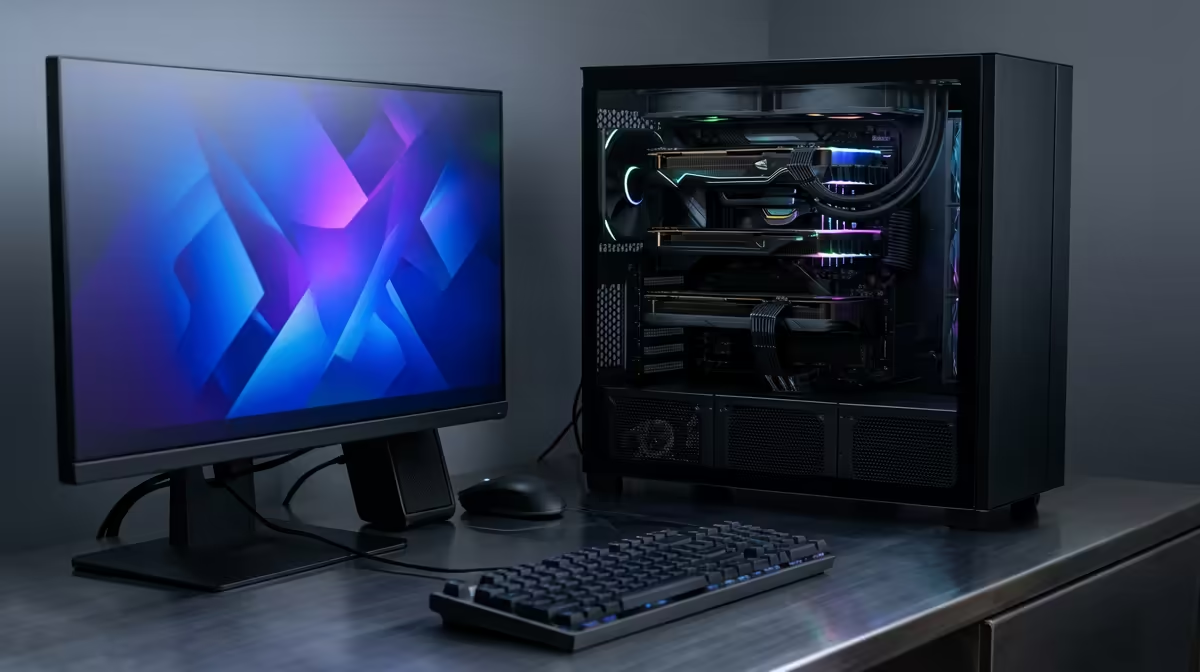
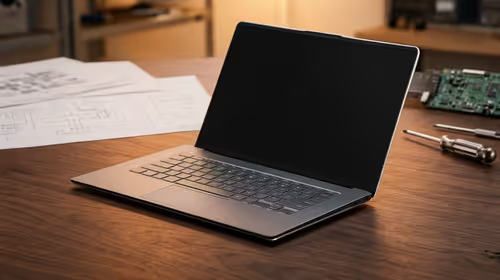
For SPU residences in Kimberley, the best gaming setup is a compact 1080p build that stays quiet, fits a small desk, and does not overwhelm a shared room. Plan around R12,000-R24,000 for a practical tower or laptop-style gaming setup, with Ryzen 5 or Core i5 class CPUs, RTX 4060 or RX 7600 class graphics, 16GB RAM, and a 24-inch 1080p 144Hz monitor. The target is smooth 60-144 fps, not a huge RGB tower that annoys roommates.
Space And Noise Checks
Measure the desk before buying anything bulky. A 24-inch monitor, tenkeyless keyboard, compact mouse mat, and closed-back headset usually fit better than oversized peripherals. Keep the PC on a stable surface with room for intake and exhaust, especially in a small koshuis room.
Noise matters after midnight. Choose a case with sensible airflow, a quiet CPU cooler, and fans that can run under 1,200 rpm for study hours. A headset such as a Logitech G435, HyperX Cloud, or similar closed-back model keeps voice chat contained.
Hardware Shortlist
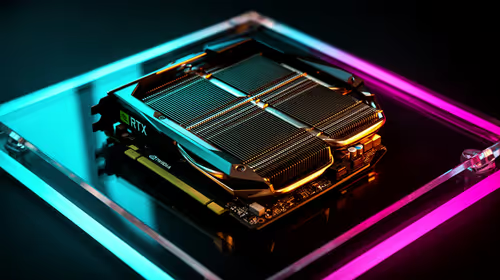
For SPU gaming, start with Ryzen 5 5600, Ryzen 5 7500F, Core i5-12400F, RTX 4060, Radeon RX 7600, 16GB-32GB RAM, and a 1TB NVMe SSD. That class is enough for Fortnite, Valorant, EA FC, Apex Legends, and many AAA games at 1080p.
Use R12,000-R16,000 for a tight entry build and R18,000-R24,000 for a cleaner 144Hz setup. Treat these as broad local bands and verify current Evetech stock before checkout.
Campus Buyer Notes
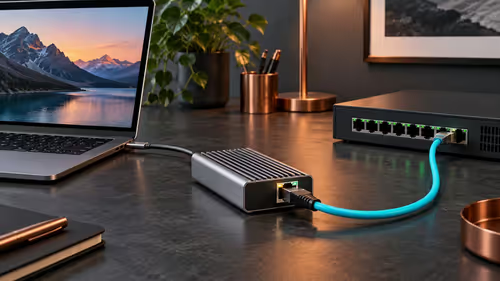
Prioritise a surge-protected multi-plug, cable ties, a small desk lamp, and a headset mic that does not pick up the whole room. If WiFi is weak, a USB WiFi 6 adapter or a long Ethernet cable can improve ping more than a faster GPU.
FAQ
What FPS target makes sense for a student room?
Aim for 1080p at 60 fps as the floor and 144Hz for esports if the budget allows. Higher resolutions need more desk space and more GPU spend.
Should I buy a giant tower for res?
Usually no. A compact airflow case is easier to move, quieter, and safer in a shared room. Check dimensions before ordering.
What should I prioritise after the PC?
Prioritise the monitor, headset, stable network connection, and storage. Those upgrades improve daily gaming and study use more than extra lighting.
Pro Tip
the whole desk under control: 24-inch 144Hz monitor, compact keyboard, closed-back headset, and a PC case with front airflow.