Quick Answer
Most Cell C Fibre lag spikes in Rustenburg comes from Wi-Fi interference, an overloaded or aging router, or a route fault - not your PC. Run WinMTR or PingPlotter to a game server for two minutes: ping should sit 5-20ms to JHB, 150-180ms to EU servers with packet loss under 1%. If loss appears only past your first hop, log a fault with Cell C Fibre; if it starts at your router, switch to a wired connection and the problem usually clears.
Diagnose Cell C Fibre lag spikes the right way
Start by isolating where the problem lives. Run WinMTR or PingPlotter to your game's server (a JHB or EU endpoint) for a couple of minutes and read the per-hop loss and latency. Clean hops with loss only at the final server hint at the game host; loss building from your first or second hop points at your line or Cell C Fibre's network. On Cell C Fibre fibre, a clean line should sit near 0% packet loss to local servers; consistent loss usually points to Wi-Fi, an aging router, or a fault upstream of your ONT. Test wired versus Wi-Fi: if going wired fixes it, the router or wireless is the culprit, not the ISP.
Fix lag spikes on Cell C Fibre in Rustenburg, step by step
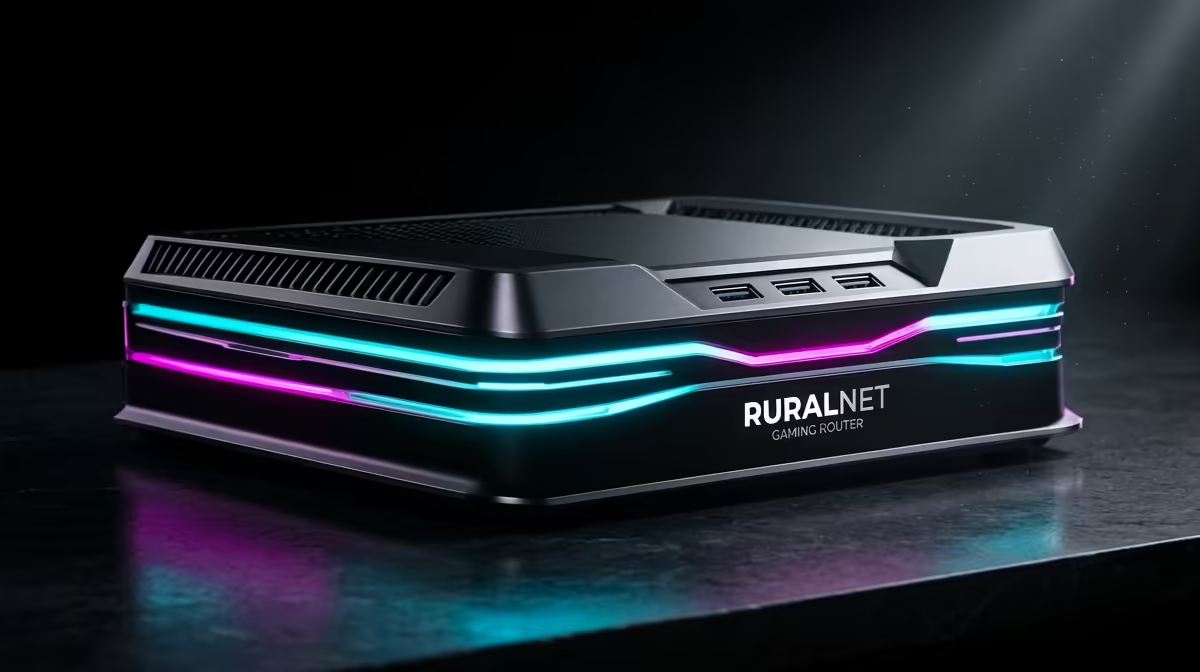
Wire your gaming PC straight into the router with a Cat6 cable - Wi-Fi is the most common source of lag spikes for gamers. Reboot the ONT and router, update the router firmware, and disable any QoS or 'gaming mode' gimmicks that add latency. If an old ISP-supplied router struggles under load, a quality dual-band or Wi-Fi 6 router, currently stocked at Evetech, handles many devices and gaming far better. If loss persists past your first hop after wiring in, log a fault with Cell C Fibre and quote your WinMTR results.
PC into the router with Cat6 before anything else; Wi-Fi causes most gaming lag spikes, and a wired link plus a firmware update fixes a large share of cases for free.
FAQ
Why does Cell C Fibre have lag spikes in Rustenburg?
Usually Wi-Fi interference, an overloaded or aging router, or a route fault upstream - rarely the PC. A WinMTR or PingPlotter run to a game server shows whether the loss starts at your router or further along the line.
What ping and packet loss should I expect on Cell C Fibre?
Aim for 5-20ms to JHB, 150-180ms to EU servers with packet loss under 1% to local servers. Sustained loss above that, especially building from your first hops, is worth logging as a fault with Cell C Fibre.
Will a new router fix gaming lag spikes?
Often, if your current one is old or ISP-supplied. A quality Wi-Fi 6 router, currently stocked at Evetech, handles gaming and many devices far better than an aging ISP-supplied unit. Wire your PC in first to confirm Wi-Fi is the issue, then upgrade the router if wired performance is still rough.
Compare gaming routers and networking gear at Evetech, wire your PC in with Cat6 first, and log a fault with Cell C Fibre if WinMTR shows loss past your first hop.