


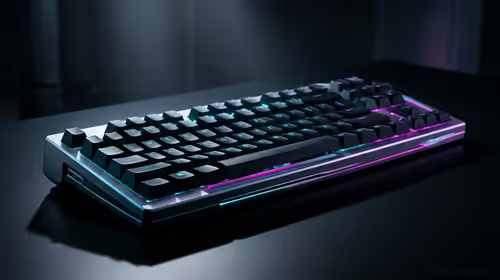
Stuck Pixel Checks for a Mechanical Keyboard Setup
Stuck pixel on a Mechanical Keyboard is likely a display symptom around that setup, not the part itself. Check the monitor, cable, GPU output, drivers, and warranty path first.
Read moreLearn how to make your mechanical keyboard quieter and transform your typing experience. 🤫 From simple mods like O-rings and desk mats to advanced techniques like lubing switches and adding foam, this guide covers everything you need for a peaceful setup without losing that satisfying tactile feel. ✨
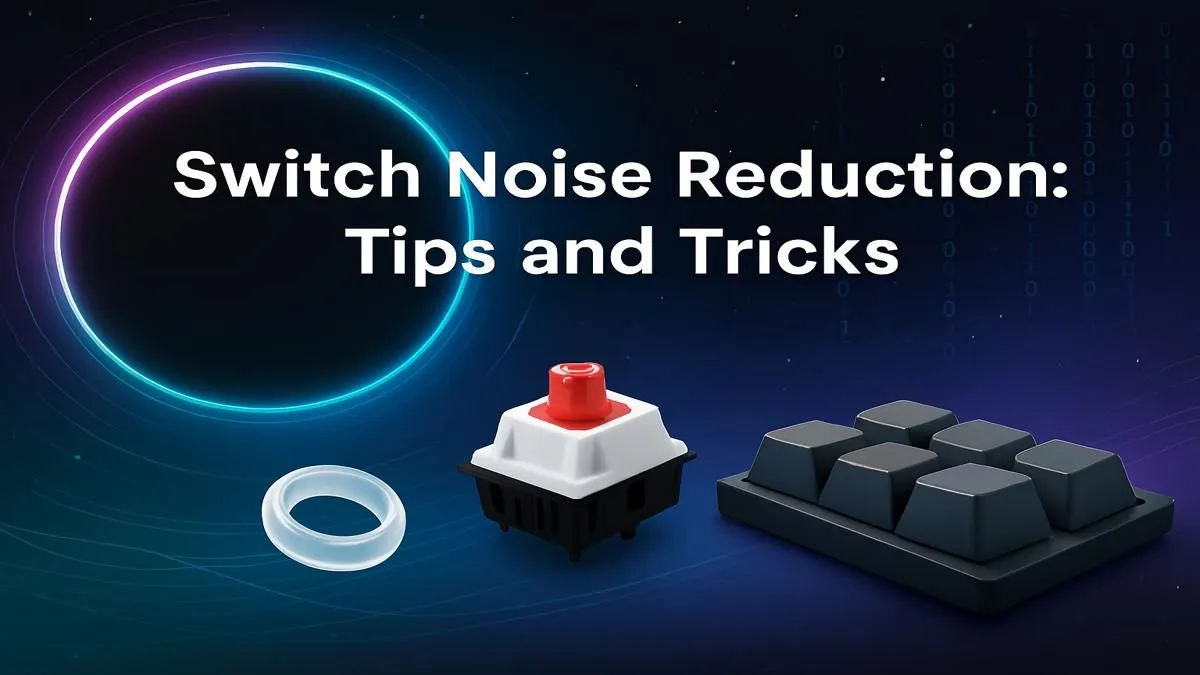
Love the satisfying feel of your mechanical keyboard but tired of the "clack-clack-clack" echoing through your room? Whether you're trying not to wake up the family during a late-night gaming session or keeping the peace in a shared office space, that noise can be a real problem. The good news is you don't have to ditch your beloved board. Learning how to make your mechanical keyboard quieter is easier than you think, with fixes for every budget.
Before we dive into the fixes, let's quickly understand the source of the sound. Unlike the mushy membrane keyboards often found in basic keyboard and mouse combos, mechanical keyboards use individual physical switches under each key.
The noise comes from two main sources:
Understanding this helps us target the right solutions to reduce keyboard noise effectively.
You don't need to be a pro modder to start silencing your setup. These simple tricks can make a massive difference and won't break the bank.
The single easiest way to make a mechanical keyboard quieter is by installing rubber O-rings. These tiny, cheap rings slip onto the stem of your keycaps. When you press a key, the O-ring cushions the impact, preventing the "bottoming out" clack. It's a quick, reversible mod that dramatically reduces noise without changing the feel of your keyboard too much.
Does your keyboard sound hollow or reverberate through your desk? A large desk mat is a fantastic solution. It acts as a giant vibration dampener, absorbing the sound waves that would normally travel from your keyboard into your desk, making the whole setup sound deeper and quieter. Plus, it gives your mouse a great surface and can be paired with an ergonomic wrist rest for extra comfort.
For a simple DIY sound-dampening hack, try the "Tempest Tape Mod." Open your keyboard case and apply two or three layers of painter's tape to the back of the PCB (the green circuit board). This simple addition helps to absorb high-frequency sounds, resulting in a deeper, more satisfying "thock" sound instead of a hollow "clack."
If the easy fixes aren't enough, it's time to get your hands dirty. These mods require a bit more effort but offer superior results for anyone serious about creating a quiet mechanical keyboard.
Believe it or not, your keycaps affect the sound profile. Keycaps made from thick PBT plastic tend to produce a deeper, quieter sound than thinner ABS plastic. The shape, or "profile," of the keycap also plays a role. Experimenting with different custom keycaps can be a fun way to fine-tune your board's acoustics and aesthetics. ✨
For the ultimate noise reduction, the solution lies at the core: the switches. Silent switches are specifically engineered with internal rubber dampeners to soften both the downstroke and the upstroke of a keypress. Swapping to something like Cherry MX Silent Reds or Gateron Silent Browns is the most effective way to make your mechanical keyboard quieter. If your board is "hot-swappable," you can just pull the old ones out and pop the new ones in. If not, it will require soldering. You can find a huge variety of new keyboard switches to match the exact feel and sound you're after.
Modding is fun, but sometimes the effort or cost outweighs the benefits, especially on an older board. If you're dealing with a loud, non-hot-swappable keyboard and don't want to get into soldering, it might be more practical to invest in a new one. Many modern keyboards are built with sound-dampening features right out of the box. You can often find fantastic, quiet-focused affordable gaming keyboards that deliver a premium experience without needing any mods.
Ready to Silence the Clack? Whether you're modding your current board or looking for an out-of-the-box quiet solution, the right gear makes all the difference. From silent switches to pre-built stealthy keyboards, we've got you covered. Explore our massive range of gaming keyboard deals and find the perfect board to conquer your world... quietly.
Yes, O-rings are a cost-effective silent keyboard mod. They cushion the downstroke of the keycap, preventing it from 'bottoming out' and creating a loud clack.
Silent linear switches, like Cherry MX Silent Red or Gateron Silent Ink, are generally the quietest. They are specifically designed with internal dampeners to reduce noise.
Absolutely. Lubing keyboard switches for sound reduces friction between the stem and housing, eliminating scratchiness and dampening both the downstroke and upstroke noise.
Yes, a thick desk mat for keyboard noise helps absorb vibrations that would otherwise transfer from your keyboard to your desk, reducing overall resonance and echo.
The tape mod involves applying layers of painter's tape to the back of the keyboard's PCB. This simple DIY keyboard sound dampener alters the acoustic profile, making it deeper and less harsh.
A stabilizer rattle fix often involves applying dielectric grease to the stabilizer wires where they contact the housing. This lubricates the parts, eliminating ticking and rattling sounds.
Adding keyboard sound dampening foam is a beginner-friendly mod. It involves placing a custom-cut piece of foam inside the keyboard case to fill hollow space and absorb sound.
Yes, many gamers prefer quiet keyboards as they reduce distracting noise, allowing for better focus on in-game audio cues and clear communication with teammates.
Stuck pixel on a Mechanical Keyboard is likely a display symptom around that setup, not the part itself. Check the monitor, cable, GPU output, drivers, and warranty path first.
Read more
How to fix stuck pixel Windows 11 USB DAC issues starts with display-only tests. Check HDR, scaling, monitor input, USB cable movement, and safe South African support options before connecting the pixel issue to audio hardware.
Read more
Windows 11 Steam Deck monitor issues often start with display mode, USB-C output, drivers, or dock power. Use this how to fix monitor not detected windows 11 steam deck checklist for SA handheld PC setups.
Read more
Stalker 2 Heart of Chornobyl PC build planning at R100,000 should stay cautious about parts and settings. Balance GPU, CPU, RAM, storage, cooling, and upgrade room before picking a South African gaming PC.
Read more
RX 9070 XT build stuttering needs a step-by-step check before replacing parts. Review drivers, settings, thermals, power, background apps, display limits, cables, and game options before changing hardware.
Read more
GTA 6 on R15,000 needs careful part balance. This SA build guide frames CPU, GPU, RAM, SSD, cooling, and upgrade trade-offs without promising live prices, stock, or exact FPS.
Read more
The smallest ATX case 2026 buyers should choose is the smallest chassis that still fits their exact graphics card, cooler, power supply and airflow plan. ATX support alone does not prove a case has the smallest footprint or volume.

The UGREEN LinkStation Pro eGPU dock combines Thunderbolt 5 and OCuLink connections with an integrated 850W ATX 3.1 power supply and up to 140W laptop charging. South African availability is unconfirmed.

The MSI PRO MAX 341QPXW14G is a 34-inch 3440 x 1440 ultrawide QD-OLED monitor with a 144Hz refresh rate and Mac-focused controls. A South African price and release date are still unknown.

NVIDIA lists 550W required system power for the RTX 5060 reference specification, based on a high-end test system. A quality 550W unit can be enough, but CPU draw, transient load, connectors and ageing decide real headroom.
The smallest ATX case 2026 buyers should choose is the smallest chassis that still fits their exact graphics card, cooler, power supply and airflow plan. ATX support alone does not prove a case has the smallest footprint or volume.
NVIDIA lists 550W required system power for the RTX 5060 reference specification, based on a high-end test system. A quality 550W unit can be enough, but CPU draw, transient load, connectors and ageing decide real headroom.

OpenRGB's master branch now carries changes labelled for 1.0 final, including translation and platform work, but the official tags page still lists 1.0rc3.1 as the newest packaged release. Stable users should wait for the signed release channel.

A motherboard can remain useful for many years when power, cooling and connectors stay healthy. Replace it for confirmed faults, damaged power delivery or a blocked platform need, not simply because the calendar reaches a fixed age.
The smallest ATX case 2026 buyers should choose is the smallest chassis that still fits their exact graphics card, cooler, power supply and airflow plan. ATX support alone does not prove a case has the smallest footprint or volume.

In a 6 bit + FRC vs 8 bit comparison, native 8-bit panels can produce 256 levels per colour channel directly, while 6-bit plus FRC rapidly alternates nearby values to approximate the wider palette. Panel quality still depends on more than bit depth.
The UGREEN LinkStation Pro eGPU dock combines Thunderbolt 5 and OCuLink connections with an integrated 850W ATX 3.1 power supply and up to 140W laptop charging. South African availability is unconfirmed.

Windows 11 KB5124008 can leave some USB Audio Class 1.0 devices with no sound, Code 10 or failed multichannel output. Microsoft confirms the issue and says switching to two-channel stereo can restore audio for some users.