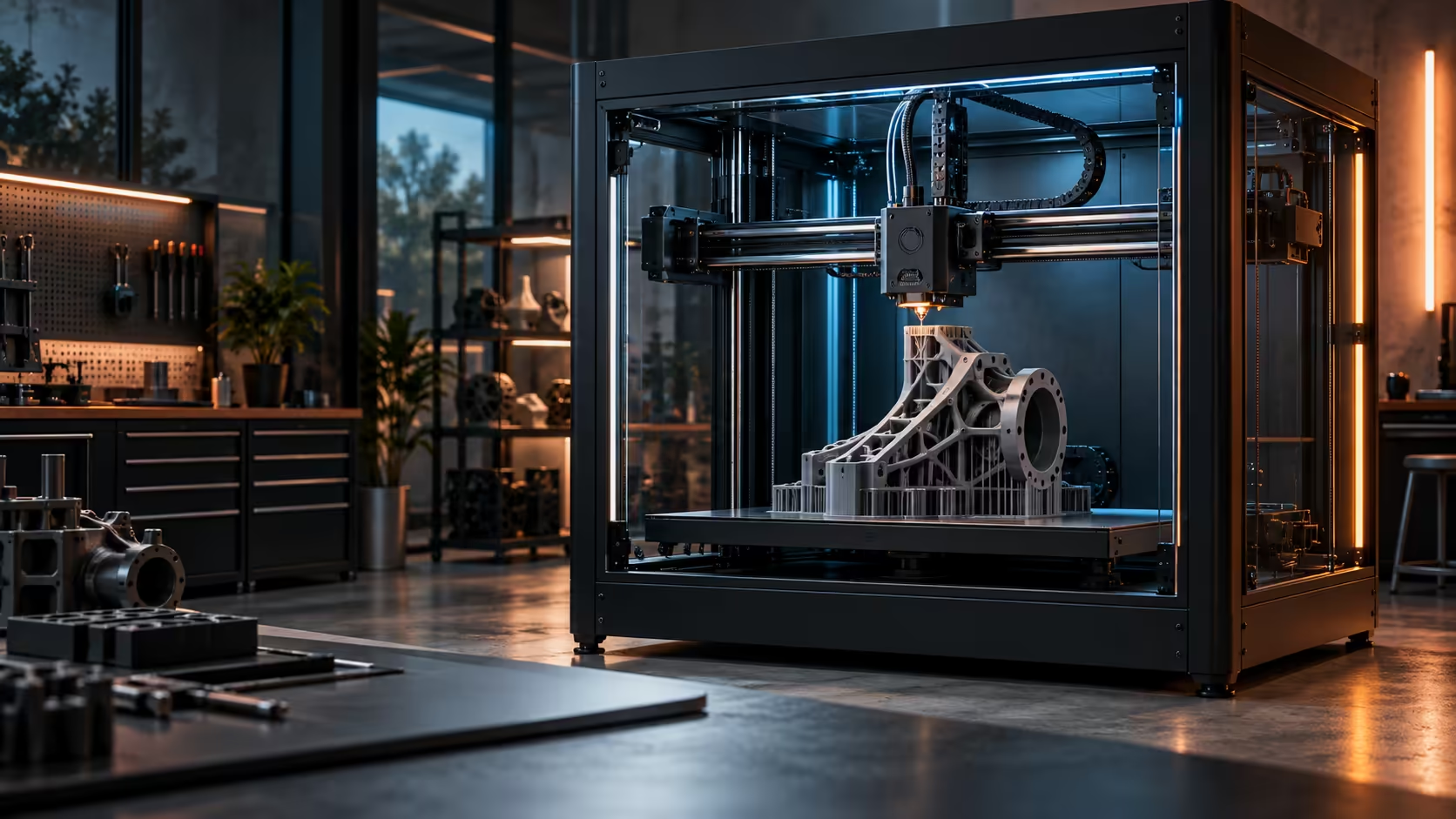
A first layer that fails at the edge of a small plate wastes a little filament. The same failure on a wide bed wastes a lot more, because a large 3D printer bed gives a small levelling error far more room to travel before anyone notices it.
Quick Answer
Clean the plate with isopropyl alcohol, map it at printing temperature rather than cold, then confirm Z offset with a one-layer test patch before trusting the mesh. Drop first-layer speed to around 30mm/s and keep draughts off the bed while it prints. A small tilt that would be invisible on a compact plate becomes obvious across a 300 x 300 x 300mm bed, which is exactly why the LiDAR pass on the R13,999 Creality K1 Max earns its keep on a machine this size.
🧽 Clean and heat before you scan anything
Any residue on the plate, oil from fingerprints, dust, or leftover adhesive from the last print, changes how well the first layer sticks regardless of how good the levelling is underneath it. Wipe the plate with isopropyl alcohol before every print that matters, not just the first one.
Scan the bed at 60C, not cold. A cold plate reads a slightly different shape to the sensor than the same plate once it has expanded at printing temperature, and on a wide bed that expansion is not perfectly even across the whole surface.
📐 Why error compounds on a wide bed
A levelling error of half a degree barely matters across 100mm of travel. Across 300mm the same tilt puts one edge of the plate measurably higher or lower than the other, which is enough to lift a corner off the bed on a large print while the centre still adheres perfectly.
A compensation mesh built from more measurement points across the bed, rather than just the four corners, is what catches this kind of gradual tilt instead of missing it between sample points.
🐌 Slow the first layer down deliberately
Run the first layer noticeably slower than the rest of the print, around 30mm/s is a reasonable starting point, because a fast first layer has less time to bond fully to the plate before the nozzle moves on. This matters more on a wide bed since a large first layer covers more total area where any single weak spot can lift.
Keep drafts off the plate too. An enclosure helps here, and a print started near an open window or a fan blowing across the bed cools one section faster than the rest, which shows up as uneven adhesion on exactly the side facing the draught. Stock up on filament that has not absorbed moisture, since a damp spool changes how the first layer flows regardless of how well the bed itself is prepared.
🧴 Choosing an adhesion aid without overcomplicating it
A plain PEI or glass plate, properly cleaned, holds most materials without any extra product, and reaching for an adhesion spray or glue stick as a first fix usually treats the wrong problem. Test a clean, correctly levelled bed with nothing added before assuming the plate itself needs help, since most reported "adhesion problems" trace back to residue or an uncalibrated Z offset rather than the surface lacking grip.
Where a genuinely slippery material does need extra help, PVA-based glue stick works for most filaments and washes off with water, which makes it easier to keep the plate clean between prints than a permanent spray coating that builds up unevenly over weeks of use. Apply it thinly and evenly rather than thickly in the middle, since a heavy patch of glue changes the print's effective height in that one spot and can throw off an otherwise perfect first layer.
Reserve stronger adhesion aids, specialised bed adhesives or a textured print surface, for materials that are genuinely difficult, PC blends and some nylons especially, rather than applying them as a habit to every print regardless of material. Check what plate surface ships as standard across the 3D printer range before assuming every machine needs the same adhesion routine.
Frequently Asked Questions
Why does the same tilt cause bigger problems on a large bed?
A small angle translates into a bigger height difference over a longer distance, so the same levelling error becomes visible across 300mm where it would be invisible across 100mm.
Should the first layer always print slower than the rest?
Yes, a slower first layer bonds more reliably to the plate, which matters more the larger the first layer's total area is.
Does cleaning the plate really make a measurable difference?
Yes, oil and dust residue reduce adhesion directly, regardless of how accurate the levelling underneath is.
Can a draught really ruin a print that started fine?
Yes, uneven cooling across the first layer from a draught causes warping on exactly the side exposed to it, even when levelling and cleaning were both done correctly.
Losing large prints to first-layer failures?
Clean the plate, scan it hot, and slow the first layer down before anything else changes.