


Clean Gaming Keyboard: Guide for Dusty & Humid Conditions
Clean gaming keyboard quickly and safely in dusty or humid conditions with step-by-step tips, tool checklist, and maintenance routines to prevent corrosion and switch failure. 🧼💨
Read moreReady for a quiet gaming PC build? 🤫 Learn how to select silent components like cases, fans, and coolers to create the ultimate stealth rig for late-night sessions. This guide covers everything from sound dampening to fan curves for a whisper-quiet experience. Game on without waking the house! 🎮
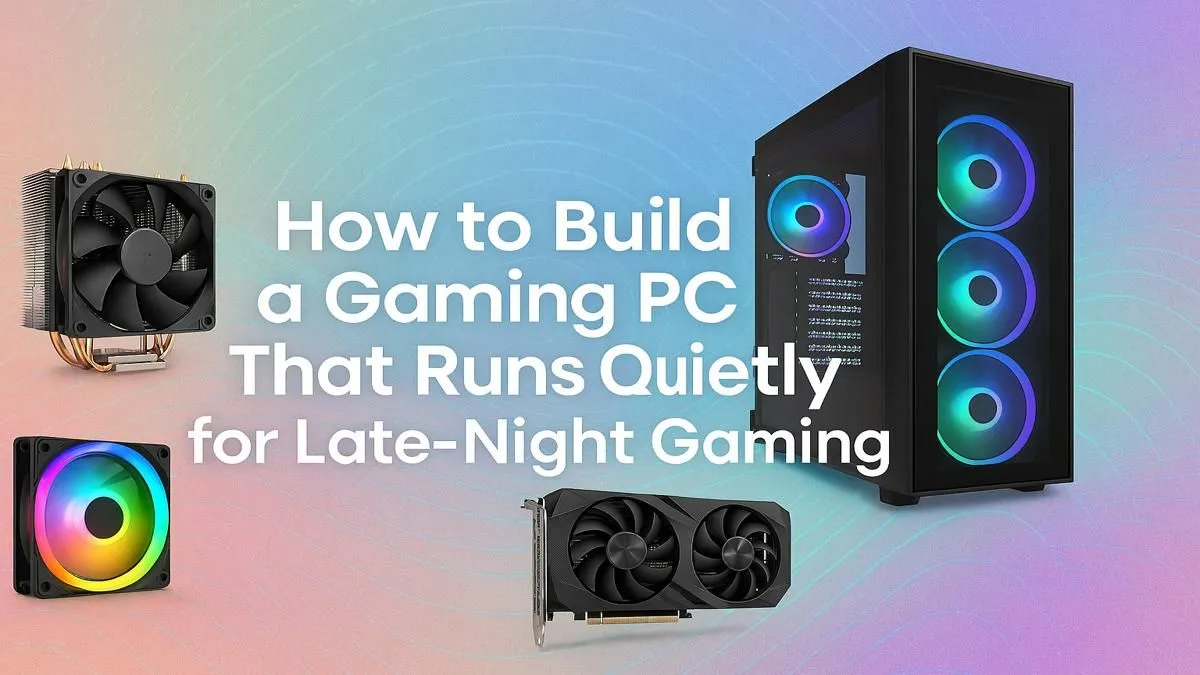
Is your gaming PC louder than the action on screen? You drop into Apex Legends, focused and ready... but the roar of your computer's fans completely drowns out the enemy's footsteps. A loud rig is distracting and, let's be honest, just plain annoying. But what if you could have all the power without the noise? A quiet gaming PC build isn't a myth reserved for high-end studios; it’s a goal you can achieve right here in South Africa. 🤫
Before we dive into the components, let's quickly diagnose the problem. The noise you're hearing is almost always caused by one thing: fans. Your CPU, graphics card, and power supply all generate heat, and fans are the primary way your PC gets rid of it.
The faster they spin, the more noise they make.
The secret to a silent gaming PC isn't eliminating fans... it's choosing components that are so efficient at cooling that the fans barely need to spin up. Better airflow, larger heatsinks, and smarter components all work together to keep temperatures low and RPMs down.
Building for silence is all about smart choices. Each component plays a role in the final sound profile of your machine. Let's break it down step-by-step. 🔧
Your PC case is more than just a box; it's your first line of defence against noise. Look for cases that specifically mention sound-dampening features. Brands like be quiet! and Fractal Design are famous for using high-density foam and clever designs to trap sound.
Equally important is airflow. A case with great ventilation allows cool air to reach your components easily, so your fans don't have to work as hard. You can find excellent chassis options in many builds, even in our PCs under R20k range.
While All-in-One (AIO) liquid coolers look cool, a high-end air cooler is often the champion of silent performance. A massive heatsink with large, slow-spinning fans (like those from Noctua or be quiet!) can dissipate heat more quietly than the pump and smaller fans on many AIOs.
More surface area means more efficient cooling, which means lower fan speeds. This simple philosophy is a core principle we apply even to our powerful budget gaming PCs, ensuring great performance without a racket.
Your PC's motherboard BIOS UEFI allows you to set a custom "fan curve." Instead of letting your fans blast to 100% speed the moment your CPU hits 60°C, you can create a gentle slope. This tells the fans to spin up gradually, keeping the system much quieter during normal gaming loads. It's one of the most effective tweaks for a silent PC!
The GPU is often the loudest part of any gaming rig. When shopping for a new card, look for models with a "0dB mode" or "fan stop" feature. This means the GPU fans don't spin at all during low-load tasks like browsing the web or watching videos. They only kick in when you're actually gaming. ✨
Custom cards from partners like MSI (Frozr) or ASUS (ROG Strix) typically have much better, quieter cooling solutions than basic models. This is especially true for the powerful rigs you'll find in our selection of high-performance PCs above R20k, where managing heat silently is a top priority.
A cheap, inefficient power supply wastes a lot of energy as heat, forcing its little fan to spin constantly. For a quiet gaming PC build, choose a PSU with an 80+ Gold efficiency rating or higher.
Better yet, look for a model with a "hybrid" or "eco" mode. Just like with modern GPUs, this feature allows the PSU fan to turn off completely under low power loads, making your PC dead silent when you're not in a game. It’s a crucial detail we never overlook in our best gaming PC deals.
Putting together a truly silent PC takes research, careful component matching, and a bit of trial and error with fan curves. It's a rewarding process, but it can also be a headache if one component ruins the silence.
This is why exploring our expertly assembled pre-built PC deals is such a popular choice. Our team lives and breathes this stuff. We select components that work in harmony, optimise the airflow, and tune the system for the perfect balance of cool performance and quiet operation... so you can just focus on the game. 🚀
Ready to Experience Silent Gaming? A quiet gaming PC build is a rewarding project, but for guaranteed performance without the noise, nothing beats an expert assembly. Explore our massive range of customisable gaming PCs and find the perfect silent machine to conquer your world.
A quiet gaming PC uses components designed for low noise, such as sound-dampened cases, large low-RPM fans, silent CPU coolers, and power supplies with a zero-RPM mode. Proper cable management also improves airflow, letting fans run slower.
Not always. While a well-configured custom water loop can be extremely quiet, AIO coolers can be louder than high-end air coolers due to pump noise. The key is choosing quality components, whether air or water.
You can make your PC quieter by replacing stock fans with low noise pc components, adjusting fan curves in the BIOS, cleaning dust from heatsinks, and upgrading to a silent CPU cooler or a sound-dampened case.
They can. Silent cases often restrict airflow to dampen sound. It's crucial to balance noise reduction with thermal performance by choosing a case with smart airflow design and pairing it with efficient cooling.
The PC case and cooling fans are the most critical components. A sound-dampened case absorbs vibrations and noise, while high-quality, large-diameter fans can move more air at lower, quieter speeds.
Not necessarily. Price doesn't always equal silence. Focus on reviews and specs that mention noise levels (dBA). Many mid-range components are designed specifically for low-noise operation and offer great value.
Zero RPM mode is a feature where the component's fans stop spinning entirely under low load or temperature. This makes the PC virtually silent during tasks like browsing, only activating fans during intense gaming.
Clean gaming keyboard quickly and safely in dusty or humid conditions with step-by-step tips, tool checklist, and maintenance routines to prevent corrosion and switch failure. 🧼💨
Read more
Best gaming keyboard features to prioritize when building a high-end setup: mechanical switches, low latency, hot-swap, RGB, macros, durability and ergonomics 🎮⌨️
Read more
Custom actuation point keyboard setup guide: learn to set per-key actuation on your analog gaming keyboard for faster, precise inputs and better control 🎮⚙️
Read more
Cable management for home entertainment helps you eliminate cable clutter quickly and safely. Learn routing, concealment, and product picks to tidy your setup fast 📺🔌
Read more
conference room setup Microsoft Teams Zoom: Upgrade AV, camera, mic, and network to ensure seamless meetings, clear audio, and crisp video 🎯🔧
Read more
• Audit setup • Link accounts • Configure ViewBoard • Test workflows Integrate Google Workspace with ViewSonic ViewBoard to enable secure SSO, calendar and Drive sync, and smooth collaborative whiteboarding 🔗📋
Read more
Discover webcams that automatically adjust light and color for crystal-clear video calls 🎥✨. Boost your streaming quality today!
Read more
Discover webcams that blend into your workflow 🎯 Capture moments while you work, stream, or create. Upgrade your setup with smart, multitasking tech!
Read more
Dedicated media keys give streamers one-touch control to mute, switch scenes, clip highlights, and adjust audio — cutting task time and boosting consistency 🎛️⚡
Read more
PBT vs ABS keycaps: Clear, local guide for South African gamers—compare feel, sound, durability and where to buy. Find the best material for your budget and playstyle 🎮🇿🇦
Read more
- Multi-Function Digital Dial: define benefits - Show gamer setups and macros - Offer buying and setup tips Multi-Function Digital Dial puts programmable control at your fingertips for faster actions and smoother streaming. 🎮⚙️
Read more
- Explain benefits; - Show the science; - Compare options; - Recommend picks. Magnetic wrist rest for gaming cuts wrist strain and boosts comfort during long sessions 🕹️✨
Read more