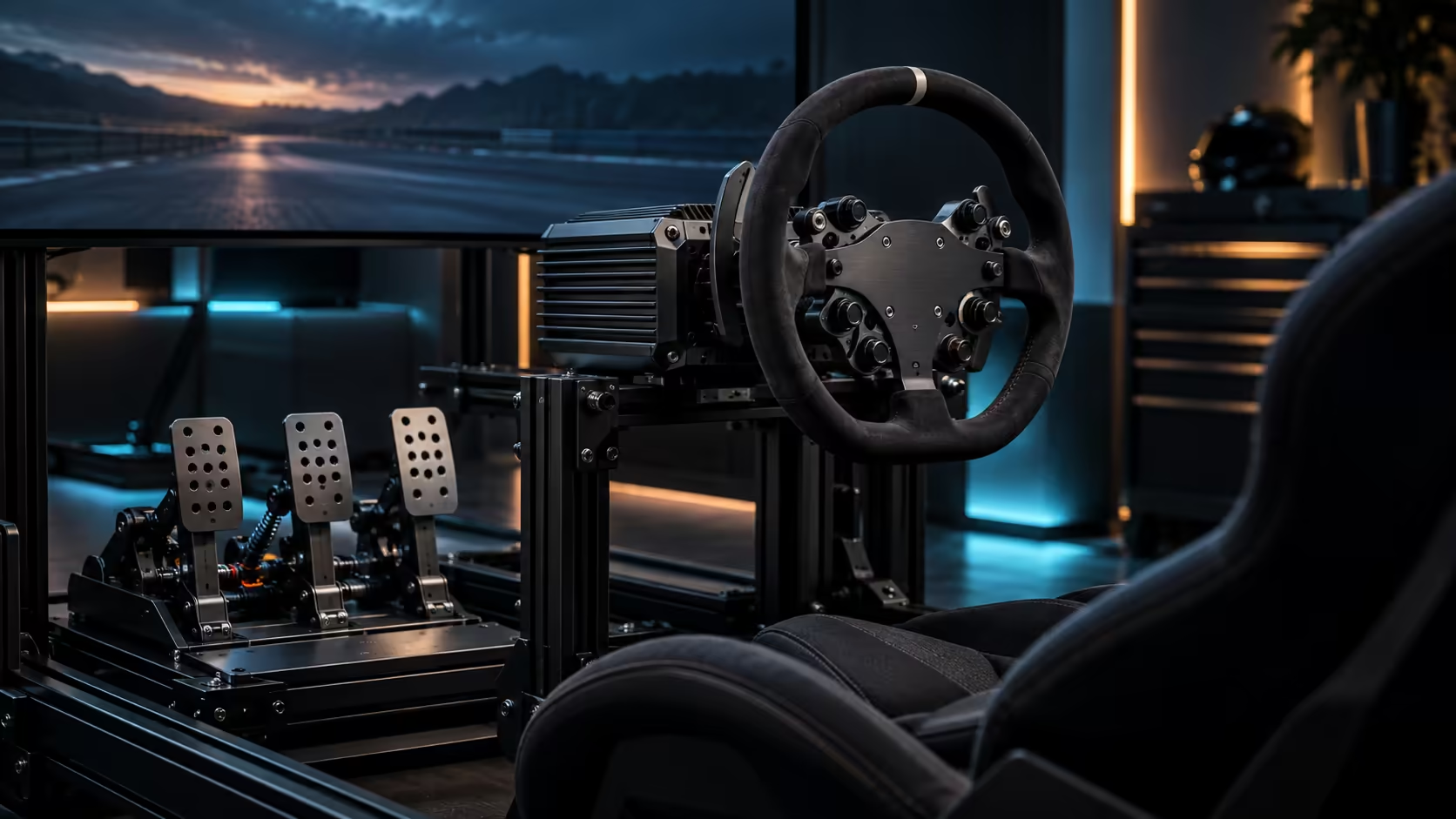
Inconsistent braking rarely means your left foot got worse overnight. It usually means something in the chain between your leg and the lap timer changed without you noticing, and chasing the wrong cause wastes far more time than the actual fix does. Brake inconsistency with a load cell pedal almost always traces back to one of three places: the mount, the calibration, or your own foot position, and checking them in that order finds the real cause fastest.
Quick Answer
Check whether the pedal set itself is moving under a hard brake before touching any software setting, since a shifting mount produces exactly the same symptom as a bad calibration. If the mount is solid, recheck calibration and set full brake force at roughly 70 to 80 percent of your hardest possible push so the 150kg sensor in the R14,999 bundle's P700 pedals is reading a force you can actually repeat under race pressure.
🔩 Suspect number one: the mount is moving
This is the most common cause and the easiest to miss, because a pedal set can shift by only a few millimetres and still throw braking off badly, without the movement being obvious while you are focused on the corner ahead. Watch the base of the pedal set during a genuinely hard brake, not a gentle one, since small movements only appear under real load.
A smooth floor, particularly tile or laminate, is the usual culprit. A 150kg-rated sensor means your leg can genuinely push hard enough to walk an unrestrained pedal set backwards over a session, and once it has moved even slightly, every subsequent brake input is measured from a different starting position than your calibration assumed. Bolting the set to a plate, a rig, or adding a heavy non-slip mat underneath removes this cause entirely, and it is worth testing before assuming anything else is wrong.
📐 Suspect number two: calibration has drifted
If the mount is confirmed solid and inconsistency persists, recalibrate rather than adjusting the curve or the range further. Calibration drift happens gradually, often after a firmware update, a software reinstall, or simply months of use, and the symptom looks identical to a mount problem from the driver's seat: braking that feels different from one session to the next for no obvious reason.
Recalibrating takes about 2 minutes and resets the sensor's understanding of what zero and maximum pressure actually mean. Do this any time you change the pedal's spring, elastomer, or physical mounting, since all three change how force translates into a sensor reading, and an old calibration measured against a changed physical setup will always read incorrectly.
🎯 Suspect number three: your working range is set too high
If both the mount and the calibration check out, look at where your maximum brake force is set relative to your leg's actual limit. Pin the ceiling to your absolute hardest possible push and you are effectively racing against a number only your freshest, most adrenaline-charged attempt can hit, and ordinary fatigue over a session pulls you consistently short of it lap after lap, which reads as inconsistency even though nothing in the hardware has changed.
Lowering the ceiling to roughly 70 to 80 percent of your true maximum gives you a target your leg can reliably reach even twenty laps into a stint, which is what actually produces consistent braking rather than a number that only worked once.
🦵 The one thing no setting can fix: foot position
A load cell reads whatever force reaches the plate, and pushing from a slightly different angle each time, heel lifted one lap and planted the next, changes how that force is applied even at identical leg effort. Adjustable pedal geometry, where the plate height and angle match your natural ankle position, removes most of this variable by giving your foot one comfortable, repeatable position to return to rather than several it drifts between.
Once the mount, the calibration and your working range are all confirmed correct, remaining inconsistency is usually solved by deliberate practice rather than a further setting change: brake into the same marker on the same corner repeatedly and watch whether the pressure trace, if your software shows one, becomes more repeatable with focus. Mounting hardware for the whole process sits in the racing simulation and simulation gear ranges, while the smaller pieces, non-slip plates included, live on the simulation accessories shelf.
Frequently Asked Questions
My braking got worse after months of no change. What happened?
Calibration can drift gradually over time or after a firmware update. Recalibrate first, since the symptom looks identical to a mounting or technique problem.
How do I know if my pedal set is moving during a brake?
Watch the base of the set during a genuinely hard brake, not a light one. Small shifts of only a few millimetres are enough to throw calibration off.
Should my maximum brake setting match my hardest possible push?
No. Keep the ceiling to around 70 to 80 percent of your true limit, since that gap covers fatigue and adrenaline and is what makes braking repeatable across a whole session.
Can foot position alone cause inconsistent braking?
Yes, even with a correctly mounted and calibrated pedal. Pushing from a different angle each time changes how force reaches the sensor, which adjustable plate geometry helps solve.
Ready to find the real cause instead of guessing at settings?
Check the mount first, recalibrate second, and set a working range your leg can actually repeat.