Quick Answer
A fully functional home office PC in South Africa can be set up for under R30,000 by prioritising a capable processor, 16GB of RAM, a fast SSD, and a reliable monitor -- leaving room for a proper chair and peripherals without blowing your budget.
Working from home is now a permanent fixture for millions of South Africans. Whether you''re video-calling clients, running spreadsheets, editing documents, or managing creative projects, the right PC setup makes a measurable difference to productivity. Here''s how to build a smart home office rig under R30,000 in 2026.
Core PC Budget Allocation
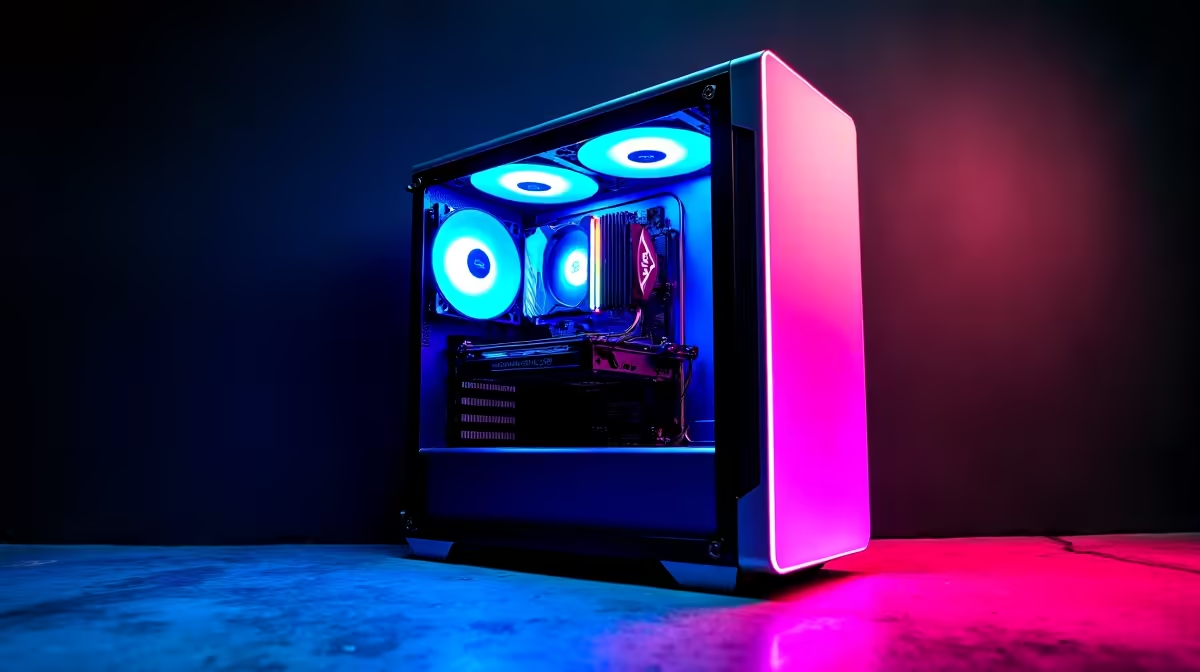
Target R18,000 to R22,000 for the PC itself, leaving R8,000 to R12,000 for peripherals and furniture. For the machine, prioritise a modern 6-core or 8-core processor (Intel Core i5/i7 or AMD Ryzen 5/7 current generation), 16GB DDR5 RAM, and a 512GB or 1TB NVMe SSD as your boot drive. Integrated graphics handle office workloads comfortably -- a discrete GPU is optional unless you edit video. A pre-built system from Evetech in this range covers all these bases without the assembly learning curve.
Monitor, Keyboard, and Mouse
Allocate R3,000 to R5,000 for a 24-inch or 27-inch IPS monitor with 1080p or 1440p resolution. IPS panels deliver accurate colours and wide viewing angles that TN panels cannot match -- important for long work days. Budget R500 to R1,000 for a quality mechanical or membrane keyboard and an ergonomic mouse. These peripherals outlast any PC build by years, so spending slightly more here is justified.
Connectivity and Power Protection
A UPS (uninterruptible power supply) is a smart investment for SA home offices -- it protects your hardware and data during power fluctuations and gives you time to save work and shut down safely. Budget R1,500 to R2,500 for a reputable unit covering your PC and monitor. Add a gigabit router and ensure your internet line meets your video-call needs -- fibre is the standard for reliable home office connectivity in most SA metros.
Frequently Asked Questions
Q: Do I need a dedicated GPU for home office work?
A: Not for standard office tasks. Integrated graphics on modern Intel and AMD processors handle video calls, spreadsheets, and document editing without issue.
Q: Is 8GB RAM enough for a home office PC?
A: 16GB is the recommended minimum for comfortable multitasking with multiple browser tabs, video calls, and office applications running simultaneously.
Q: Should I buy a pre-built or build my own?
A: Pre-builts from Evetech offer warranty coverage and convenience. Custom builds allow more component control but require more time and technical knowledge.