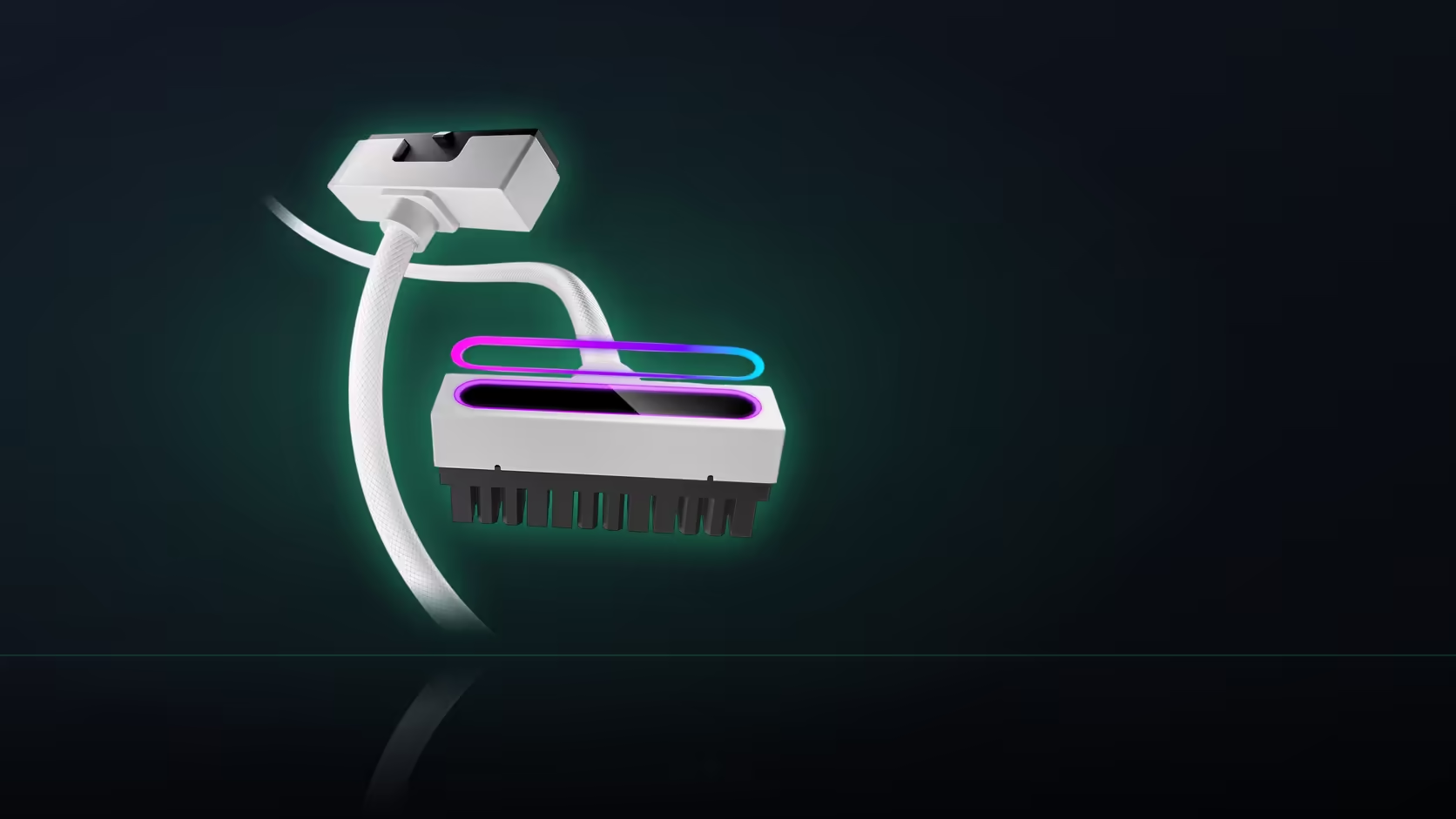
Swapping a motherboard mid-build tends to focus attention entirely on the big compatibility questions - socket type, RAM generation, form factor - while a small, easily forgotten detail like a lighting header connection quietly slips through the planning.
Quick Answer
Note which header the 5V 3-pin lead was using before the old board comes out. Header positions differ from one board to the next. A photograph is enough, and without it finding a suitable header at reassembly becomes guesswork.
📸 What the record actually needs to capture
Note specifically which addressable header the Hydrus cable's 5V 3-pin lead was plugged into, along with how that lead was physically routed to reach it, since both of those details change the moment a different board goes into the case - a new board rarely places its headers in identical positions to the old one, even within the same manufacturer's lineup.
🔌 Will the replacement board even have a matching header
Most current motherboards do expose at least one addressable 5V header somewhere on the board, though the exact count and physical position vary meaningfully between models and price tiers - worth confirming on the new board's own specification sheet before assuming the swap will go smoothly on the lighting side as well as the power side.
🔄 Does the Hydrus cable itself need replacing
No - the extension and its attached sync lead remain entirely unchanged through a board swap, provided the replacement board offers a suitable addressable header for the lead to plug into. Nothing about the cable itself needs reconsidering purely because the board underneath it has changed; only where its lighting lead connects is potentially affected.
⚠️ What happens with fewer headers on the new board
If the replacement board offers fewer addressable headers than the previous one did, the lighting connections throughout the build may need to share a single header via a splitter, or you may simply need to accept that one particular lit element goes without power to its lighting function while everything else continues working normally on the power side.
🔋 The power connection stays unaffected either way
None of this header uncertainty touches the actual power connection at all - the 24-pin or eight-pin connection itself is entirely separate from the lighting question and works identically on any board that is otherwise compatible with the cable, regardless of how many or how few addressable headers that specific board happens to expose. It is worth recording the routing path itself, not just the header choice, since the lighting lead is thin and easily trapped under other cables if the original path is not remembered - knowing the old route that already worked saves having to rediscover a workable path from scratch on the new board. The best moment to take that reference photo is before anything gets disconnected at all, while the old board is still fully in place and the connection sits exactly as it was originally fitted, giving you an accurate record rather than a reconstruction after the fact. cable solutions rounds out the category this cable belongs to, and splitters or hubs for a board whose header count comes up short sit at NZXT case lighting.
🗂️ Keeping the reference somewhere it will actually be found
Save the reference photo somewhere genuinely findable months later rather than buried in a general camera roll - a dedicated folder or note tagged clearly with the build's name means the record is still useful whenever the next upgrade eventually happens, rather than lost among the hundreds of unrelated photos that inevitably pile up in a general camera roll over the months since that original build session.
Frequently Asked Questions
What should the record capture?
Which header the lead was plugged into and how it was routed, since both change when a different board goes into the case.
Will the new board have a matching header?
Most current boards expose at least one addressable header, though the count and position vary, so it is worth confirming beforehand.
Does the cable itself need changing?
No. The extension and its sync lead are unchanged by a board swap, provided the new board has a suitable header available.
What if the new board has fewer headers?
Then the lighting connections in the build have to share, which may mean a splitter or accepting that one element runs unlit.
Is the power side affected?
Not by the header question. The 24-pin or eight-pin connection is separate and works the same on any compatible board.
Should the routing be recorded too?
It helps, because the lead is thin and easily trapped. Knowing the old path saves rediscovering a route that already worked.
When is the best time to take the photo?
Before anything is disconnected, while the old board is still in place and the connection is visible as it was fitted.
Planning a motherboard swap around existing lighting?
Have a look at Evetech's power supply range and photograph your current header connection before the old board comes out.