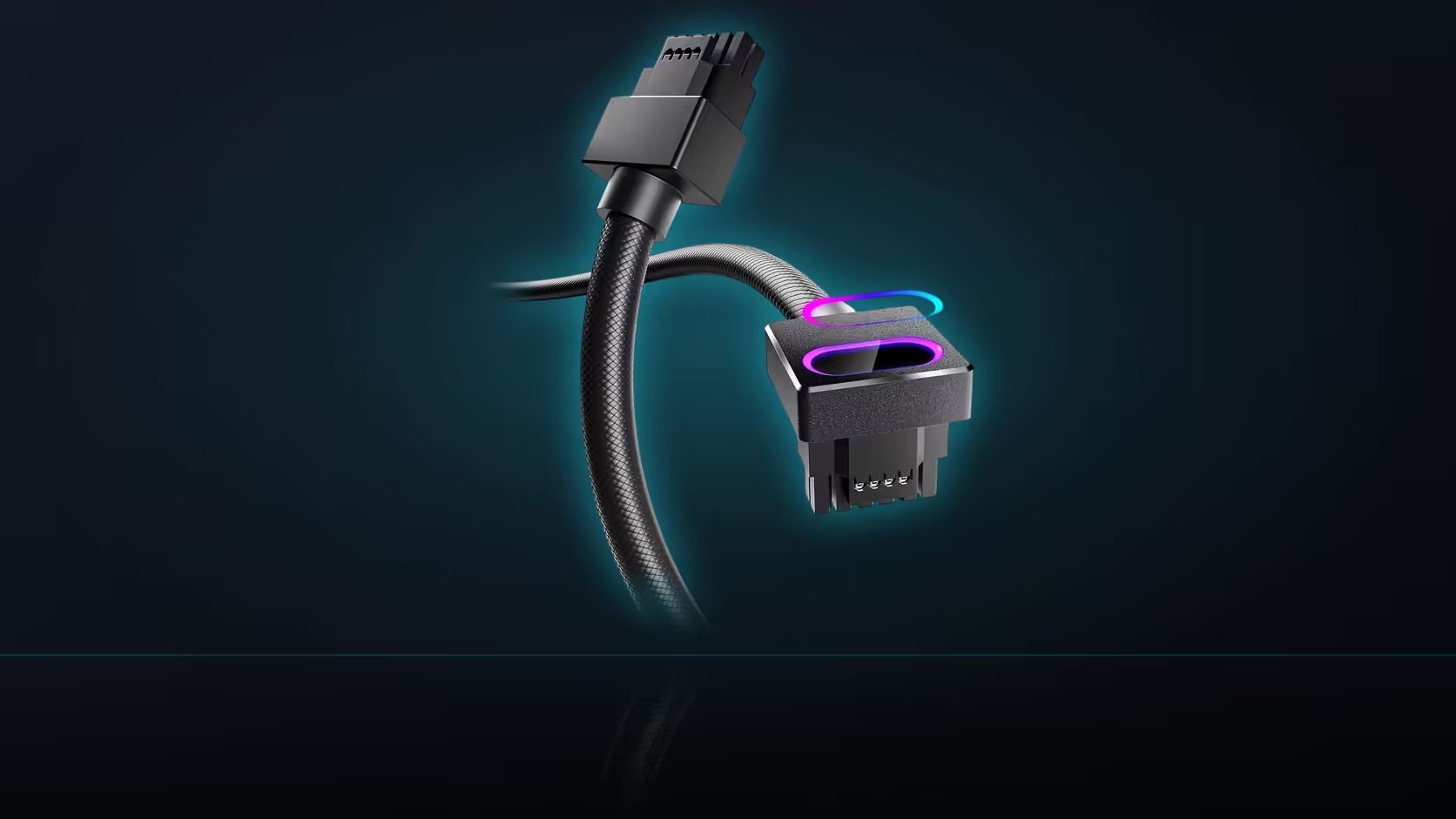
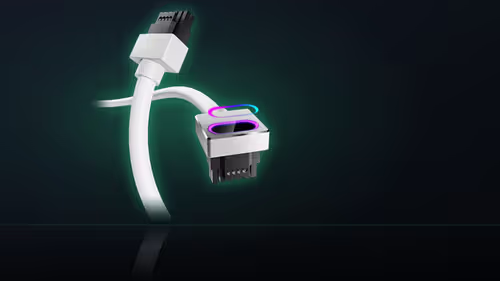
The single instruction AsiaHorse gives for installing the Hydrus 16-pin cable is short: seat the connector fully until it sits firm with no gap, before powering the system on. What makes that instruction worth taking seriously is timing - it only stays checkable for as long as the side panel is off, and once it goes back on, the connector is effectively out of reach.
Quick Answer
Sold at R699 in black or white, this AsiaHorse cable needs its connector inspected for a no-gap seat while the case's side panel is still removed. Once the panel is closed, the connector cannot be seen or reached, so any doubt about the seating should be resolved before that point, not after.
What "no gap" actually means in practice
The connector should sit flush against the card's power socket, with no visible line or shadow between the two surfaces, and it should not move when gently pressed. That is a higher bar than "it feels like it clicked" - a connector can feel seated to the touch while still sitting slightly proud of full engagement, which is exactly the situation this instruction is written to catch.
The check itself, step by step
With the panel off and, ideally, the ARGB lighting switched off to remove glare from the joint, look directly at the seam between the head and the card socket. A torch angled from one side helps reveal any gap as a shadow line. Follow that with a gentle press on the head - if it shifts at all, it has not seated fully and needs reseating before anything else proceeds.
Why the timing of this check matters so much
Once the side panel is closed, the connector sits inside the case, generally obscured by the card itself and whatever else shares that space. Confirming the seat at that point means removing the panel again - not a disaster, but an avoidable extra step if the check had simply been done properly the first time, before the panel went back on. Treat "panel still off" as the only window for this inspection, and use it deliberately.
Is a small gap ever acceptable?
The instruction as stated is no gap, which is the standard to actually work toward rather than a target to come close to. A connector that is "mostly" seated with a hairline gap remaining has not met that standard, and the safer response is reseating it fully rather than deciding the gap is probably fine.
Does the same check apply at the power supply end?
Both ends of the run deserve a fully seated connection, though the card end is the one AsiaHorse's instruction specifically calls out, and it is also generally the one most likely to be obstructed by a tight case layout or a card sitting close to the panel. Checking the supply end while it is still accessible, during the same install session, is good practice even without a specific instruction naming it.
What can prevent a full seat
A route that pulls the cable taut can put tension on the head that keeps it from settling fully home, and anything physically pressing against the connector - a cable tie routed too tightly, a neighbouring component - can do the same. Both are worth resolving before forcing the connector, rather than accepting a partial seat because the route happens to be tight.
Worth repeating after the machine moves
Transporting a completed build - to a LAN, a new desk, anywhere involving a car boot or a flight of stairs - is a reasonable moment to repeat this exact check, since sustained vibration and knocks can disturb a connection that was firm at build time. Removing the panel for a thirty-second look before the first power-on at a new location is a small cost against running on a connection you have not actually verified.
Browse comprehensive cable solutions for the cable and its siblings, and check graphics card accessories for anything else a 12VHPWR build calls for.
Frequently Asked Questions
What exactly does AsiaHorse's seating instruction say?
To seat the connector fully until it sits firm with no gap, before the machine is powered on.
How do I actually tell whether the connector is fully home?
The head should sit flush against the card socket with no visible line, and it should not move under gentle pressure.
Why does the check need to happen before the panel goes back on?
Because afterward the connector is generally out of reach and hard to see, so any doubt means removing the panel again.
Is a small remaining gap acceptable?
The instruction is no gap specifically, which is the standard to work to rather than a target to come reasonably close to.
Does the same seating check apply at the power supply end?
Both ends deserve a full seat, though the card end is the one specifically named and the one most often obstructed.
What commonly prevents a connector from seating fully?
A route pulling the cable taut, or something physically pressing against the head, both worth resolving before forcing the connection.
Should the check be repeated after moving the machine?
Yes. Transport is the situation most likely to disturb a previously firm connection, making it worth a recheck at the new location.
About to close up your build and want to double-check the seat?
Inspect the connector while the panel is still off, then browse Evetech's cable range if anything needs replacing.