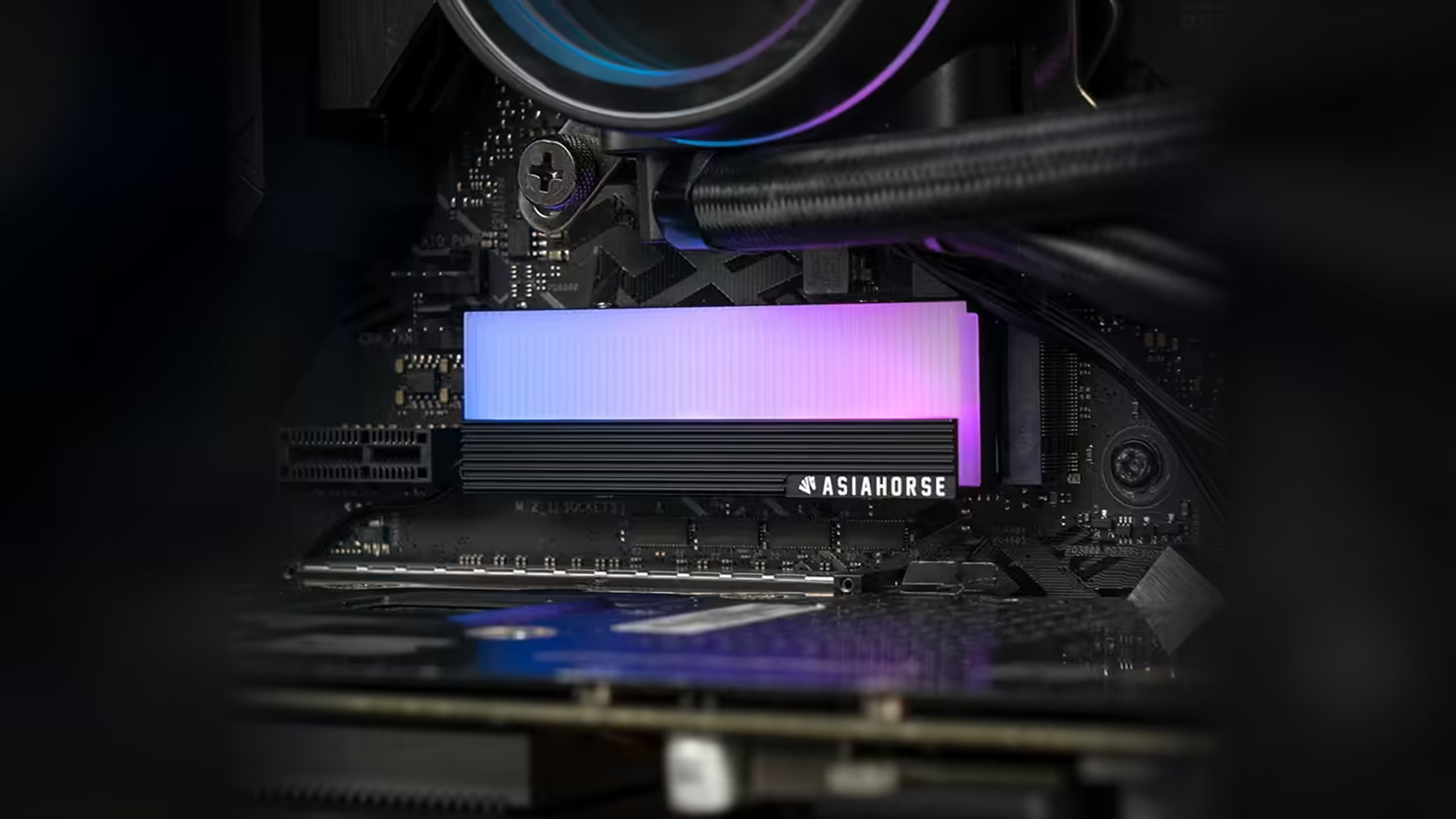
Two sets of small screws, both silver, both about the same size, both within reach at the same moment during an install: that is the exact situation this AsiaHorse M.2 cover puts you in, and it is worth a proper screw separation plan before you start rather than after the first one goes missing.
Quick Answer
Fitting this AsiaHorse M.2 heatsink, R199 all-in with VAT and never locked at that number for good, involves two distinct sets of fasteners: the four screws that secure the cover itself, and the board's own separate screw or latch holding the drive down to its standoff. Keeping the two apart during the fit, rather than mixing them into one pile, avoids a small but genuinely common mistake during M.2 installs.
🔩 Two jobs, two sets of hardware
The cover's four screws hold the aluminium shell down around the drive, while the motherboard's own fastener does a completely different job: securing the drive itself to its standoff point on the board. These are not interchangeable, and using one in the other's place is worth avoiding entirely even in cases where it superficially appears to fit.
Why they are so easy to confuse
Both sets are small, usually dark or silver in colour, and a fit involves handling one right after the other within the space of a couple of minutes. Under case lighting or with limited working room, it takes very little for a screw from one pile to end up in the wrong hand at the wrong moment.
🧰 A simple precaution that actually works
A parts tray with two separate compartments, or even two small containers set apart on the desk, keeps each set clearly divided for the length of the job. It sounds almost too simple to mention, but it is the single most effective way to avoid the mix-up, and it costs nothing beyond a moment's setup before you start turning screws.
🧲 What happens if a board screw goes missing
Most motherboards ship with at least one spare M.2 mounting screw in the accessory box, so a single lost fastener is rarely a crisis in the moment. Replacing one after the fact, though, means sourcing a very specific small thread, which is more hassle than it needs to be. A magnetic screwdriver reduces the risk considerably, since dropped screws around an M.2 slot have a habit of disappearing under the board or a nearby graphics card.
📦 Storing leftovers properly
If you end the fit with spare screws from either set, a quick note on which pile they belong to saves the exact same confusion the next time the drive comes out for a swap or upgrade. Small parts organisers for exactly this purpose sit under case accessories, a section worth a browse before the drive itself, sourced from the solid state drive range, even goes in.
🗂️ Labelling beats memory every time
Writing "cover screws" and "drive screw" on two small pieces of tape stuck to their respective containers removes any need to remember which pile is which weeks or months later, when the drive next comes out for an upgrade. It costs seconds during the original fit and pays that back many times over the life of the build, particularly if more than one person ever works on the same machine. A phone photo of the open tray, taken before you start turning screws, is a similarly cheap insurance policy against the same mix-up.
Frequently Asked Questions
What are the two sets of screws involved in this fit?
The four screws securing the cover itself, and the board's own separate fixing that holds the drive down to its standoff.
Are the two sets interchangeable?
No. They serve different mountings and should be kept apart, even where one might superficially appear to fit the other's role.
Why are these screws so easy to mix up?
Both sets are small and similar in appearance, and a typical fit involves handling both within a short window of time.
What is the simplest way to avoid mixing them?
A tray or container with two clearly separated compartments, used consistently throughout the fit.
Is it worth buying spare screws in advance?
Not usually, since the four cover screws rarely go missing if kept in a dedicated container, and a spare board screw is normally already included. It is the sorting habit that prevents most losses, not extra stock bought ahead of time.
Does the container need to be anything special?
No. Two small dishes, a pair of magnetic parts trays, or even two labelled sandwich bags all work equally well; what matters is that the separation is consistent and obvious at a glance, not the container itself.
What if I lose the board's own drive screw?
Most boards ship a spare in the accessory box, though sourcing a replacement afterwards means matching a very specific small thread.
Fitting a drive cover and want to avoid the small mistakes?
Check Evetech's NVMe drive range and plan your fit with the right tools laid out before you start.