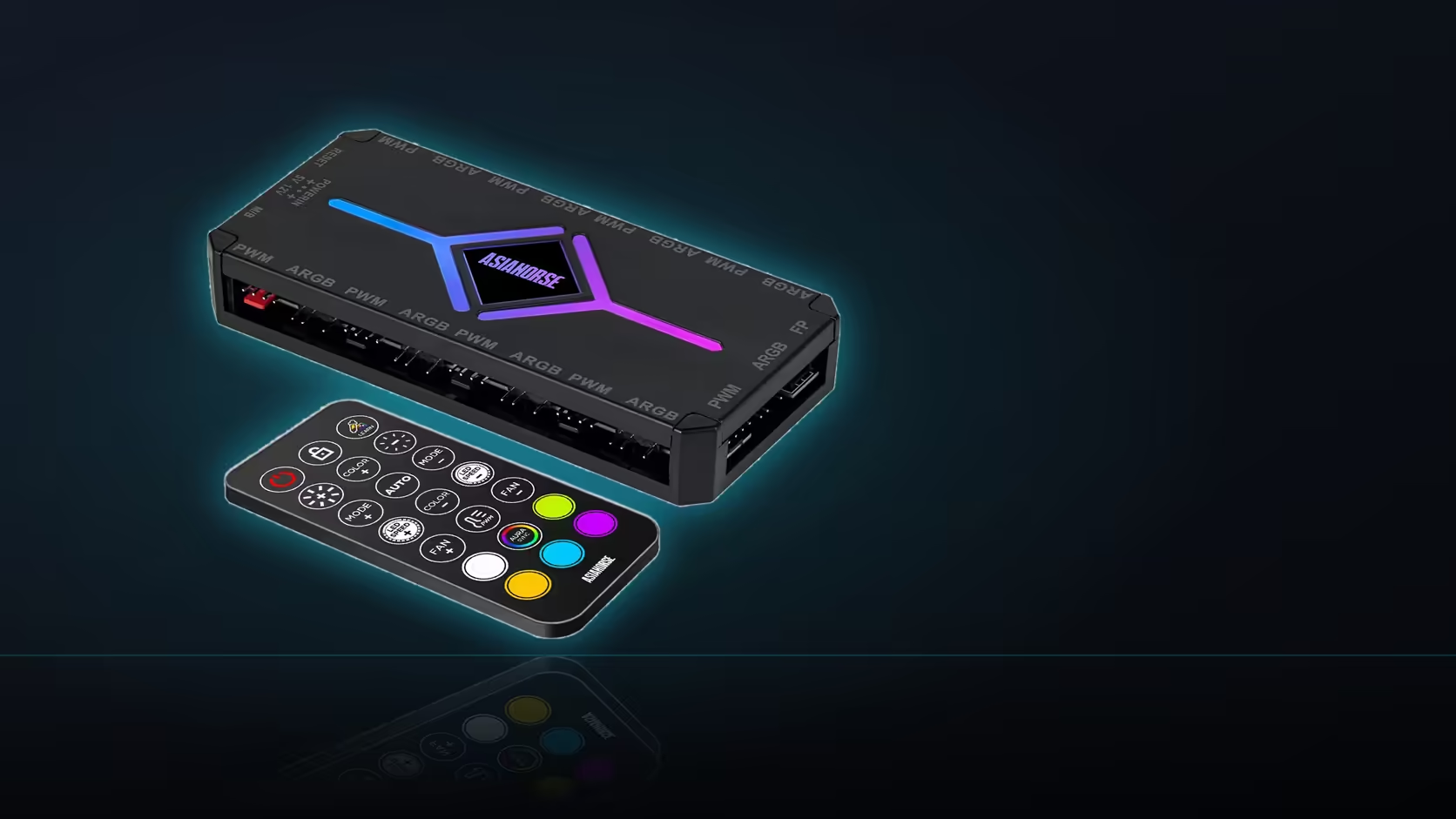
A screwed-down component barely notices a tugged cable, but the ASH-S1 is held in place by a magnet rather than fasteners, which changes the calculation entirely - a cable pulled tight during a routine panel removal can shift the whole unit rather than simply flexing at the connector the way it would on a fixed part.
Quick Answer
Leave deliberate slack in every cable connected to the ASH-S1, since its magnetic mount holds it in position rather than fixing it with screws, and a taut cable can drag the unit out of place the moment the case is opened for any reason. A panel removal or a cable-management pass should be able to happen without disturbing the hub at all, and that only works if nothing connected to it is pulled tight.
🧲 Why a magnetic mount changes the risk
Screws and adhesive both resist a pulling force by transferring it into the case structure itself - the component does not move, only the cable flexes. A magnetic mount works differently: it holds through contact force against a steel surface, which is strong enough for normal handling but not infinite, and a cable pulled with enough force in the wrong direction can overcome it and drag the hub away from its position entirely. That is not a defect in the mounting method - it is simply a different kind of hold, one that trades the permanence of screws for the convenience of repositioning without tools.
The practical consequence is that cable management around the ASH-S1 needs a slightly different mindset than it would around a screwed-in component. Where a fixed part can absorb some tension without moving, this one cannot, so the discipline of leaving slack matters more here than it might elsewhere in the build.
📏 How much slack is actually enough
The test is not a fixed measurement so much as a practical one: there should be enough spare cable at every connection that the side panel can be removed, and the cable-management channel behind the tray can be worked in, without any single cable reaching its full length. If pulling a panel off causes visible tension anywhere along a cable running to the hub, that connection does not have enough slack yet.
The cables most likely to cause trouble are the ones running the furthest - anything crossing from the opposite side of the case to reach the hub, and the SATA power lead if it originates from a fixed point on the power supply some distance away. Shorter runs to nearby fans rarely cause problems, since there is naturally more slack available over a short distance.
🔒 What to do if slack alone is not enough
For builds with a particularly heavy cable load converging on the hub - close to the full eighteen connections, say - slack alone might not feel sufficient, and adding a cable tie through a nearby anchor point as a secondary hold is a reasonable extra step. This does not defeat the point of the magnetic mount, since the hub can still be repositioned by removing the tie, but it adds a margin of security for a build where the cumulative pull from many cables is genuinely significant.
The simplest verification, once the build is together, is to open and close the side panel once with everything connected exactly as it will be day to day, and check whether the hub has shifted at all afterwards. If it has not moved, the slack is adequate. Generous internal routing space, of the kind Evetech's case fan range can help you find, makes leaving slack considerably easier, and a build with fewer total connections might reduce the whole concern by leaning on the NZXT fan controller instead.
Frequently Asked Questions
Why does cable slack matter more on a magnetically mounted hub?
Because the hub is held by a magnet rather than screws, so a pulled cable can move the whole unit rather than just flexing.
How much spare cable should realistically be left?
Enough that the panel can come off and the tray can be worked in without any cable reaching its limit.
Which cables are most likely to pull the hub out of place?
Those crossing to the other side of the case, and the SATA lead if it runs from a fixed point on the supply.
Does moving the hub slightly actually cause damage?
Rarely in itself, though repeated tugging on connectors is what wears them, which is the reason to avoid it.
Should the hub be secured with anything beyond the magnet?
Adding a tie through a nearby anchor is an option where the magnet alone feels insufficient for the cable load.
Does this change where the hub should be mounted at all?
It does, since a position away from the panel edge is less likely to be disturbed when the case is opened.
How do I actually check the routing has enough slack?
Open and close the panel once with everything connected and see whether the hub has shifted at all.
Routing cables around a magnetically mounted hub?
Check Evetech's case fan range for models with roomy cable channels before finalising your build.