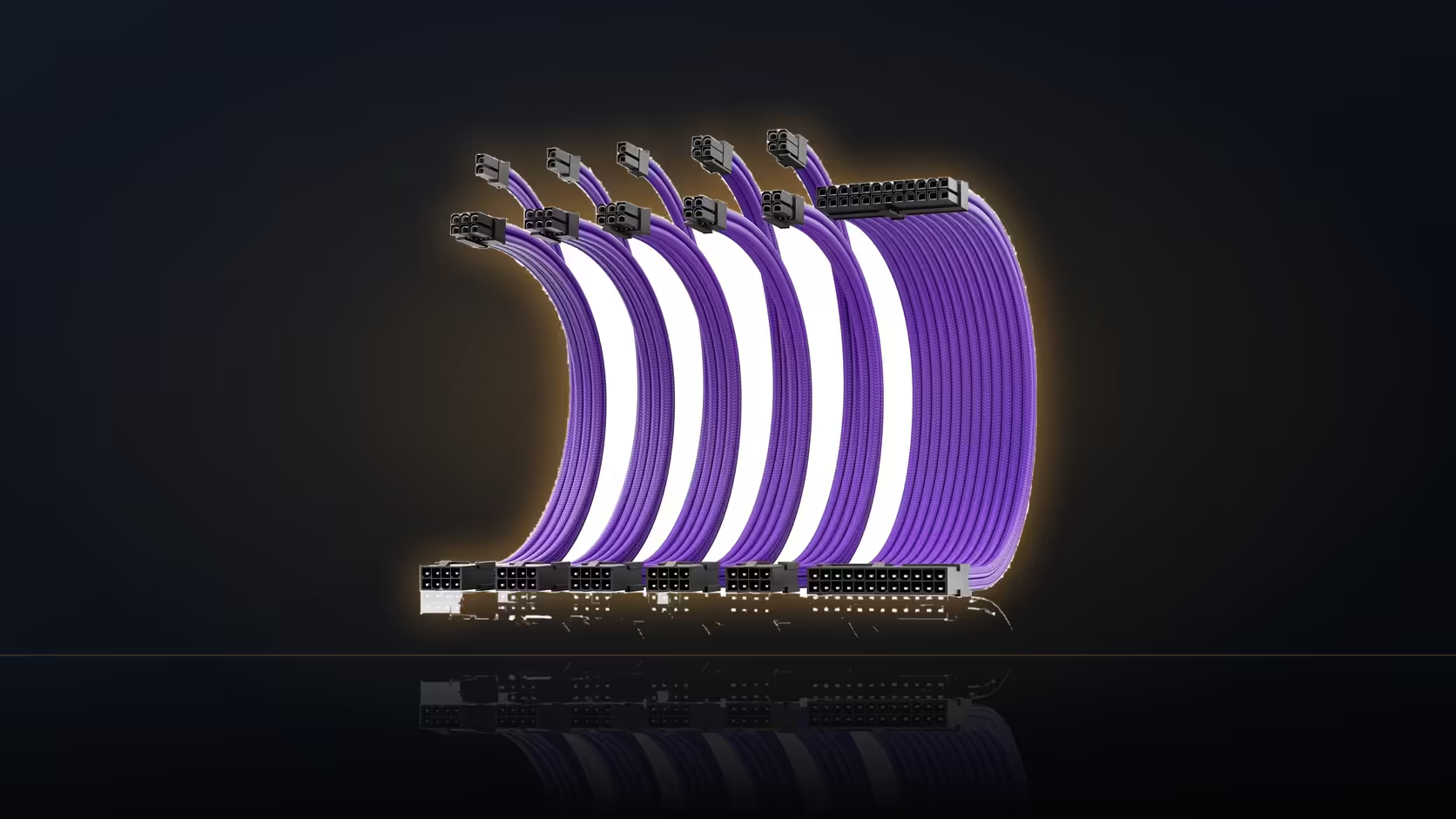
The instinct to fit every new cable purchase immediately, before the machine has even been powered on once, is understandable but risky on a six-piece kit. Six new junctions added to a completely untested build means any startup problem now has two entirely separate categories of possible cause to investigate at once.
Quick Answer
Power the build up on plain factory leads before fitting any extensions. A fault then has the smallest possible number of causes. Adding six junctions to an untested machine means debugging the hardware and the cabling at once.
🔍 Why every junction adds a variable
Each connector junction between a factory lead and a sleeved extension is one more thing that could, in principle, be seated incorrectly - a possibility that simply does not exist on a machine still running its original, unmodified factory cables. If a freshly built machine fails to start with six new junctions already fitted, you are troubleshooting two entirely separate categories of potential cause simultaneously: genuine hardware faults, and cable-fitting errors, tangled together in a way that makes isolating the actual problem considerably harder than it needs to be.
✅ What a first test actually needs connected
A first power-on test needs the board lead, the processor lead, and the card leads connected in their original factory form - nothing sleeved, nothing extended - which is entirely sufficient to reach the point of a successful POST and confirm the core hardware is fundamentally sound. There is no need to have anything dressed or finished-looking for this first, purely functional test; the goal is simply confirming the machine works at all before any cosmetic work begins.
⏰ When to actually start adding the cables
Once the machine boots reliably and you are genuinely satisfied nothing is loose or intermittent, that is the right moment to begin fitting extensions - and from that point forward, any new fault that appears points squarely at the cable work you have just done, rather than leaving you wondering whether it is a hardware issue that was there all along. This ordering turns troubleshooting from a guessing game into a process of elimination, which is a considerably faster and less frustrating way to find any actual problem.
⏱️ Weighing the extra time against the alternative
This approach costs one additional round of opening and closing the case compared with fitting everything in a single pass - a genuinely small price to pay against the alternative of having to dismantle an already fully dressed, sleeved, and combed build purely to track down a single unseated plug buried somewhere among six new junctions. Fitting extensions one at a time and confirming the machine still starts after each addition is slower still, but it makes any single problem immediately and unambiguously obvious the moment it appears, rather than leaving you guessing which of six new connections caused a fault that only shows up after all of them are in place. If a fault does appear after cabling work despite this careful approach, recheck every single junction and every socket end methodically before looking anywhere else - an incompletely seated connector is by a wide margin the most likely single cause. This general principle applies to cable work of any size, but six junctions on one kit raise the statistical odds of a mistake enough that the order of operations genuinely, measurably matters here. cable solutions carries the wider range this kit belongs to, and a from-scratch alternative worth knowing about for a future build sits at individually sleeved premium cables.
🗒️ Keeping a simple checklist across the two sessions
A short written checklist covering both sessions - what got tested on factory leads, what still needs dressing - keeps the process organised even if a few days pass between the first boot and the actual cable work. It is a small habit that prevents the second session from starting with any confusion about what was already confirmed working.
Frequently Asked Questions
Why not fit the extensions straight away?
Because every junction is another thing to rule out if the machine does not start. A clean first boot narrows the possibilities considerably.
What does a first test need connected?
The board lead, the processor lead and the card leads, all in their factory form, which is enough to reach the point of posting.
When is the right moment to add cables?
Once the machine boots reliably and you are satisfied nothing is loose. From there any new fault points at the work you just did.
Does this cost much extra time?
One extra round of opening the case. That is a small price against dismantling a dressed build to find an unseated plug.
Should I fit all six at once afterwards?
Doing them one at a time and checking the machine still starts is slower but makes any problem obvious immediately.
What if the build fails after cabling?
Recheck each junction and each socket end before looking anywhere else. An incompletely seated connector is the overwhelming favourite.
Is this advice specific to six-lead kits?
It applies to any cable work, but six junctions raise the odds enough that the order of operations genuinely matters.
Planning your build sequence around a six-piece kit?
Browse Evetech's power supply range and test your first boot on factory leads before fitting a single extension.