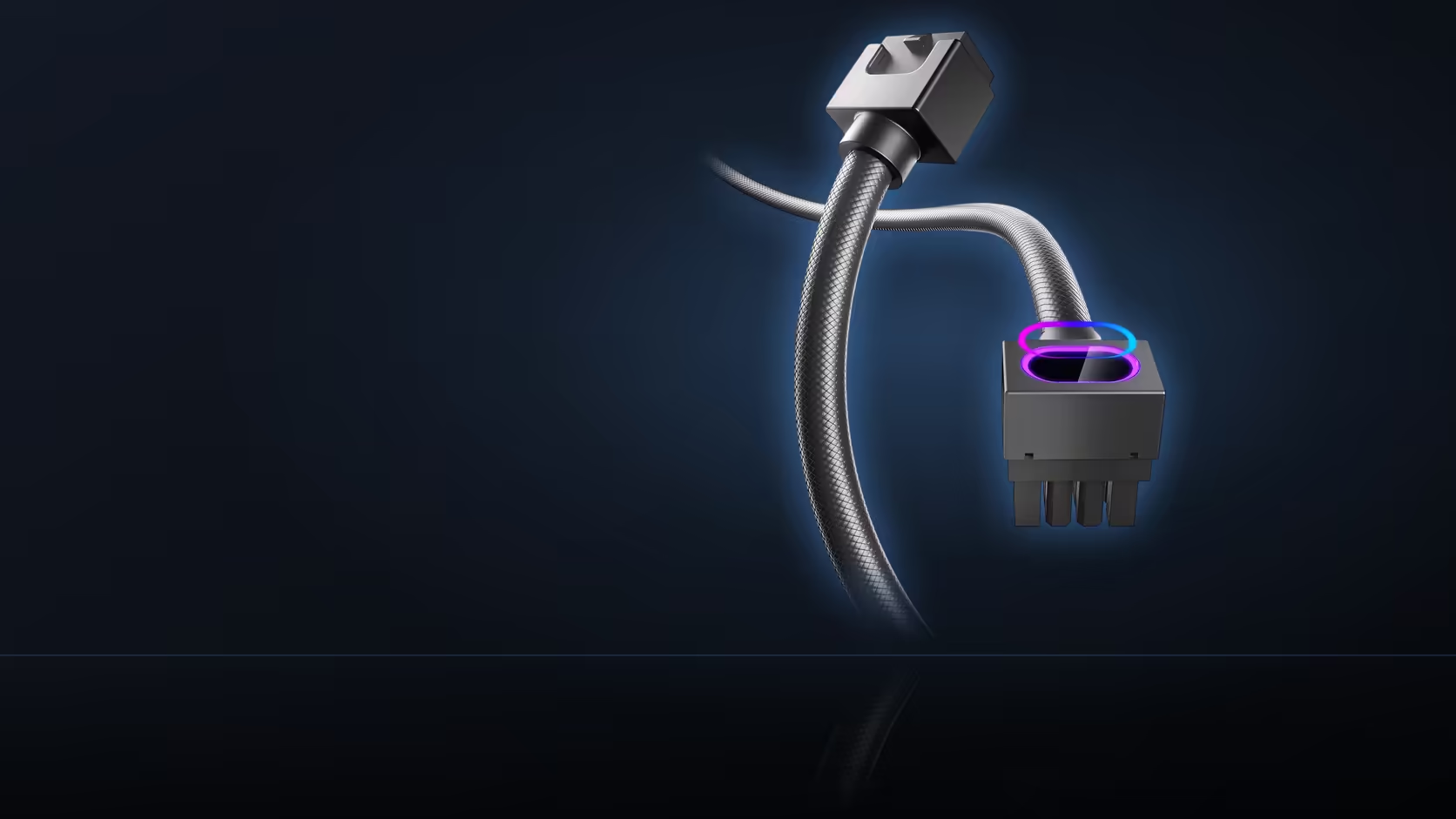
Deciding to light both the ATX and EPS sockets on the same board sounds like a simple doubling of the same single-cable purchase. It is not quite that simple, because each Hydrus extension carries its own independent lighting lead, and two leads need two places to actually plug in.
Quick Answer
Each Hydrus extension carries its own 5V 3-pin sync lead. Fitting both the ATX and EPS versions therefore means two header positions, or a chain. Plan that before ordering, because boards vary in how many addressable headers they expose.
🔢 One cable, one lighting connection
Every Hydrus extension ships with exactly one 5V 3-pin sync lead - no more, no less - so the count of cables purchased and the count of lighting connections needed match up precisely. Buy two cables, and you have committed to finding two working connection points for their respective sync leads, not one shared connection serving both.
🔌 What a single-header board means for a two-cable plan
If your motherboard exposes only one addressable 5V header, the second cable's lighting lead needs either a daisy-chain connection through the first cable if the hardware supports it, or a separate splitter accessory, rather than its own dedicated header position. This is genuinely worth confirming before ordering both cables at once, since discovering a single-header limitation after both extensions have already arrived is a more awkward problem to solve than checking the board's specification sheet first.
🗺️ Where addressable headers typically sit
Addressable 5V headers commonly appear along the bottom edge of the board, near where fan and lighting hubs typically connect, and sometimes along the top edge as well - though the exact number and position vary considerably between different board models and price tiers. Higher-end boards tend to offer more header positions than budget ones, which is worth factoring in in case a build's ambitions extend beyond just these two Hydrus cables to other addressable components down the line.
🛠️ Planning the physical routing of both leads
Whether both lighting leads need to converge at the same header or can reach separate ones changes how each is routed from its own connector - if a board only offers one shared header, both leads necessarily converge there regardless of where the cables themselves are physically positioned, which is worth mapping out before either extension gets dressed into its final route. Keeping the thin lighting leads routed separately from the heavier power cable is generally the easier approach to service later, since a lighting lead is considerably more delicate and easily trapped or pinched under a bulkier power run if the two are bundled together carelessly. It is worth knowing too that the lighting connection is entirely optional for basic function - a Hydrus cable carries power to its socket normally even with its sync lead left completely unconnected, so a build can technically use these extensions purely for their physical connector and jacket finish without ever lighting them at all, with only the ARGB window itself depending on that separate 5V connection actually being made. The standard 5V 3-pin format both cables use is the same common addressable header type found throughout the PC hardware ecosystem, which is exactly what lets these cables sync properly with whatever lighting control software or hardware your board already uses. cable solutions rounds out the pair's own category, and hubs or splitters for a board whose header count falls short sit at NZXT case lighting.
🔍 Confirming header count before either cable arrives
The most reliable way to settle this before ordering is opening the current motherboard's manual PDF and searching specifically for addressable or ARGB header references, since that document will state the exact count and rough location far more reliably than trying to spot small header pins visually on a photo of the board.
Frequently Asked Questions
How many lighting leads does one cable have?
One. Each Hydrus extension carries a single 5V 3-pin lead, so the count of cables and the count of connections match exactly.
What if the board has only one addressable header?
Then the second cable needs a chain or a splitter rather than its own header, which is worth confirming before both are ordered.
Where do addressable headers usually sit?
Commonly along the bottom and top edges of the board, though the number and position vary considerably between models.
Do the two leads have to reach the same place?
Not necessarily, but a shared header means both leads converge, which affects how each one is routed from its own connector.
Is the 5V 3-pin connection a standard one?
It is the common addressable header type, which is what lets these cables sync with whatever lighting control the board already uses.
Should the leads be routed with the power cable?
Keeping them separate is easier to service, since the lighting lead is thin and easily trapped under the heavier power run.
Can the lighting be left unconnected?
The cable still carries power normally without its sync lead attached. Only the ARGB window depends on that connection.
Planning to light both your ATX and EPS sockets?
Check Evetech's power supply range and confirm your board's addressable header count before ordering both cables.