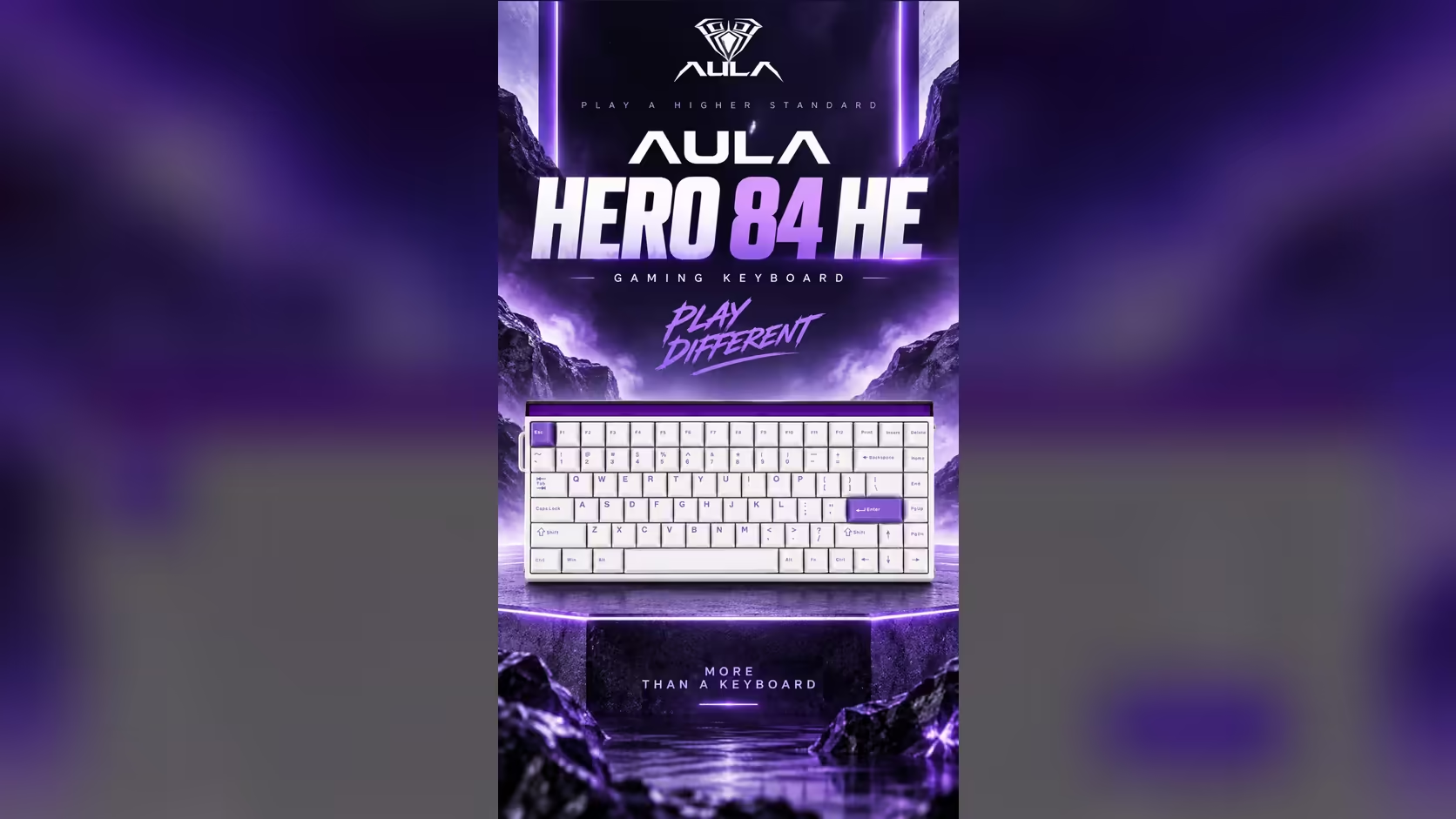
Mac owners are used to gaming keyboards treating them as an afterthought, with Windows-only software and a layout that fights macOS at every shortcut. The HERO 84 HE is friendlier than most. Its configuration lives in a browser rather than an installed app, and a key combination puts the board into Mac mode. Getting that Mac web driver setup right takes about ten minutes once you know which browser to open and which keys to hold.
Quick Answer
Mac owners configure the AULA HERO 84 HE in AULA's web driver through a Chromium browser such as Chrome or Edge, the same way Windows users do. A five-second hold of Fn + S puts the board in Mac mode; the same hold on Fn + A takes it back. Key remaps, Mod-Tap, Dynamic Keystrokes, actuation and lighting are all set from the driver. Evetech prices the HERO 84 HE at R719.
🌐 Step one: choose the right browser
AULA's page for the HERO 84 HE says its web driver runs from a Chromium browser. On a Mac that means Google Chrome, Microsoft Edge, Brave or another browser built on the Chromium engine. Safari is built on a different engine, and Firefox is not Chromium-based either, so neither is the one to use here.
Browser-based keyboard tools depend on the browser being allowed to talk to a USB device. Chromium browsers support that; others often do not. If the driver page loads but cannot see the keyboard, suspect the browser before anything else.
A tidy approach is to keep one Chromium browser installed purely for peripheral tools, even if Safari stays your everyday browser.
⌨️ Step two: put the board in Mac mode
The HERO 84 HE has two operating modes:
- Hold Fn + S for 5 seconds to switch to Mac mode.
- Hold Fn + A for 5 seconds to switch back to Windows mode.
The five-second hold is deliberate, so a stray press during a game or a document does not flip modes by accident. Once in Mac mode, the board is set up for macOS rather than Windows.
If a modifier still feels out of place
Mac users often want Command right beside the spacebar and Option one step further out. If the layout in Mac mode still does not match your habits, you have two fixes. The web driver can remap keys on the board, and macOS's own keyboard settings also let you reassign modifier keys at the system level. Use one method, not both, so you do not end up with two remaps cancelling each other.
🔗 Step three: connecting the cable to a Mac
The HERO 84 HE is wired only. Its included cable has a USB-A plug at the computer end and an L-shaped USB-C plug at the keyboard end.
- On an iMac or Mac mini with USB-A ports, plug straight in.
- On a MacBook or any Mac with only USB-C ports, you will need a USB-C to USB-A adapter or a hub with a USB-A port.
- For the 8000Hz report rate, a direct port or a powered hub is a safer bet than a long chain of adapters.
Once connected, open the driver page in your Chromium browser and let it find the keyboard.
🎛️ Step four: what you can change from the Mac
The web driver gives Mac owners the same control Windows owners get. According to AULA's page for this board, you can:
- Remap keys, which helps with Mac shortcuts or with moving a rarely used key somewhere useful.
- Set Mod-Tap, so a quick tap and a longer hold on the same key give different results.
- Set Dynamic Keystrokes, which assign different actions to different depths of a single press.
- Tune actuation anywhere from 0.1mm down to 3.4mm and switch Rapid Trigger on per key.
- Control lighting, from the per-key backlight to the 36-LED strip crowning the board, and the two can be given different effects.
Make changes in small batches and test each one in the apps you actually use. Keep a note of what you changed, because a browser tool is easy to forget about once the board is set up and working. A remap that suits a game can be a nuisance in Final Cut or Excel.
The HERO 84 HE is one of the boards in Evetech's gaming keyboards range, with a 2 Years Local Warranty. Its switches can be changed later too; browse keyboard switches and choose a compatible magnetic family if you do. The price appears on Evetech's product page.
Frequently Asked Questions
Can I use Safari for the driver?
Use a Chromium browser instead. AULA's page names Chromium, which covers Chrome, Edge and similar browsers.
How long do I hold the Mac mode keys?
Five seconds. Fn + S sets Mac mode and Fn + A sets Windows mode.
Do I need an adapter for a MacBook?
If your MacBook only has USB-C ports, yes, because the included cable has a USB-A plug at the computer end.
Are any driver features missing on a Mac?
AULA's page describes the same browser driver on both systems, covering remaps, Mod-Tap, Dynamic Keystrokes, actuation and lighting.
Should I remap in the driver or in macOS?
Pick one. Driver remaps are made in AULA's tool, while macOS changes apply at the system level, and mixing both makes problems hard to trace.
Can the light box be set from a Mac?
Yes. Lighting, including the light box, is one of the settings in the web driver.
Setting up a Mac desk for gaming?
Look through Evetech's gaming keyboard range for the HERO 84 HE and other boards that work across Windows and macOS.