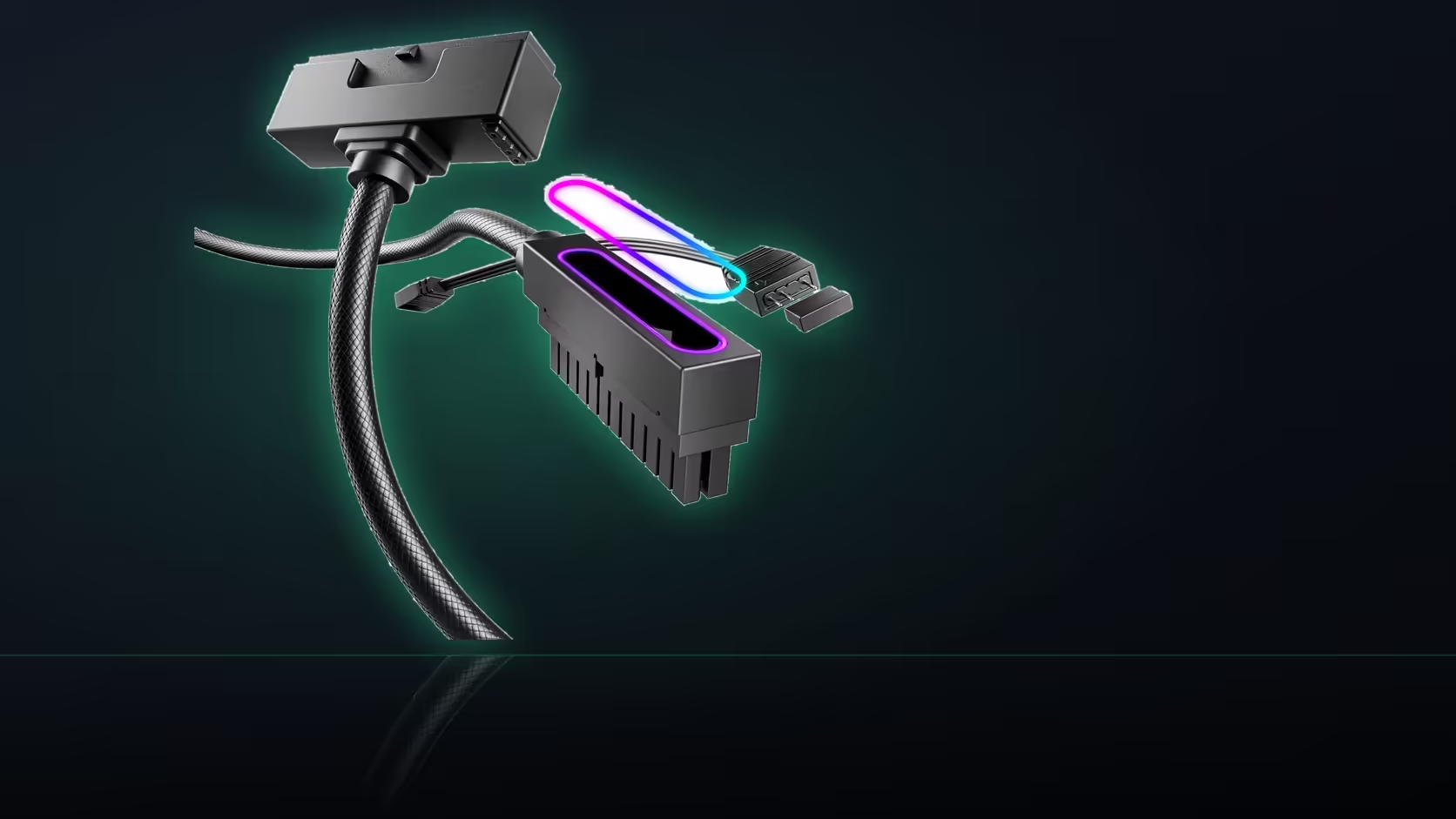
A sliding motherboard tray introduces a checking step most standard case designs never require at all: confirming that a connector fits not just in its final resting position, but throughout the entire physical travel the tray takes as it slides in and out of the case.
Quick Answer
On a case with a sliding tray, check the heads clear the rails as it moves. A cable that fits in place can still foul in transit. Walk the tray in and out once with everything connected before calling the fit good.
🚂 What genuinely changes with a removable tray design
On a case built with this kind of sliding tray, the board physically moves relative to the fixed case shell during installation and removal, which means clearance has to hold true across the tray's entire range of travel - not merely in whatever final position it settles into once fully seated. A connector that clears everything comfortably at rest can still catch or foul against something during the actual sliding motion required to get there.
🛤️ Where connector heads typically catch during transit
Heads most commonly catch against the sliding rails themselves, or against the case's own side wall as the tray passes through its travel - this risk applies with particular force to a side-exit head, since its design specifically extends further toward the edge of the board than a straight-down head ever does, putting it directly in the path of exactly the surfaces a sliding tray moves past.
🐢 How to actually run this check properly
Move the tray slowly, with every cable already connected in its intended final position, watching the connector heads closely throughout the entire motion and stopping the moment anything makes even the slightest contact with a rail or the case wall. This is not a check to rush through quickly - the whole value of doing it lies in catching a problem while there is still room to address it.
🔗 Whether cables need to travel with the tray at all
This depends entirely on the specific case's own design: some sliding-tray cases expect all cables to be disconnected before the tray moves at all, which changes this whole question considerably, since a disconnected cable obviously cannot foul on anything during transit if it was never connected during that movement in the first place.
⬇️ Why straight-down heads and lighting leads both need different treatment here
The straight-down version is generally favoured in this specific scenario, since a head that turns downward stays contained within the board's own outline throughout the tray's travel, rather than reaching outward toward the case wall the way a side-exit head's geometry inherently does - a meaningful advantage on exactly this kind of sliding-tray case design. The lighting lead needs separate consideration too: it travels along with the board through the same motion, so whatever slack has been built into its routing has to genuinely accommodate that full range of tray movement without ever pulling taut against its header connection at any point during the travel. Running this check once, with everything fully fitted and connected, is generally sufficient for the life of the build - provided nothing new gets added into that same specific area of the board afterward that might change the clearance picture established during the original test. Pull up cable solutions for the rest of this connector's own shelf, and accents worth checking against a sliding tray's full travel sit at NZXT case lighting.
📝 Noting the result for the next time the tray moves
Once a fit has been confirmed clean through the tray's full travel, jot a quick note of that outcome somewhere it will actually be seen again, since a sliding-tray case is exactly the kind of design a builder returns to repeatedly for cleaning or upgrades, and re-confirming the same clearance from scratch each time wastes effort a one-line note would have saved entirely.
Frequently Asked Questions
What is different about a removable tray?
The board moves relative to the case, so clearance has to hold through the whole travel rather than only in the final position.
Where do heads usually catch?
Against the rails or the case wall as the tray passes, particularly a side-exit head that extends towards the edge of the board.
How should the check be done?
Slowly, with everything connected, watching the head as the tray moves and stopping the moment anything makes contact.
Do the cables need to travel with the tray?
That depends on the design. Some cases expect leads to disconnect first, which changes the question entirely.
Does this favour the straight-down version?
Often, since a head that turns downward stays within the board outline rather than reaching towards the case wall.
What about the lighting lead?
It travels with the board, so its slack has to allow the movement without pulling against the header.
Is this worth doing more than once?
Once with everything fitted is usually enough, provided nothing new is added in that area afterwards.
Building in a case with a sliding motherboard tray?
Have a look at Evetech's power supply range and test the tray's full travel before calling the fit good.