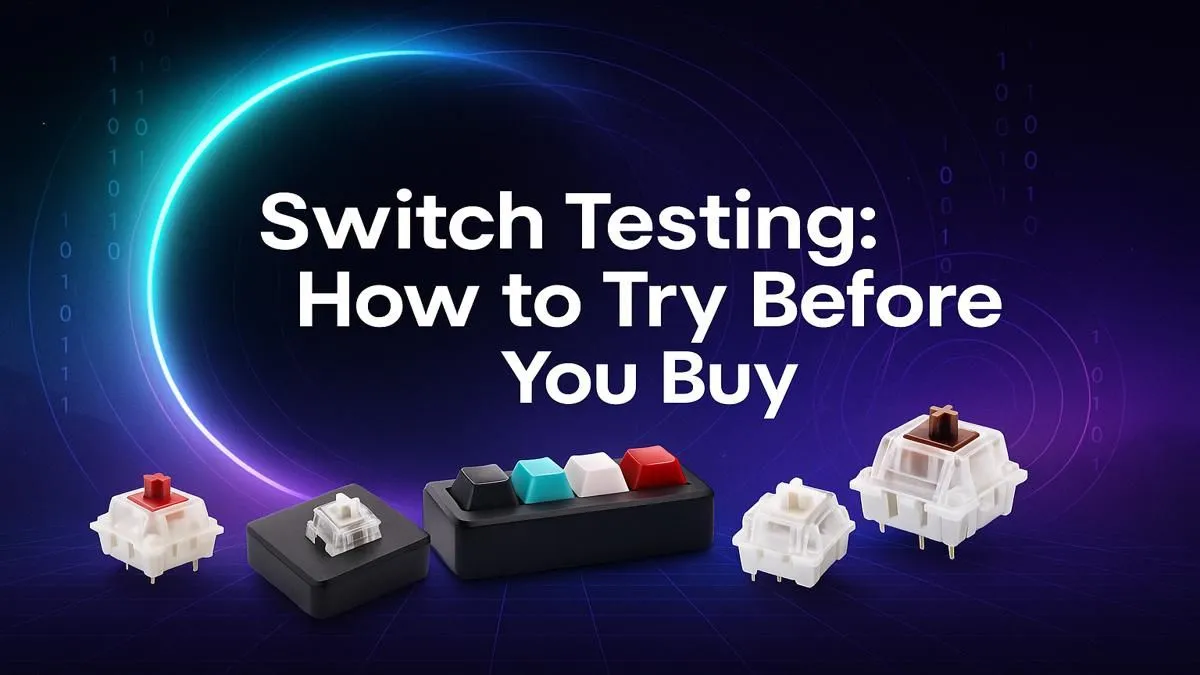
So, you’re ready to drop some serious ZAR on a new mechanical keyboard. You’ve heard the hype… the satisfying "thock," the lightning-fast response, the customisation. But here’s the catch: choosing the wrong switch is a costly mistake. Linear, Tactile, or Clicky? The choice can feel overwhelming. What if you could test drive them all before committing? That’s where a mechanical keyboard switch tester comes in, and it’s the smartest first step you can take.
What is a Mechanical Keyboard Switch Tester?
Think of it as a trial pack for your fingers. A mechanical keyboard switch tester is a small, simple board, usually made of acrylic or plastic, that holds a variety of individual keyboard switches. Instead of guessing based on YouTube sound tests, you can physically press each switch, feel the actuation, and hear the unique sound profile for yourself. It’s the single best tool to demystify the world of switches and find the one that perfectly matches your gaming style and typing preference before browsing the latest gaming keyboard deals.
Why You Need to Try Switches Before You Buy
Ever bought a pair of shoes online without trying them on? It’s a gamble. The same logic applies to keyboards, which are a crucial part of your setup. Spending over R2,000 on a premium board only to discover you hate the feel of the switches is a truly painful experience.
A switch tester helps you understand the core differences firsthand:
- Linear (e.g., Cherry MX Red): A smooth, consistent press from top to bottom. There's no bump or click, making them fast and relatively quiet. Ideal for FPS gamers who need to double-tap keys without resistance.
- Tactile (e.g., Cherry MX Brown): You'll feel a small, noticeable "bump" midway through the keypress, confirming your keystroke has been registered. They are fantastic all-rounders for both typing and gaming.
- Clicky (e.g., Cherry MX Blue): These deliver both a tactile bump and a distinct, loud "click" sound. Incredibly satisfying for typists, but they might not be the best choice for late-night gaming sessions or a shared office space! 😅
By understanding these differences with your own hands, you can confidently choose from the huge variety of keyboard switches for sale when you decide to build or customise.
How to Use a Keyboard Switch Tester Like a Pro 🔧
Getting the most out of your tester isn't just about randomly pressing keys. There’s a method to finding your perfect match.
Isolate Your Senses
First, close your eyes and press each switch. Focus entirely on the feeling. Is the travel smooth? Where is the actuation point? Is the bump sharp or rounded? Removing visual bias helps you concentrate on what your fingers are telling you. Next, listen. Is the sound a deep 'thock' or a high-pitched 'clack'? This is your personal sound preference.
Simulate Your Daily Use
Are you a gamer? Try rapidly tapping the WASD-equivalent switches. Are you a writer or coder? Type out a few imaginary sentences. How a switch feels during a single press can be very different from how it feels during repetitive, real-world use. The goal is to find a switch that feels great for your primary tasks. Remember that the final feel is also influenced by your choice of custom keyboard keycaps, as different profiles and materials can alter the sound and feel slightly. ✨
Sound-Dampening Secret 🤫
If you find a switch you love but it's a bit too loud, try installing rubber O-rings. These tiny, inexpensive rings sit on the stem of your keycap and cushion the landing of each keypress. This reduces the 'clack' when you bottom out, making your keyboard significantly quieter without changing the fundamental feel of the switch itself.
Beyond the Tester: Building Your Perfect Setup
Finding your ideal switch is a massive step, but it’s just the beginning of the journey to ergonomic bliss. The perfect keyboard is one that not only feels right but also supports your health and performance over long sessions.
Once you’ve picked a switch, consider the rest of your setup. A quality keyboard wrist rest can make a world of difference, reducing strain and promoting a more natural typing posture. And for a truly seamless desktop experience, pairing your new keyboard with a responsive mouse as part of a keyboard and mouse combo ensures your peripherals are perfectly in sync. Even many of the cheapest gaming keyboards in South Africa now offer mechanical switch options, proving you don't need to break the bank to get a superior typing experience.
Ready to Find Your Perfect Feel?
A mechanical keyboard is more than a tool… it’s a core part of your gaming and work life. Using a switch tester ensures your investment is one you'll love for years. Explore our massive range of gaming keyboards and find the perfect board with the switches you know you'll love.