


Clean Gaming Keyboard: Guide for Dusty & Humid Conditions
Clean gaming keyboard quickly and safely in dusty or humid conditions with step-by-step tips, tool checklist, and maintenance routines to prevent corrosion and switch failure. 🧼💨
Read more- mechanical keyboard switches for beginners - compare red, blue, brown - pick a starter switch 🎯🔧 mechanical keyboard switches for beginners: quick guide to red (linear), blue (clicky), brown (tactile) for gaming, typing, and noise.
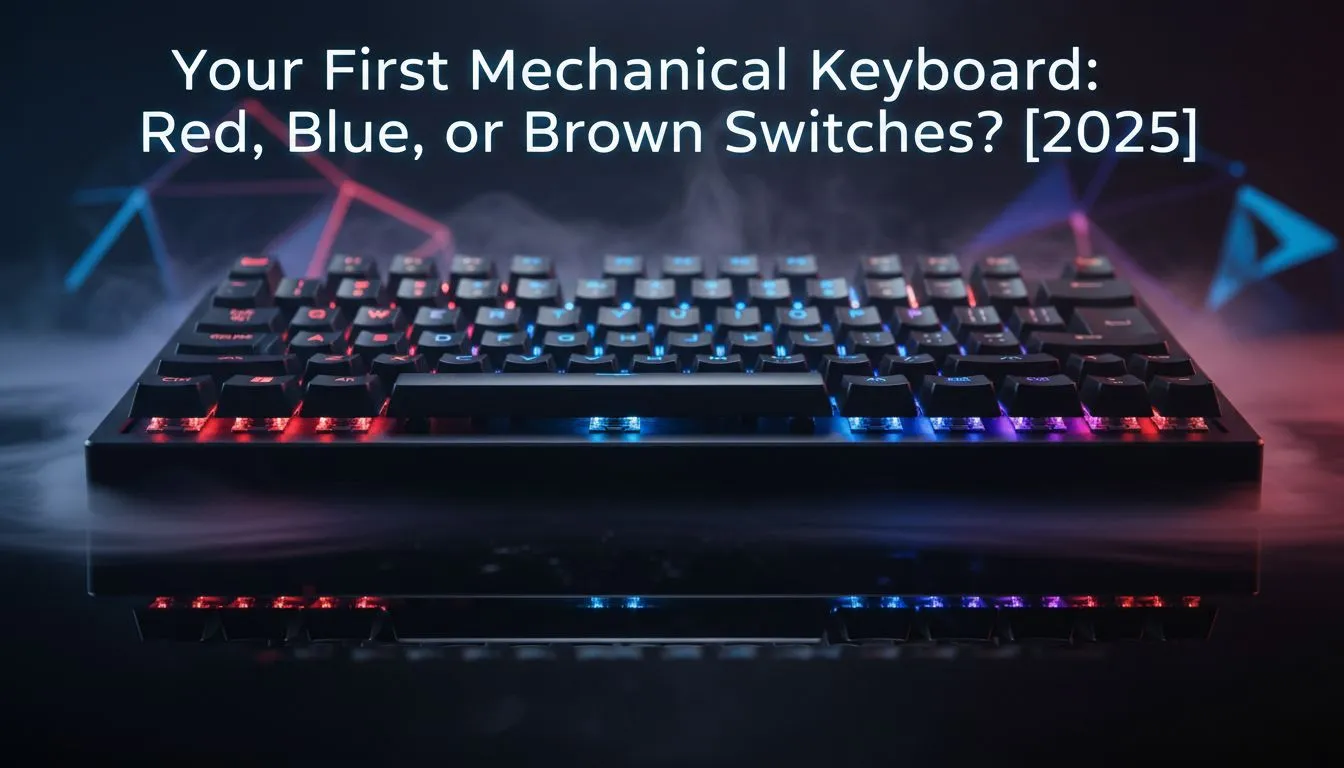
So, you’re ready to ditch that mushy, old membrane keyboard and ascend to the glorious world of mechanical keyboards. Lekker! But one question immediately pops up, causing a bit of loadshedding in your brain: Red, Blue, or Brown switches? It's the first big choice every South African gamer faces. Don’t stress. This guide on mechanical keyboard switches for beginners will break down the differences and help you find your perfect match. ⌨️
Before we dive into the colour-coded chaos, let's get the basics down. Unlike the rubber domes in standard keyboards, a mechanical keyboard uses an individual physical switch under every single key. This is why they feel so precise and last for ages.
Each press gives you clear, consistent feedback that you just can't get from a basic board. This precision is crucial whether you're typing up a varsity assignment or landing the perfect headshot. The switch is the heart of the keyboard, defining its sound, feel, and performance. Getting this choice right is the first step in building a truly epic setup, so it's a great place to start before you even think about upgrading your other peripherals.
Most newcomers will start their journey by choosing between the three most popular switch types. Each offers a completely different experience. Let's explore the great debate of Red, Blue, or Brown switches.
Imagine a keypress that’s perfectly smooth from top to bottom, with no bump or click. That’s a Red switch. They are "linear," meaning the force required to press them is consistent throughout the keystroke.
Blue switches are the quintessential "mechanical" experience for many. They are both tactile and clicky, meaning you feel a distinct bump and hear a loud, satisfying "CLICK" with every single press.
Can't decide between the smooth speed of Reds and the satisfying feedback of Blues? Meet the Brown switch. It’s the perfect middle-ground, offering a tactile bump without the loud click.
Dust and crumbs are the enemy of a good mechanical keyboard. To clean yours, unplug it, use a keycap puller to gently remove the keys, and then use a can of compressed air or a small brush to clear out any gunk from the base. A clean switch is a happy switch!
Okay, the theory is done. Now, how do you actually pick? This breakdown of mechanical keyboard switches for beginners comes down to your personal needs.
Ask yourself these questions:
Ultimately, understanding the difference between Red, Blue, or Brown switches is your first major step. Whether you're just starting your content creation journey with some basic streaming essentials or you're a seasoned pro, the right keyboard feel makes all the difference.
Ready to Find Your Perfect Match? Choosing between Red, Blue, or Brown switches is your first step into a bigger world of customisation and performance. The right feel can make all the difference. Explore our massive range of gaming keyboards and find the perfect board to elevate your game.
Red switches are often the best switch for gaming beginners thanks to low actuation and smooth linear travel for fast inputs.
Brown or red switches are quieter than blue. See quiet mechanical switches for office picks to reduce click and clack.
Yes. Blue switches are clicky and satisfying for typists. Check best mechanical switch for typing if feedback matters more than silence.
Yes — on a hot-swappable board you can swap switches. Read the beginner mechanical keyboard buying guide for compatibility tips.
Brown switches are tactile without loud clicks, ideal for mixed use. Look at best tactile switches for typing comparisons.
Match use to feel: red for gaming, blue for clicky typing, brown for mixed use. Compare red vs blue vs brown switches for gaming and typing.
Break-in is optional. Some users prefer a short break-in; consult mechanical keyboard switch noise comparison for longer-term sound changes.
Clean gaming keyboard quickly and safely in dusty or humid conditions with step-by-step tips, tool checklist, and maintenance routines to prevent corrosion and switch failure. 🧼💨
Read more
Best gaming keyboard features to prioritize when building a high-end setup: mechanical switches, low latency, hot-swap, RGB, macros, durability and ergonomics 🎮⌨️
Read more
Custom actuation point keyboard setup guide: learn to set per-key actuation on your analog gaming keyboard for faster, precise inputs and better control 🎮⚙️
Read more
Cable management for home entertainment helps you eliminate cable clutter quickly and safely. Learn routing, concealment, and product picks to tidy your setup fast 📺🔌
Read more
conference room setup Microsoft Teams Zoom: Upgrade AV, camera, mic, and network to ensure seamless meetings, clear audio, and crisp video 🎯🔧
Read more
• Audit setup • Link accounts • Configure ViewBoard • Test workflows Integrate Google Workspace with ViewSonic ViewBoard to enable secure SSO, calendar and Drive sync, and smooth collaborative whiteboarding 🔗📋
Read more
Discover webcams that automatically adjust light and color for crystal-clear video calls 🎥✨. Boost your streaming quality today!
Read more
Discover webcams that blend into your workflow 🎯 Capture moments while you work, stream, or create. Upgrade your setup with smart, multitasking tech!
Read more
Dedicated media keys give streamers one-touch control to mute, switch scenes, clip highlights, and adjust audio — cutting task time and boosting consistency 🎛️⚡
Read more
PBT vs ABS keycaps: Clear, local guide for South African gamers—compare feel, sound, durability and where to buy. Find the best material for your budget and playstyle 🎮🇿🇦
Read more
- Multi-Function Digital Dial: define benefits - Show gamer setups and macros - Offer buying and setup tips Multi-Function Digital Dial puts programmable control at your fingertips for faster actions and smoother streaming. 🎮⚙️
Read more
- Explain benefits; - Show the science; - Compare options; - Recommend picks. Magnetic wrist rest for gaming cuts wrist strain and boosts comfort during long sessions 🕹️✨
Read more