Quick Answer
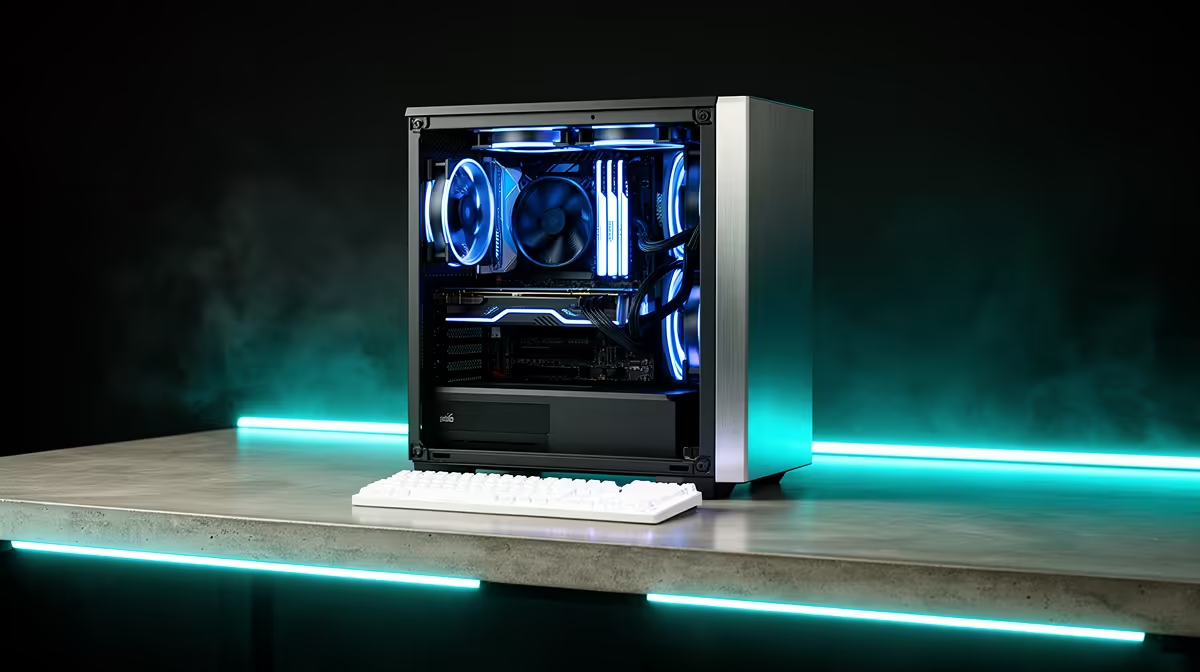
A minimum 1080p PC for matric studies and digital textbooks should be simple, reliable, and easy to maintain. Budget roughly R8,000-R14,000 for a desktop with 16GB RAM, 512GB SSD, a 1080p monitor, and enough ports for printer, headset, and backup drive.
Minimum Spec That Still Feels Usable
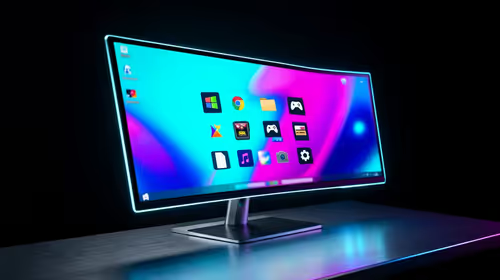
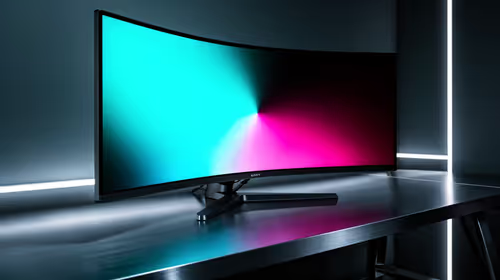
Use 16GB RAM as the practical target because 8GB gets tight once Windows, browser tabs, Teams, and background apps are open. A 512GB SSD is the floor; 1TB is better if games or media files are involved. A 1080p IPS monitor at 60Hz-75Hz is enough for study, while 144Hz helps gaming.
Where The Budget Should Go
Digital textbooks, online lessons, research, and assignments do not need a huge GPU. The better spend is a clear monitor, comfortable keyboard, and SSD storage that keeps Windows and school apps responsive. Keep the power supply and case airflow sensible, even on a low-cost build, because those parts protect the rest of the system.
Upgrade Path
For matric studies, the first future upgrade is usually storage or GPU, not a whole new PC. Choose a motherboard and case that leave room for another SSD and a mid-range graphics card. Local warranty support matters because this machine may become the household workhorse.
FAQ
What should SA buyers check first when choosing a 1080p PC?
Start with the daily job, the space it will be used in, and the warranty path. Then compare the R8,000-R18,000 price band against the 16GB RAM, 512GB SSD, and 60 fps at 1080p target so the purchase still makes sense after the first term or first game install.
Is the cheapest 1080p PC usually the best value?
No. The lowest ticket can miss the port, size, battery, switch feel, or performance level you actually need. A small step up is worth it when it adds 16GB RAM, 144Hz refresh, sturdier build quality, or the right connector.
How do I avoid buying the wrong 1080p PC online?
Match the product page to the device and workload you already have. For SA buyers, that means confirming local warranty handling, delivery timing, and whether the box includes the cable, adapter, or mount you need.
Buyer check
Choose the monitor and desk with the PC; a capable tower feels worse if paired with a dim old screen or cramped keyboard space.