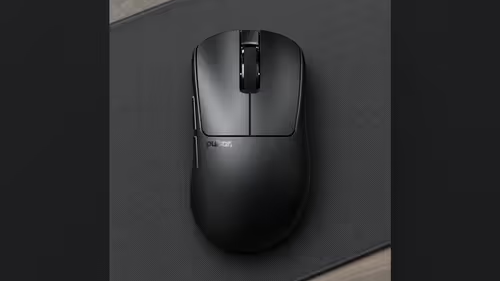
Salaries land once a month, and a gaming desk rarely gets rebuilt in one go. If you are eyeing a Pulsar mouse and a Pulsar pad together, the useful question is which piece should arrive ahead of the other. This plan splits the Pulsar mouse and pad buy across two pay days, explains the order that works for most people and tells you when to flip it.
Quick Answer
Buy the mouse at the next month-end and the pad at the one after. A mouse fixes your grip, your weight and your aim, and it is the part you cannot judge from a spec sheet. A pad you already own carries you through the gap. Reverse the order only if your current pad is worn out or too small to sweep on.
🖱️ Step one: the mouse, because shape decides everything
Every Pulsar mouse on the shelf uses the same XS-1 sensor, which tracks up to 32,000 DPI at 750 IPS, and every one ships with its 2.4GHz receiver in the box. That means the technical side is settled before you choose. What is left is shape and weight, and those are personal.
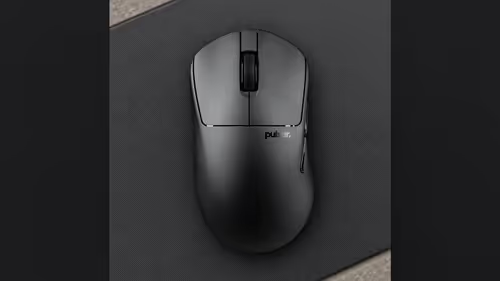
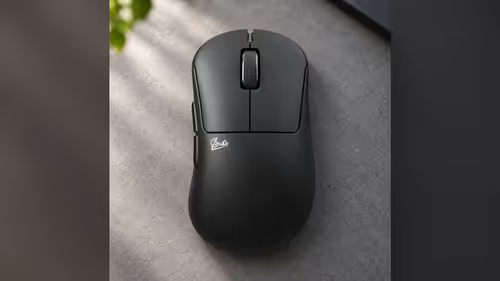
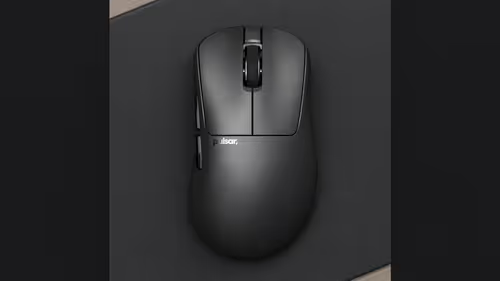
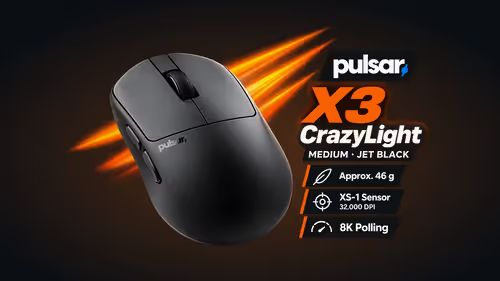
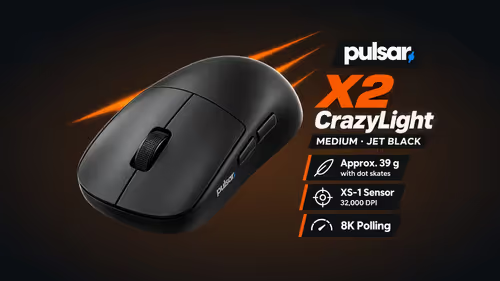
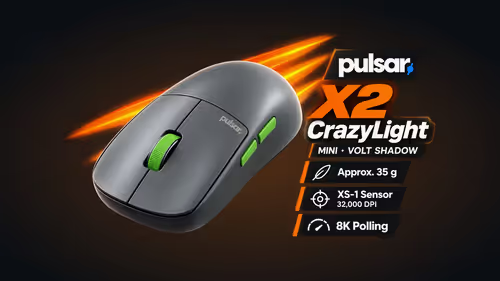
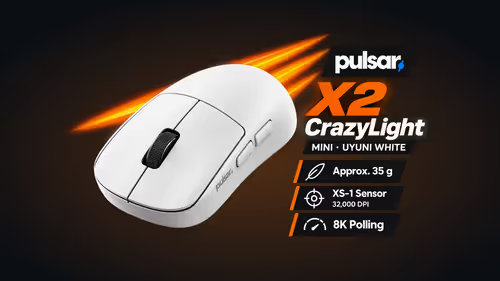
The weights run from 35g on the Pulsar X2 CrazyLight Mini up to 62g on the Pulsar ZywOo The Chosen Gen.2. In between sit the Pulsar Xlite CrazyLight Medium at 44g, the Pulsar X3 CrazyLight Medium at 46g and the Pulsar X2H CrazyLight Medium at 43g. Grip styles differ too: the X2 is made for claw and fingertip grips, the Xlite and X3 for palm, and the X2H for claw and relaxed claw. The Medium X2 measures 120.4 x 63 x 38mm, so hold a ruler against your own hand before you commit.
The gaming mice range at Evetech lets you narrow by shape and weight. Because a mouse is hard to judge without using it, give it the earlier slot and the bigger share of your thinking time.
What to do with the gap between pay days
The month between purchases is a testing window, not dead time. Run the new mouse on the pad you already own and note two things. Does the glide feel fast or sluggish for your taste? Does your hand reach the edge of the pad during big flicks? Those two answers write your pad shopping list for you.
🧩 Step two: the pad, chosen by what the mouse taught you
At the second month-end you are choosing with evidence. The brand makes two pad families that suit opposite aims.
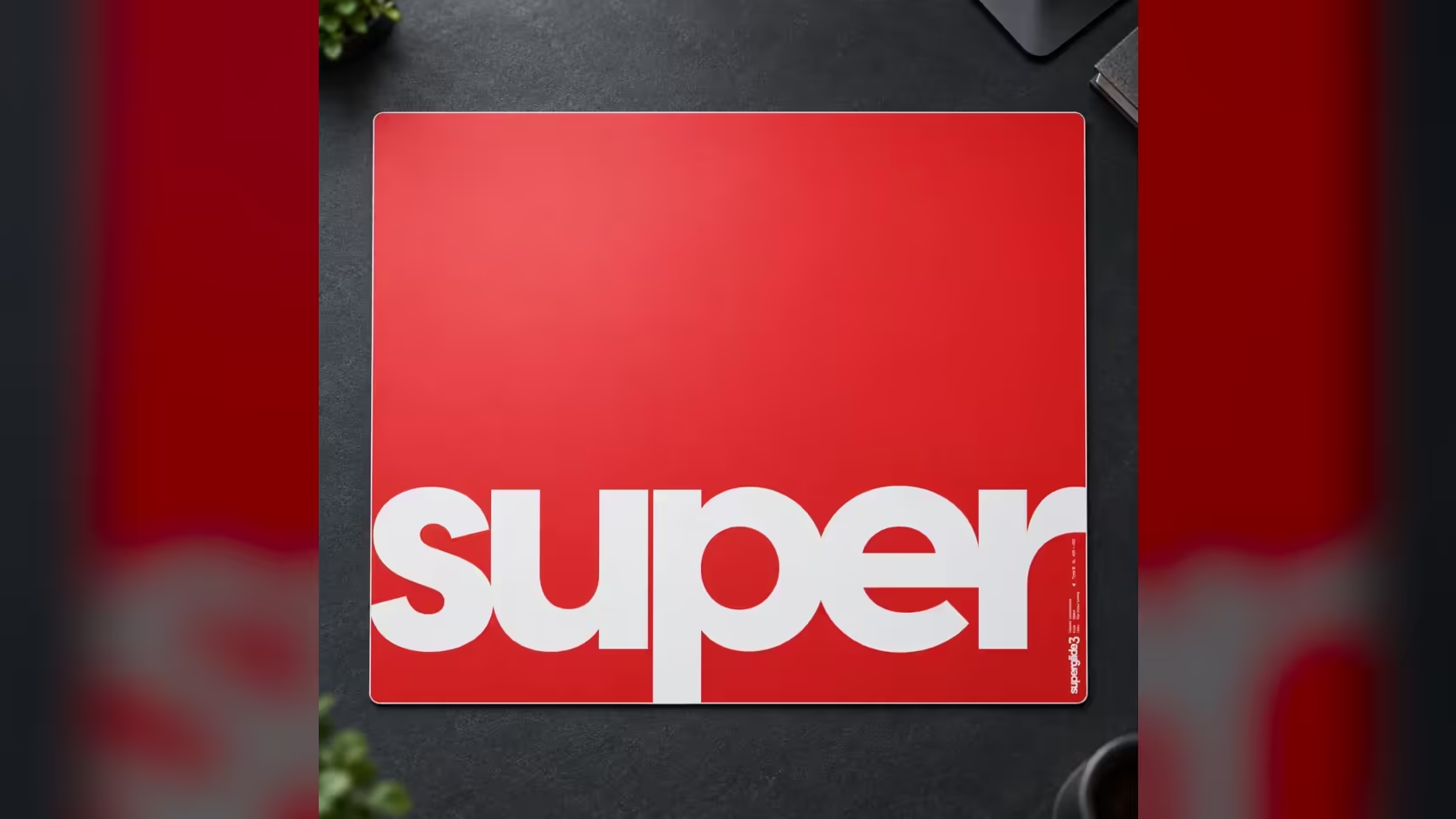
- Superglide 3 Type S glass: a speed surface of aluminosilicate glass, about 2.5mm thick, in four sizes from 330 x 260mm to 500 x 450mm. It suits fast, sweeping aim.
- eS Saturn Pro cloth: a slow control surface of circular knit polyester, 4mm thick, in L, XL and XL SQ, up to 500 x 500mm. It is recommended for tactical FPS and low to medium tracking.
If the gap month showed that you overshoot targets, lean toward the slow cloth. If you felt held back and wanted the mouse to travel more freely, look at the glass. The gaming mouse pads range shows both families together, so the comparison is easy to make.
🔄 When the pad should lead
Sometimes the order flips. A pad with a frayed rim, a surface that has gone patchy or a footprint too small for your sweeps will make any new mouse feel wrong, and you would blame the mouse for the pad's faults. In that case the pad is the weak link and it earns the earlier slot.
Size is the other trigger. The smallest Superglide 3 starts at 330 x 260mm, and the cloth Saturn Pro begins at 420 x 330mm, so either family gives a clear step up in room if you have been squeezing onto a mat the size of a notebook. Fix the space problem and the existing mouse suddenly behaves better.
💬 Where the money goes, in words
There is no figure here on purpose, but the logic is easy to state. Whichever piece sits on the dearer side of your shortlist deserves the longer deliberation, and the mouse is the one you will hold for every second of play, so it takes the earlier slot. The pad then becomes the lighter step that finishes the setup. Spreading the buy this way keeps each purchase deliberate and avoids buying a pad for a mouse you later swap.
It also protects you from a common slip: choosing a large, dear pad for a grip style you have not settled on yet. Settle the hand first, then the surface.
✅ A simple two-month checklist
- Month-end one: pick the mouse by weight and grip, and keep your current pad.
- Through the month: log whether your hand hits the pad edge and whether the glide feels right.
- Month-end two: choose glass or cloth, then the size, from those notes.
- Before paying: measure the free desk area, keyboard included.
Evetech sells both the mice and the pads online to buyers across South Africa. Mice and pads can be bought in either order, and the Pulsar family at Evetech shows both groups.
Frequently Asked Questions
Why buy the mouse before the pad?
Shape, weight and grip set how you play, and a mouse is hard to judge from a page. A pad you own already covers the glide for now.
What if my pad is worn or tiny?
Then the pad may go ahead of the mouse. Even the smallest Superglide 3 at 330 x 260mm, or the Saturn Pro L at 420 x 330mm, gives a clear step up in space.
Which pad suits tactical shooters?
The slow cloth Saturn Pro, which is recommended for tactical FPS and low to medium tracking. Fast sweeping aim fits the Superglide 3 Type S glass better.
Do I need new hardware for 8000Hz polling?
It asks for a USB 3.0 port and a PC at Core i5 or Ryzen 5 level or better. A weaker machine still runs the mouse, just not at that rate.
Does my mouse choice limit my pad choice?
No. Pad size follows your sensitivity and desk, and the surface follows the game you play, so any of these mice works on either family.
Ready to plan your two pay days?
Start with the Pulsar mouse that matches your grip, then return to the Evetech mouse pad range once the gap month has taught you what you need.