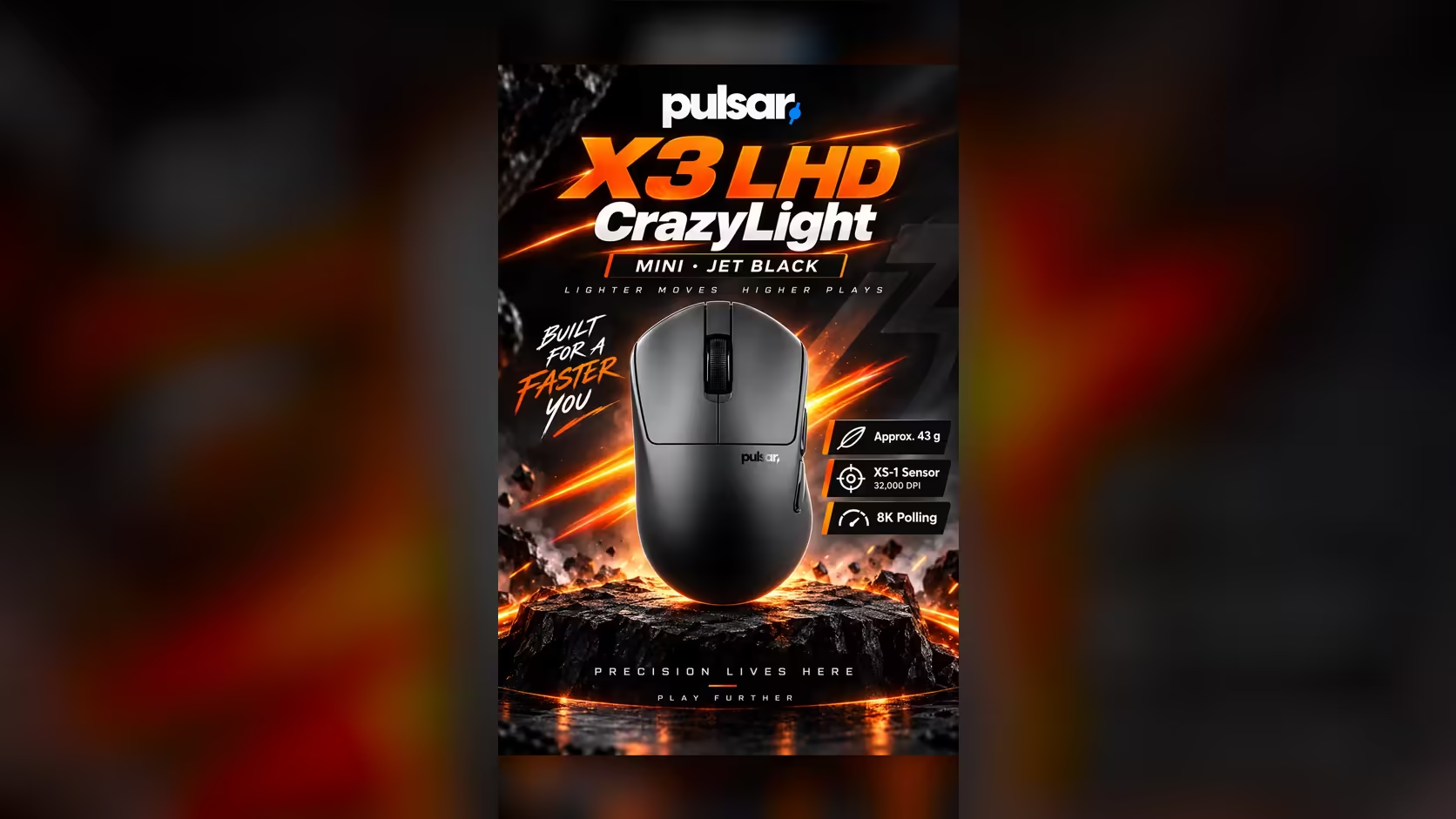
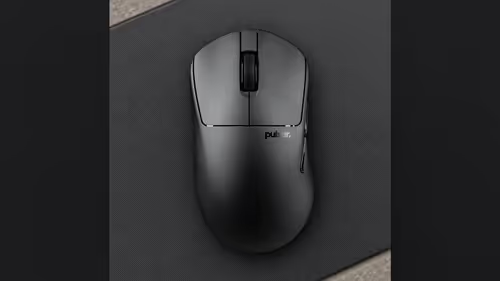
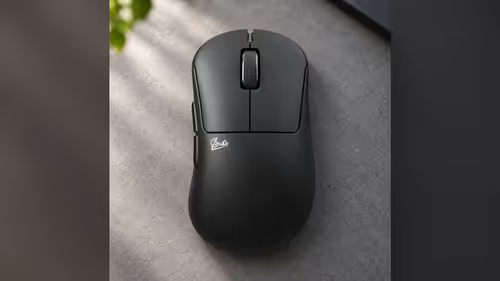
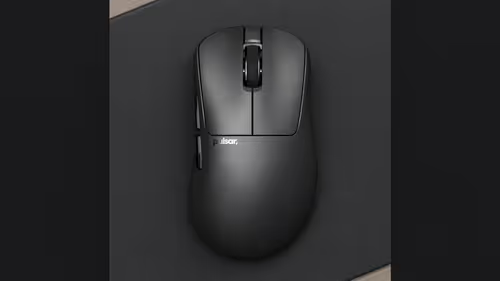
A left-hander and a right-hander sharing one flat rarely share a mouse shape, and a small flat gives them one desk, one PC and no spare corner to argue over. The X3 LHD CrazyLight Mini is cut for a left hand, so the player on the left stops bending a right-hand shell to fit. Put a right-hand mouse beside it and two people can game from the same table without anyone swapping hands.
Quick Answer
Yes, a left-hand and a right-hand mouse fit on one desk. The X3 LHD CrazyLight Mini measures 119.6 x 67.1 x 41mm and weighs 43g, so two pads sit side by side on an ordinary desk, or the players take turns in one seat. Each mouse brings its own 8K dongle, so two players on one PC need two USB ports. Evetech lists a left-hand and a right-hand Pulsar mouse, so the pair can come from one place.
🏠 Why a small flat changes the question
Most gaming-mouse advice assumes one player and a whole desk. A flat in Johannesburg, Durban or Pretoria often has neither. The desk might be a 1.2m table in the lounge, a work-from-home corner that doubles as the gaming spot, or a shared surface where a partner plays too. In that space the mouse is the one part you cannot fix by moving it around.
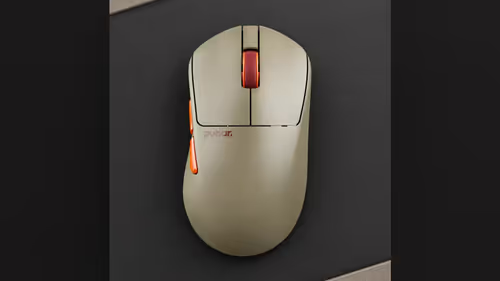
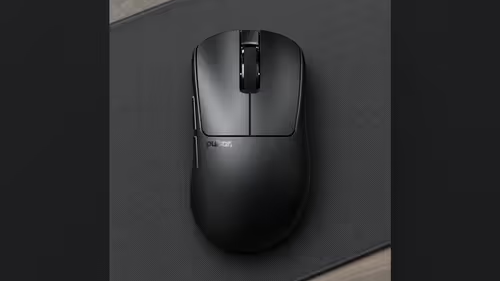
A left-handed player on a right-hand shell ends up with the thumb on the wrong wall and the buttons under the wrong fingers. This model solves that at the shape level: asymmetrical sides and top, a symmetrical front, and a listing for palm and claw grips. It is not a flipped copy of a right-hand mouse, so do not shop for it as one. It is simply the shape a left hand wants.
What the Mini asks of a crowded desk
Short and low, it sits comfortably next to a laptop or a keyboard without crowding the second player. At 43g it moves with a small flick, so a player on a tight pad does not need a long sweep of the arm. That matters when two pads share a table, because each person gets a few centimetres less than they would alone.
🖱️ Pairing it with a right-hand mouse
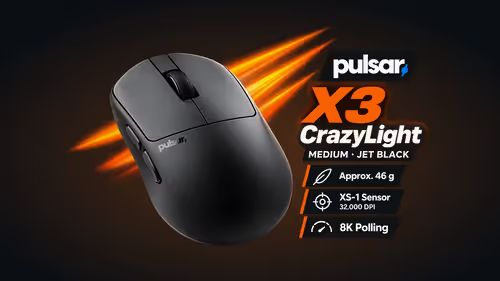
The natural partner is the Pulsar X3 CrazyLight Medium, a right-hand ergonomic palm shape at 124.7 x 69.5 x 43.1mm and 46g. It is a little longer and wider than the LHD Mini. Both use the XS-1 sensor and both carry optical switches rated for 100 million clicks.
That shared hardware has a practical benefit in a two-player home. When one player says the cursor feels fast, the other can match the sensitivity number rather than guess. Each mouse has its own layout in the Windows 7 or higher software, so each player keeps a personal profile.
If the right-hander prefers a different hold, browse the wider range of gaming mice at Evetech and compare sizes. The left-hand shape is a single model, so the sizing choice mostly belongs to the right-hander.
🔌 Two dongles, two ports
Each mouse connects over 2.4GHz wireless through the 8K dongle in its own box, and a USB-C cable comes in each box too. On a shared PC that means two receivers in two USB ports, which matters for a laptop or compact tower that already hosts a keyboard, headset and webcam.
A quick port plan before the mice arrive saves a frustrating evening:
- Count the free USB ports on the PC.
- Note which are USB 3.0, because 8000Hz polling needs one, plus a capable mid-range processor.
- Decide whether both players want 8000Hz, or whether one of them is happy on a standard port.
The 8K dongle from this range is not compatible with other brands, so each mouse keeps the receiver from its own box and nobody needs to hunt for a spare. For households choosing together, the wireless mouse page lists what Evetech carries in one place.
🖥️ Building a desk plan for two
Start with a tape measure. A common layout puts the left-hander on the left of the keyboard and the right-hander on the right, with the pads at the outer edges so the arms never cross. If the two play at different times, one central pad is enough and the mice simply swap over.
Some practical points for a small space:
- Give each mouse a home, such as a small tray, so the idle one does not slide across the desk.
- Coil each USB-C cable away until it is needed.
- Swap the feet only if a player wants to. Each box carries a sheet of 16 dot skates as an alternative to the fitted feet.
Left-handed gaming gear is easy to overlook, and the X3 LHD CrazyLight Mini is the only left-hand shape in the range. A shared desk is the moment it earns its place.
📏 What to check
Evetech sells both mice online. Because sizing cannot be checked in person, measure each palm at home and compare it with 119.6mm for the Mini and 124.7mm for the Medium. A shared desk can be matched mouse by mouse using the Pulsar line-up.
Frequently Asked Questions
Will a left-hand and a right-hand mouse fit one desk?
Yes. Both shells are compact, so two pads fit side by side on a normal desk, or the players can take turns in one seat.
Can a right-handed partner use the LHD Mini?
No. It is cut for a left hand, so a right-handed partner should use a right-hand shape such as the X3 CrazyLight Medium.
How many USB ports do two players need?
Two, because each mouse has its own 8K dongle. Anyone who wants 8000Hz needs one of those to be a USB 3.0 port.
Do the two mice feel alike?
They share the XS-1 sensor and the optical switches, so the difference is shell size and hand, not the way the cursor moves.
Where do each player's settings live?
In the Windows software, saved per mouse, so each player keeps their own.
Ready to set up a desk for two?
Browse the gaming mice at Evetech, pick a left-hand and a right-hand shape that suit each hand, and measure your desk before you order.