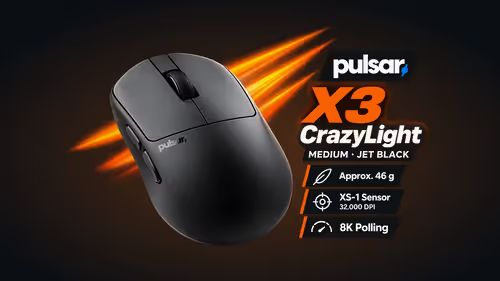
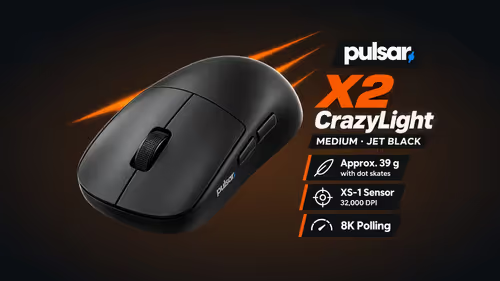
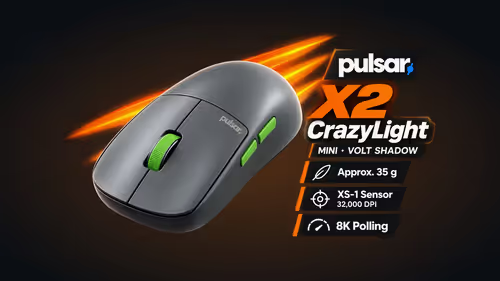
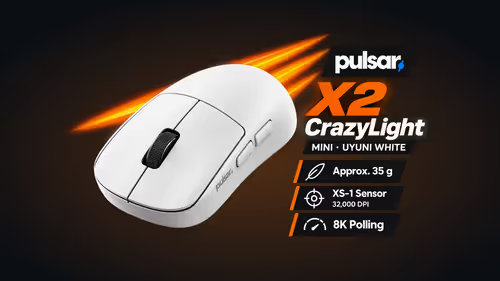
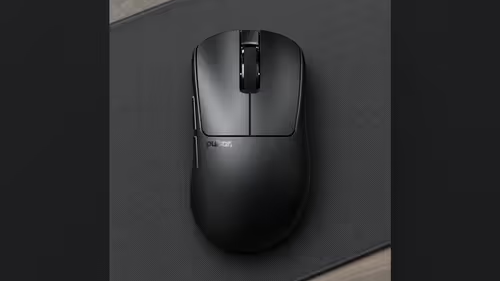
Changing mice is easy. Keeping your aim is the hard part. Years of muscle memory are tied to one sensitivity, and a new mouse that cannot reach your exact number can leave you between two settings that are both slightly wrong. The XS-1 sensor in every Pulsar mouse adjusts in steps of 10 DPI, up to 32,000, so you can match an old mouse's feel closely instead of settling for the nearest preset.
Quick Answer
Every Pulsar mouse in this group uses the XS-1 sensor, with a 32,000 DPI ceiling and a 10-step DPI setting. To carry an old sensitivity across, find the DPI of your old mouse, enter it on the new one, and keep your in-game setting unchanged. A student moving to a new mouse on an older PC can keep their aim without re-learning it.
🔢 What a step of 10 means
DPI is the number of counts the sensor reports for each inch you move the mouse. With steps of 10, a setting of 800 can become 810 or 790, and a setting of 1,150 is simply entered as 1,150. You are not pushed towards a round number that is close to yours but not the same.
That matters most for people who have settled on an in-between value. If your old mouse sat at 1,150, a new one that could not reach it would leave you rebuilding your aim around a number that is not yours.
🧮 Carrying the feel across
Your effective sensitivity is DPI multiplied by the in-game setting. Two routes keep it the same:
- Keep the in-game sensitivity and type the old DPI into the new mouse.
- Keep the new mouse at a DPI you prefer and adjust the in-game number until the product matches.
To find the old DPI, look in the old mouse's own software, or on its underside label if one is printed. If the figure is a mystery, note your in-game sensitivity and test a likely DPI on the new mouse, then nudge it in steps of 10 until a familiar flick lands where it used to.
🖥️ Where you set it
The CrazyLight models, Susanto-X and JV-X use Pulsar software, which runs on Windows 7 or higher. The Link-receiver trio uses Bibimbap web software in a browser. Both sets of software control DPI, polling rate and button mapping according to the product pages.
A student upgrading an older PC will like one extra detail. The three Link-receiver mice, Pulsar Pro Series CARPE-X, Pulsar Pro Series BUZZ-X and Pulsar ZywOo The Chosen Gen.2, have a receiver with two buttons and an LED that change DPI and other settings without software. That helps when the old machine will not run the desktop app cleanly.
The XS-1 sensor is the same across all nineteen product pages here, from the 35g Pulsar X2 CrazyLight Mini to the 62g Chosen Gen.2, so the stepping works whichever shape you choose.
🧪 A practical test
Open a training map or an empty range in your main game. Make a slow 360-degree turn and a quick flick to a marker, first on the old mouse and then on the new one. If the new mouse overshoots, drop the DPI by 10 or 20 and repeat. If it undershoots, raise it. A few rounds is usually enough to land on a setting that feels right.
Remember the 8000Hz conditions while you test: a USB 3.0 port, with a chip no weaker than Core i5 or Ryzen 5. A PC that cannot reach the top rate does not change the DPI stepping.
🛒 Choosing the mouse
Shape and weight still decide comfort, so use the stepping as a bonus rather than the reason. Browse gaming mice and the wireless mice listing, compare lengths and grips, and check the price on the product page at Evetech. Before carrying your sensitivity across, the Pulsar page at Evetech lets you pick the shell you will use.
Frequently Asked Questions
What does a 10 DPI step mean?
DPI changes in increments of 10, so an 800 setting can move to 810 or 790 rather than jump to a preset.
How do I find my old DPI?
Check the old mouse's software or the label on its underside. If it is unknown, note your in-game sensitivity and test a likely DPI.
Why does DPI plus in-game sensitivity matter?
Your aim speed is DPI multiplied by the in-game setting. Match one and keep the other, and the feel carries across.
How high does the XS-1 sensor go?
A ceiling of 32,000 DPI, set in 10-count steps, on every mouse here.
Where do I set DPI?
In Pulsar software for the CrazyLight models, Susanto-X and JV-X, or in Bibimbap web software for the Link-receiver mice.
Can I change DPI away from my own PC?
On the Link-receiver mice, the receiver's buttons change DPI without software.
Ready to keep your aim on a new mouse?
Browse the Pulsar mice in the Evetech gaming mice category and match a shape to your hand.