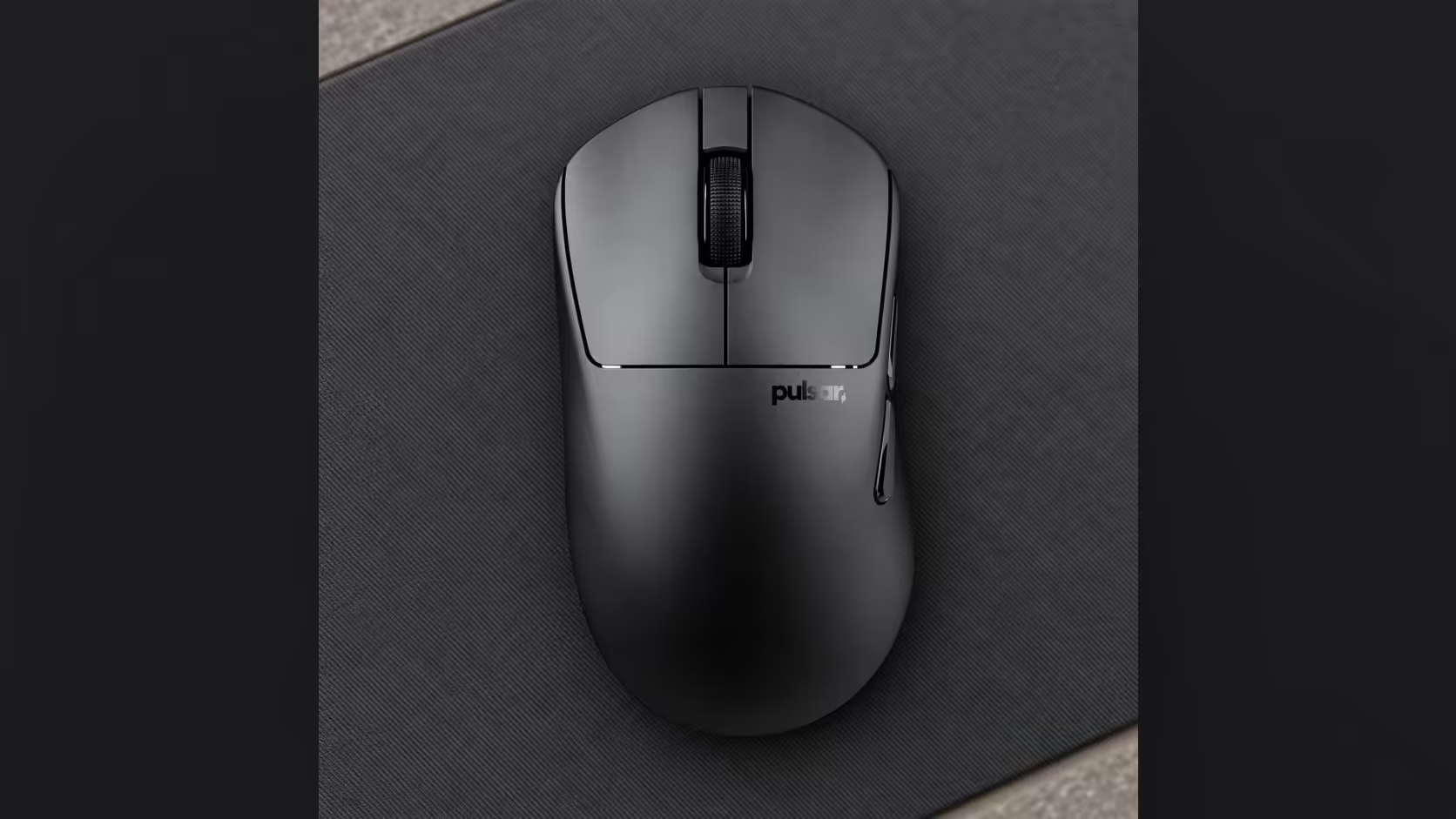
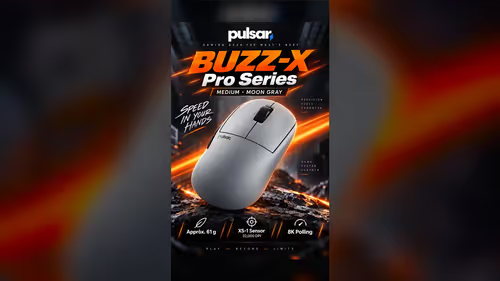
If you are left-handed and have spent years aiming with a right-hand mouse, the move to a proper left-hand shell feels odd for the first few sessions. Your muscle memory belongs to the old shape, not the new one. The Pulsar X3 LHD CrazyLight Mini is built left-handed, and a short, staged switch makes the change painless. Here is how to run it.
Quick Answer
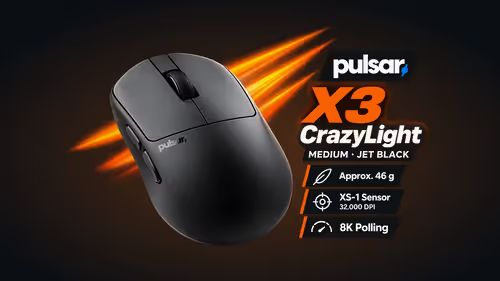
Change one thing at a time. Fit the Pulsar X3 LHD CrazyLight Mini first with your sensitivity and pad unchanged, then rebuild your buttons in the mouse's software, and only after a few relaxed sessions think about retuning DPI. The shell is 119.6 x 67.1 x 41mm and 43g, shaped for palm and claw, so it asks you to keep the grip you already use and simply swaps which side of the shell supports your hand.
🔄 Why so many left-handers use right-hand mice
Most school desks, office PCs and shared family machines come with a mouse built for the right hand, and left-handers adapt early without thinking about it. Years later the habit is deep: the thumb sits on the wrong kind of wall, the buttons feel reversed and the shell never quite agrees with the hand. A left-handed shape removes that compromise, but your muscle memory has to learn it again, which is what the plan below is for.
🧭 Step 1: Keep the grip, change only the shell
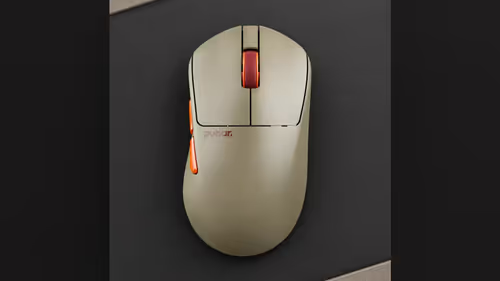
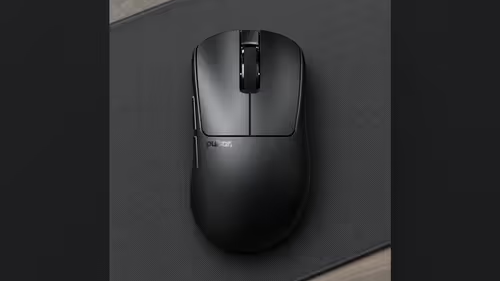
Do not use this switch to also change your grip. The X3 LHD CrazyLight Mini is listed for palm and claw, so whichever of those you already use carries over. Pulsar describes the shape as asymmetrical on the sides and top, symmetrical at the front. In practice that means the body contours follow your left hand rather than fighting it.
Fit it on the pad you already use, and leave the in-game sensitivity untouched. Treat the first two or three sessions as practice rather than ranked play. Low-pressure games reveal quickly whether the shell feels natural, without a scoreboard making you tense.
🖱 Step 2: Rebuild your buttons
Buttons, macros and sensor settings are changed in the maker's Windows app. Your old layout was built around a shell that never fitted your hand, so start from a clean layout instead: put the functions you rely on under the fingers that now reach them without strain, then write down which button does what for the first week.
What is in the box
The Mini ships with the mouse, its receiver, a USB-C cable and sixteen spare 6.6mm dot feet. It talks over 2.4GHz wireless, and the optical switches carry a 100 million click rating.
📐 Step 3: Check the size before you order
The Mini measures 119.6 x 67.1 x 41mm, a fairly broad shell for a Mini. Because you order online and cannot hold the mouse first, measure your palm with a ruler across its widest part and compare it with 67.1mm. If you came from a larger right-hand mouse, expect a shorter body, and use the first sessions to see whether it suits your palm or claw habit. The weight is 43g, so a heavier old mouse will feel noticeably lighter in the hand.
🎚 Step 4: Settle the sensor last
The XS-1 sensor reads up to 32,000 DPI at 750 IPS and moves in steps of 10 DPI. Leave it on your old DPI while you adjust to the shape. When the grip feels natural, nudge in small steps if the cursor speed feels off. Changing shell and sensitivity together makes it impossible to tell which one is causing the problem.
Chasing 8000Hz takes a capable PC: Core i5 or Ryzen 5 level, with USB 3.0. Without that the mouse still runs, just at a lower rate.
🛒 Where to find it
In South Africa, Evetech sells the X3 LHD CrazyLight on its gaming mice shelf, and the wireless mouse range shows the wider choice. The price is on the product page. Moving across from a right-hand mouse is easier once you have browsed the Pulsar section.
Frequently Asked Questions
How should I start the move?
Fit it on your usual pad, leave in-game sensitivity unchanged and spend the first sessions on low-stakes games.
What can I set in the software?
Buttons, macros and sensor settings are changed in the maker's Windows app, so your button layout can be rebuilt.
Which grip should a switcher keep?
The grip you already use. The Mini is shaped for palm and claw, so only the contact points change.
Is the Mini too small for a hand used to larger mice?
It measures 119.6 x 67.1 x 41mm. Measure your palm with a ruler before ordering.
Does 8000Hz need special hardware?
It needs a capable processor plus a USB 3.0 port. Below that, the receiver runs at a lower rate.
Ready to try a mouse built for your left hand?
See the left-hand shell and its neighbours in the Evetech gaming mice category.