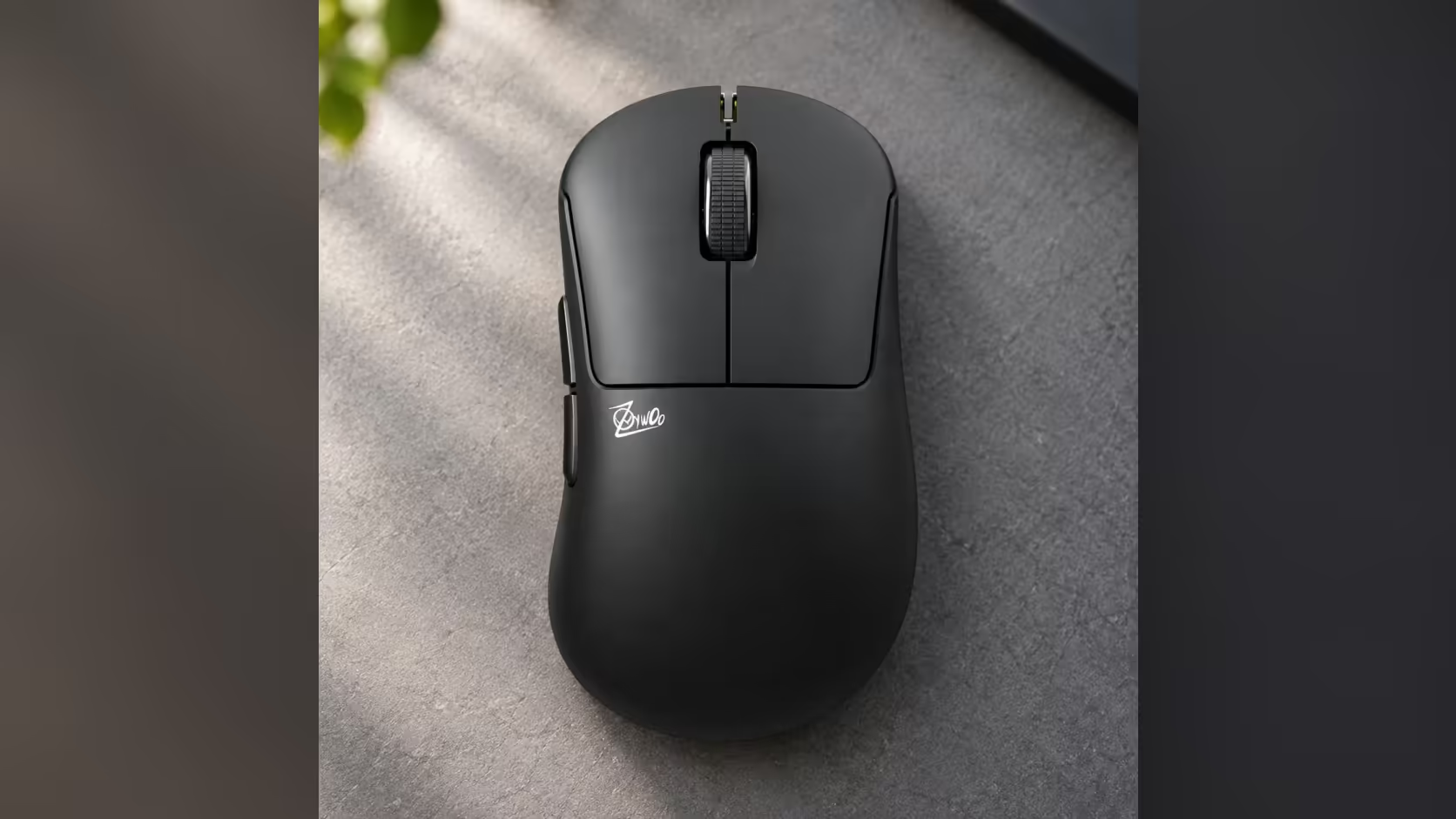
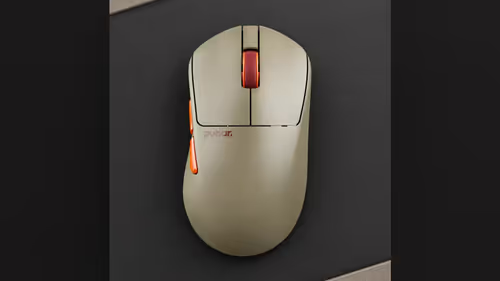
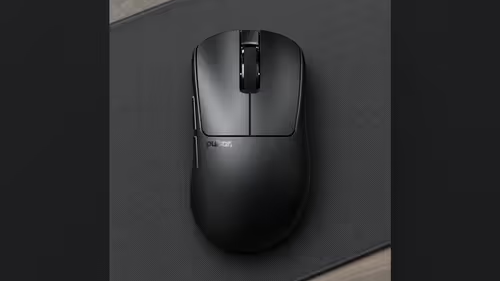
A small bar of metal and two screws decide how the Pulsar ZywOo The Chosen Gen.2 feels on your desk. The box holds a 5.8g weight bar, a screwdriver and two screws, and the bar changes both the total weight and the point the mouse balances on. That makes this a mouse you tune, so the useful question is how to tune it without going round in circles.
Quick Answer
Fit or leave off the 5.8g weight bar, then judge the change over short, repeatable sessions: slow tracking drills, then fast flicks, on the pad you already use. The mouse is listed at 62g +/-2g without the cable, and the bar moves its balance point, which is why one change at a time gives a fair test. The shell is an ergonomic palm shape, 119.4 x 67.5 x 43.5mm, so the bar suits a hand that rests on the mouse rather than lifting it.
🔩 What is in the box and what the bar actually does
Open the box and you find the mouse, the Link 8K Receiver, a USB-C cable, the 5.8g weight bar, a screwdriver and two screws. Nothing else is needed for the swap. The tools are there so that a change takes a minute at the desk, not a trip to a toolbox.
The bar is described as a module that adjusts total weight and centre of gravity. Those are two separate effects, and it helps to keep them apart:
- Total weight is what you feel when you lift the mouse and set it down again.
- Balance is what you feel when you push the front of the mouse across the pad. A mouse that feels nose-heavy tends to stay planted at the end of a flick, while a mouse that feels tail-heavy swings more easily from the back.
Evetech does not list a weight with the bar fitted and a weight without it, so do not trust anyone who quotes you a figure for either state. If a number matters to you, a kitchen scale will give you your own. The 62g +/-2g on the page is the figure to plan around.
🎯 A tuning routine that tells you something
Most people change three things at once, play for an evening and then announce a verdict. A cleaner routine takes less time and teaches more.
Step one: set a baseline
Start with the bar off. Keep your DPI, in-game sensitivity and pad exactly as they are. Spend a short session on slow tracking, then a short session on fast flicks, and note what annoyed you. Was the front end skittish on small corrections? Did the mouse feel like it wanted to keep travelling after a stop?
Step two: change just the bar
Fit the bar with the screwdriver and the two screws, then run the same two sessions. Because nothing else moved, any difference you feel comes from the bar. If tracking feels steadier but flicks feel slow to start, you have learned something real about your own hand.
Step three: settle, then leave it alone
Pick the version you can forget about. A setup that makes you think about the mouse during a match is the wrong setup, however clever it looks on paper. Write the choice down, then resist the urge to fiddle for at least a week.
If your hand drifts to a new grip during this, note it. The shell is built for palm grip, and the weight bar is aimed at a palm hand tuning how the front end behaves, so a claw hand may find the geometry more limiting than the weight.
🖥️ Tune it for the desk you actually own
A desk in a spare room or a corner of the lounge decides a lot. A home-office desk with room to glide lets you sweep without lifting, which is where extra weight at the back can feel settled. A cramped desk with a laptop beside the pad forces you to lift and reposition, and there the unfitted mouse can be the easier one to live with.
The mouse is 67.5mm wide, so check the pad has the room before you commit, and measure your hand and your free desk space at home. Evetech sells online, so the measuring happens at your own desk, with a ruler, before the order goes in.
The rest of the hardware does not change with the bar. The XS-1 sensor tops out at 32,000 DPI and 750 IPS, and you can set sensitivity in increments of 10. The the Link 8K Receiver takes polling up to 8000Hz. Getting the full 8000Hz is up to your PC: the maker asks for a Ryzen 5 or Core i5 processor, or something quicker, plus a USB 3.0 socket, and the bar has no say in that. The switches are optical, so they register a press with light rather than metal touching metal, and the double-click fault that wears into other switches does not apply.
⚙️ Software and settings once the weight is sorted
Set DPI, polling rate and button mapping in Bibimbap web software, which runs in the browser. The receiver itself carries two buttons and an LED, which lets you step DPI and make other quick changes from the dongle with no program running. The scroll wheel uses a dust-proof encoder.
Browse the full range of gaming mice on Evetech and the wireless mouse selection if you want to see where this shape sits next to others. The price for this model is shown on its product page at Evetech.
Evetech sells this mouse in South Africa. The ZywOo model and the lighter mice are listed together on the Pulsar catalogue.
Frequently Asked Questions
What does the weight module change?
It adjusts the total weight and the centre of gravity of the mouse, so the front or the rear can feel lighter or heavier in your hand.
Do I have to fit the weight bar?
No. The bar is optional, and the mouse is listed at 62g +/-2g either way. There is no separate with-bar or without-bar figure, so a kitchen scale is the way to get your own number.
What else comes in the box?
The mouse, the Link 8K Receiver, a USB-C cable, the 5.8g bar, a screwdriver and two screws.
Which grip is the shape built for?
Palm. It is an ergonomic shell, 119.4mm long, 67.5mm wide and 43.5mm tall.
Does the bar affect 8000Hz polling?
No. Polling depends on your CPU, a USB 3.0 port and the receiver, not on whether the bar is fitted.
How do I judge a change fairly?
Change one thing at a time. Run the same short tracking and flick sessions on your usual pad before and after, then compare.
Ready to tune your own mouse?
Browse the gaming mice category at Evetech, check the shape against your hand and desk, and bring the screwdriver along to your next session.