


Clean Gaming Keyboard: Guide for Dusty & Humid Conditions
Clean gaming keyboard quickly and safely in dusty or humid conditions with step-by-step tips, tool checklist, and maintenance routines to prevent corrosion and switch failure. 🧼💨
Read moreMSI MAG X870E power delivery optimization guide: improve VRM efficiency, lower temps, and boost system stability with BIOS tweaks, cooling upgrades, and airflow tuning 🔧❄️
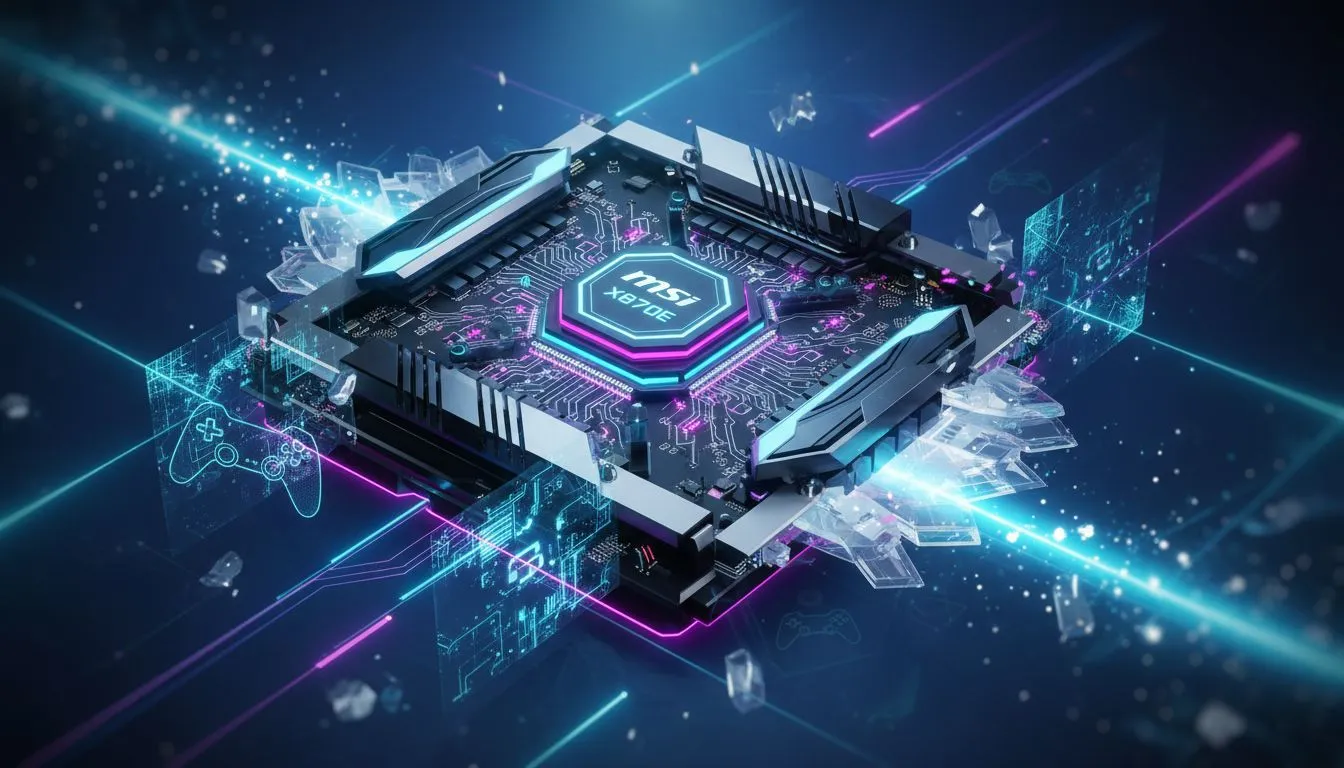
So, you’re eyeing up AMD's beastly new Ryzen 9000 series CPUs? Lekker! But before you drop one into your rig, hold up... your old motherboard might not handle the heat. Taming these new chips requires a solid foundation, and that’s where the MSI MAG X870E power delivery and cooling optimization becomes absolutely critical. Get it right, and you’ll unlock flawless performance. Get it wrong, and you’re just building a very expensive heater. ⚡
At the heart of any high-performance build is the motherboard's ability to supply clean, stable power to the CPU. This is handled by the Voltage Regulator Modules, or VRMs. Think of them as the CPU's personal power plant. For the demanding Ryzen 9000 series, a weak VRM setup will lead to instability and performance throttling, no matter how good your CPU cooler is. This is where the engineering behind the MAG X870E's power delivery truly shines.
MSI has equipped boards like the MSI MAG X870E TOMAHAWK MAX WIFI with a robust power phase design specifically to handle the transient loads of next-gen processors. This means more stability when boosting to high clock speeds and a longer lifespan for your components. Proper MSI MAG X870E power delivery isn't just a feature; it's the core of a reliable gaming machine.
All that power generates heat, and heat is the enemy of performance. Effective cooling is non-negotiable. The best MSI MAG X870E cooling optimization strategy starts with understanding the board's own features. MSI has included an extended heatsink that covers the VRMs, ensuring they stay cool under heavy gaming or rendering loads. This massive piece of aluminium is designed to maximise surface area for heat dissipation.
Furthermore, with Gen5 NVMe SSDs becoming standard, M.2 cooling is also crucial. The onboard M.2 Shield Frozr prevents your super-fast storage from thermal throttling, which can drastically slow down game loading times and file transfers. When planning your build, ensuring your case has excellent airflow to complement these features is key. This synergy is what separates a good build from a great one, and it's a core principle across all the latest AMD motherboards.
Before you even install Windows, jump into your BIOS. Look for the 'CPU Fan Control' settings and switch from 'Auto' to 'PWM' mode if you're using a 4-pin fan. This gives you much finer control over your fan curves, allowing you to ramp up cooling precisely when the CPU is under load, keeping temperatures and noise levels perfectly optimised.
So, should you invest in an X870E board? If you're building a new PC with a Ryzen 9000 series CPU and want to extract every drop of performance without worrying about stability, the answer is a resounding yes. This platform is for the serious gamer and creator who values future-proofing and reliability. It's an investment in a system that won't hold you back. ✨
While there are many great motherboard options across different price points, pairing a top-tier CPU with a motherboard that can't keep up is a recipe for disappointment. The focus on MSI MAG X870E power delivery and cooling optimization ensures your powerful new processor has the rock-solid foundation it needs to truly fly. 🚀
Ready to Build Your Next-Gen Foundation? The right motherboard is the heart of a stable, high-performance PC. For the new era of AMD processors, a board with robust power and cooling isn't a luxury... it's a necessity. Explore our full range of AMD motherboards and find the perfect platform to build your dream rig.
Improve case airflow, add VRM heatsinks or fans, and apply better thermal pads; these VRM cooling steps reduce temps quickly.
Enable optimized Vcore and VRM thermal limits, tune load-line calibration and power phase control in BIOS settings MSI X870E power for stability.
Yes—quality VRM heatsinks and thermal pads boost heat transfer and VRM cooling efficiency on the MAG X870E.
Positive-pressure front intake with top and rear exhaust improves case airflow for X870E and directs cool air to VRMs and CPU.
Undervolting or lowering power limits can reduce VRM load and temps; try conservative CPU limits to increase VRM longevity.
High-performance AIOs or large tower air coolers maintain CPU temps and reduce VRM stress; best CPU cooler for X870E varies by case.
Yes—use MSI Center or HWinfo to monitor VRM temps and power draw in real time to spot issues with power delivery MSI MAG X870E.
High-quality thermal pads improve contact between VRMs and heatsinks and significantly increase VRM cooling effectiveness.
Clean gaming keyboard quickly and safely in dusty or humid conditions with step-by-step tips, tool checklist, and maintenance routines to prevent corrosion and switch failure. 🧼💨
Read more
Best gaming keyboard features to prioritize when building a high-end setup: mechanical switches, low latency, hot-swap, RGB, macros, durability and ergonomics 🎮⌨️
Read more
Custom actuation point keyboard setup guide: learn to set per-key actuation on your analog gaming keyboard for faster, precise inputs and better control 🎮⚙️
Read more
Cable management for home entertainment helps you eliminate cable clutter quickly and safely. Learn routing, concealment, and product picks to tidy your setup fast 📺🔌
Read more
conference room setup Microsoft Teams Zoom: Upgrade AV, camera, mic, and network to ensure seamless meetings, clear audio, and crisp video 🎯🔧
Read more
• Audit setup • Link accounts • Configure ViewBoard • Test workflows Integrate Google Workspace with ViewSonic ViewBoard to enable secure SSO, calendar and Drive sync, and smooth collaborative whiteboarding 🔗📋
Read more
Discover webcams that automatically adjust light and color for crystal-clear video calls 🎥✨. Boost your streaming quality today!
Read more
Discover webcams that blend into your workflow 🎯 Capture moments while you work, stream, or create. Upgrade your setup with smart, multitasking tech!
Read more
Dedicated media keys give streamers one-touch control to mute, switch scenes, clip highlights, and adjust audio — cutting task time and boosting consistency 🎛️⚡
Read more
PBT vs ABS keycaps: Clear, local guide for South African gamers—compare feel, sound, durability and where to buy. Find the best material for your budget and playstyle 🎮🇿🇦
Read more
- Multi-Function Digital Dial: define benefits - Show gamer setups and macros - Offer buying and setup tips Multi-Function Digital Dial puts programmable control at your fingertips for faster actions and smoother streaming. 🎮⚙️
Read more
- Explain benefits; - Show the science; - Compare options; - Recommend picks. Magnetic wrist rest for gaming cuts wrist strain and boosts comfort during long sessions 🕹️✨
Read more