


Clean Gaming Keyboard: Guide for Dusty & Humid Conditions
Clean gaming keyboard quickly and safely in dusty or humid conditions with step-by-step tips, tool checklist, and maintenance routines to prevent corrosion and switch failure. 🧼💨
Read more- NAS SSD backup plan: choose SSD NAS, layout, and RAID; - Optimize network and connections; - Automate backups and versioning. NAS SSD backup guide shows how to set up faster photo and video backups at home with practical speed tips. ⚡📸
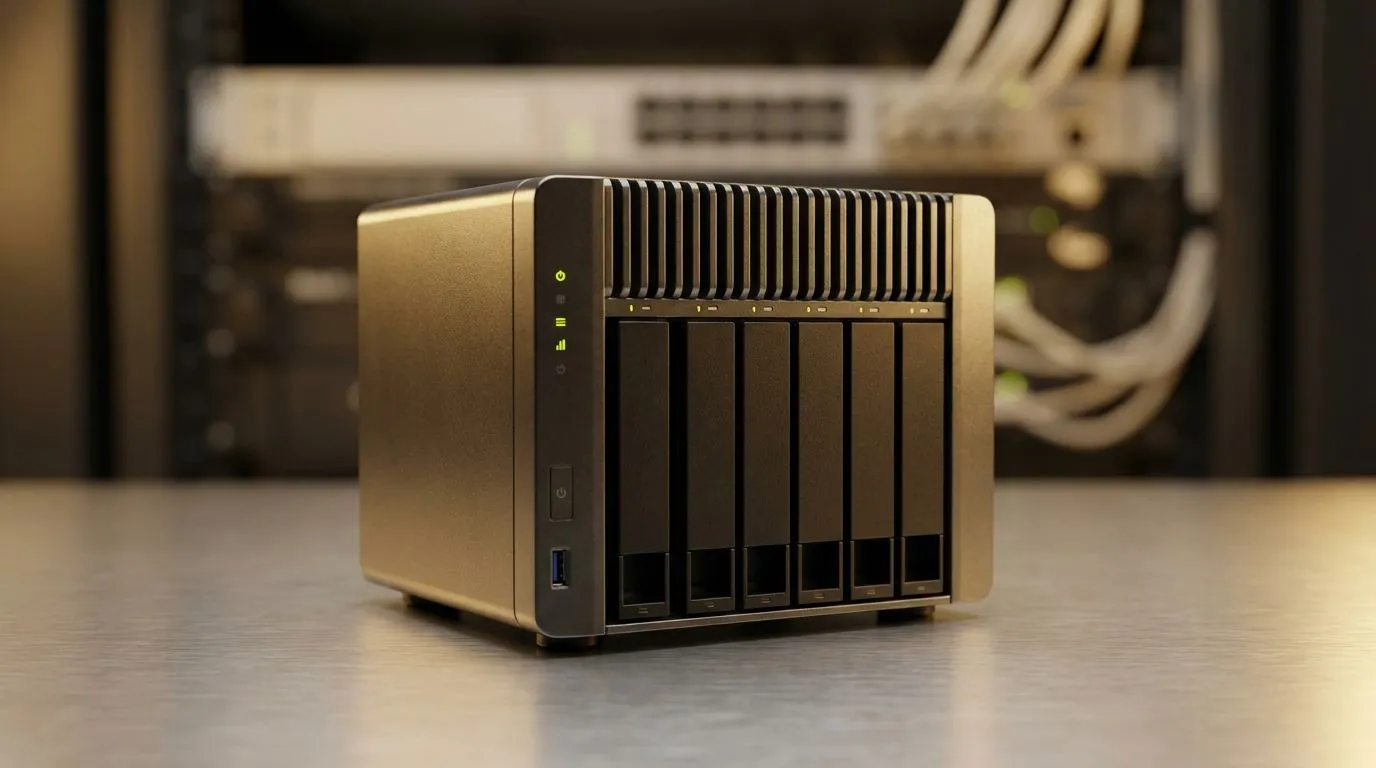
Tired of waiting for Loadshedding to end while your 4K footage crawls onto a spinning drive? If you are a local creator or gamer, you know the pain of slow transfers. Upgrading to a NAS SSD backup for faster photo and video backups at home is the secret to reclaiming your precious time. Let us look at why ditching old HDDs is the best move for your South African setup. ⚡
Mechanical hard drives served us well for decades, but modern file sizes have outgrown them. A single 4K video project can easily exceed 100GB. Moving that much data over a traditional network attached storage (NAS) setup using spinning disks can take hours. By switching to high-performance solid state drives, you eliminate the physical seek time of a needle moving across a platter.
This transition is not just about raw speed... it is about reliability. SSDs have no moving parts, making them far more resilient to the occasional bump or vibration in a busy home office. When you choose trusted Western Digital NAS drives, you are investing in hardware designed to stay cool and quiet while you work.
Not all SSDs are created equal. If your NAS supports M.2 slots, you should look at PCI Express (NVME) models for the best possible throughput. These drives bypass the limitations of older SATA controllers, allowing your network to breathe. For those building the ultimate future-proof rig, Gen 5 (NVME) technology offers speeds that were unthinkable just a few years ago.
To truly see the benefit of SSDs in your NAS, ensure your home network is at least 2.5GbE or 10GbE. A standard 1Gbps connection will bottleneck even a basic SATA SSD, so upgrading your switch is just as important as the drives themselves.
In South Africa, we value hardware that lasts. Brands like Kingston have built a reputation for consistency. Opting for Kingston SSDs provides a great balance of price and performance for home users. If you need high endurance for constant read and write cycles, the ADATA storage solutions offer excellent thermal management to prevent throttling during long backup sessions.
Sometimes you need to take your data on the road. A NAS is great for central storage, but having a portable copy is vital for on-site shoots. You can find a massive range of external SSD options that allow you to offload footage quickly before syncing it to your main NAS later. 🔧
Using external form factor drives means you can edit directly off the drive without lag. This hybrid approach ensures your "NAS SSD backup for faster photo and video backups at home" strategy is complete, covering both your desk and your gear bag. Whether you are spending R1,500 or R5,000, the jump in productivity is immediate. ✨
Ready to Find Your Perfect Match? Slow storage is a bottleneck you no longer have to tolerate. For maximum speed, choice, and value in South Africa, upgrading your NAS with SSDs is the ultimate workflow win. Explore our massive range of SSD specials and find the perfect drive to conquer your data.
A NAS SSD backup stores copies on SSD-equipped NAS units for faster reads/writes and quicker photo/video restores compared to HDD NAS.
SSD NAS can be 2–10x faster on small file transfers and reduce backup windows significantly; results depend on network and RAID setup.
Not always. 2.5GbE or 5GbE plus good cabling and link aggregation often delivers major gains for photo and video backups.
Use client tools or rsync/Sync software, enable versioning, schedule incremental backups, and point catalogs (Lightroom) to the NAS SSD.
Use RAID 1 or RAID 10 for redundancy; RAID is for availability, not a replacement for separate offsite backups.
Yes. Copy initial archives to an external SSD, then import into the NAS SSD to avoid long first-run network transfers.
Look for SSD-optimized controllers, NVMe caching, multi-gig Ethernet, snapshot/versioning, and reliable sync tools for fast workflows.
Clean gaming keyboard quickly and safely in dusty or humid conditions with step-by-step tips, tool checklist, and maintenance routines to prevent corrosion and switch failure. 🧼💨
Read more
Best gaming keyboard features to prioritize when building a high-end setup: mechanical switches, low latency, hot-swap, RGB, macros, durability and ergonomics 🎮⌨️
Read more
Custom actuation point keyboard setup guide: learn to set per-key actuation on your analog gaming keyboard for faster, precise inputs and better control 🎮⚙️
Read more
Cable management for home entertainment helps you eliminate cable clutter quickly and safely. Learn routing, concealment, and product picks to tidy your setup fast 📺🔌
Read more
conference room setup Microsoft Teams Zoom: Upgrade AV, camera, mic, and network to ensure seamless meetings, clear audio, and crisp video 🎯🔧
Read more
• Audit setup • Link accounts • Configure ViewBoard • Test workflows Integrate Google Workspace with ViewSonic ViewBoard to enable secure SSO, calendar and Drive sync, and smooth collaborative whiteboarding 🔗📋
Read more
Discover webcams that automatically adjust light and color for crystal-clear video calls 🎥✨. Boost your streaming quality today!

Discover webcams that blend into your workflow 🎯 Capture moments while you work, stream, or create. Upgrade your setup with smart, multitasking tech!

Dedicated media keys give streamers one-touch control to mute, switch scenes, clip highlights, and adjust audio — cutting task time and boosting consistency 🎛️⚡

PBT vs ABS keycaps: Clear, local guide for South African gamers—compare feel, sound, durability and where to buy. Find the best material for your budget and playstyle 🎮🇿🇦

- Multi-Function Digital Dial: define benefits - Show gamer setups and macros - Offer buying and setup tips Multi-Function Digital Dial puts programmable control at your fingertips for faster actions and smoother streaming. 🎮⚙️

- Explain benefits; - Show the science; - Compare options; - Recommend picks. Magnetic wrist rest for gaming cuts wrist strain and boosts comfort during long sessions 🕹️✨