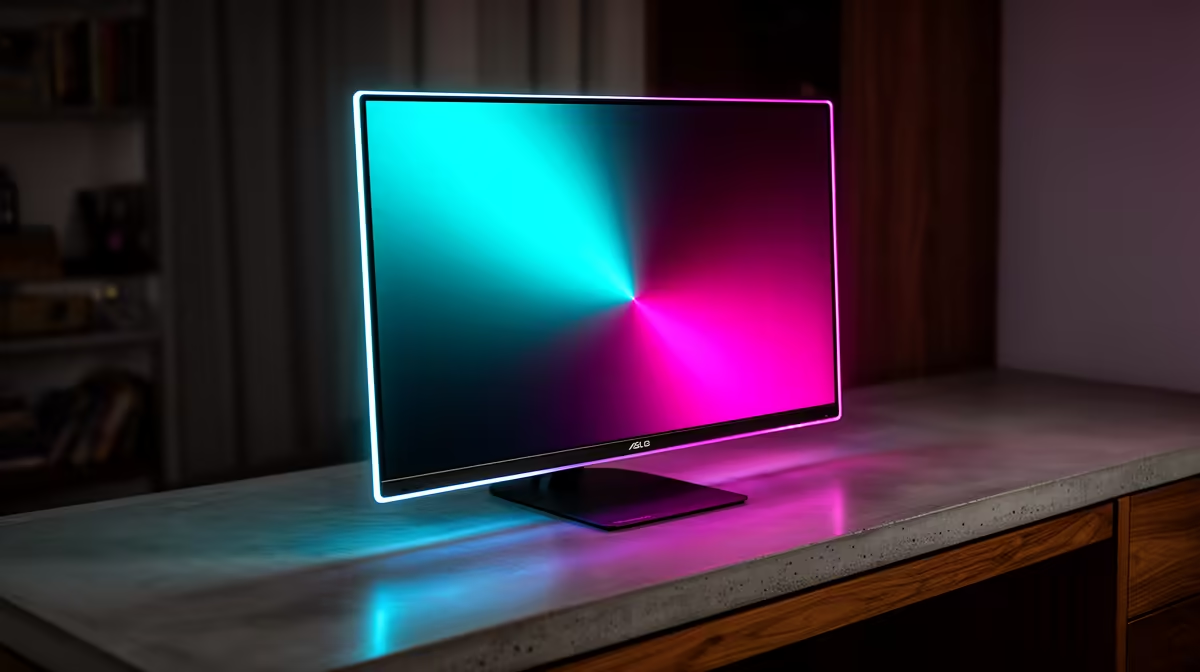
Alienware 27 240Hz QD-OLED Gaming Monitor- AW2726DM at R6731 suits a student desk where fast esports play and strong contrast matter, making it the first OLED gaming monitor to consider for a shared res setup. Its 27-inch class screen size keeps the footprint sensible, while the 240Hz refresh rate gives smoother motion than basic high-refresh LCD options.
OLED monitor picks for a compact desk
The Asus ROG Strix OLED XG27AQDMG gaming monitor at R8721 is another strong fit when the desk has to handle study notes, a laptop stand, and a console or PC tower nearby. Its 27-inch class panel, with 26.5-inch viewable size, gives enough room for a browser, Discord, and a game without feeling oversized in a tight room.
For a sharper premium setup, the ASUS ROG Swift OLED PG27UCDM at R19300 brings a 26.5-inch 3840 x 2160p 4K UHD panel with 240Hz and 0.03 response. That makes more sense for a cleaner creator-and-gaming desk where text clarity, single-player visuals, and fast response all need to sit on one screen.
Res Room Setup Notes
Place the monitor where glare from the window does not hit the panel directly, and keep the screen slightly back from the edge so the keyboard, notes, and headset still have space. The LG UltraGear 27" QHD OLED Gaming 480Hz 0,03ms Monitor at R14000 is best for a serious gaming corner because its 480Hz refresh rate rewards a PC setup built for very high frame rates.
Ready to choose the right oled monitor?
Use Alienware 27 240Hz QD-OLED Gaming Monitor- AW2726DM at R6,731 as the gaming room benchmark, then check whether (3 in stock) matches the space, workload, and upgrade path.