Quick Answer
A R20,000 music-production build for Paarl producers should prioritise CPU cores and RAM over the GPU: a Ryzen 7 7700 (8 cores), 32 GB DDR5, a 1 TB NVMe SSD and a quiet PSU handle large Ableton, FL Studio or Logic-equivalent projects with 60+ tracks and heavy VST chains. Add a USB audio interface like a Focusrite Scarlett Solo or 2i2 (around R3,500) for clean, low-latency recording.
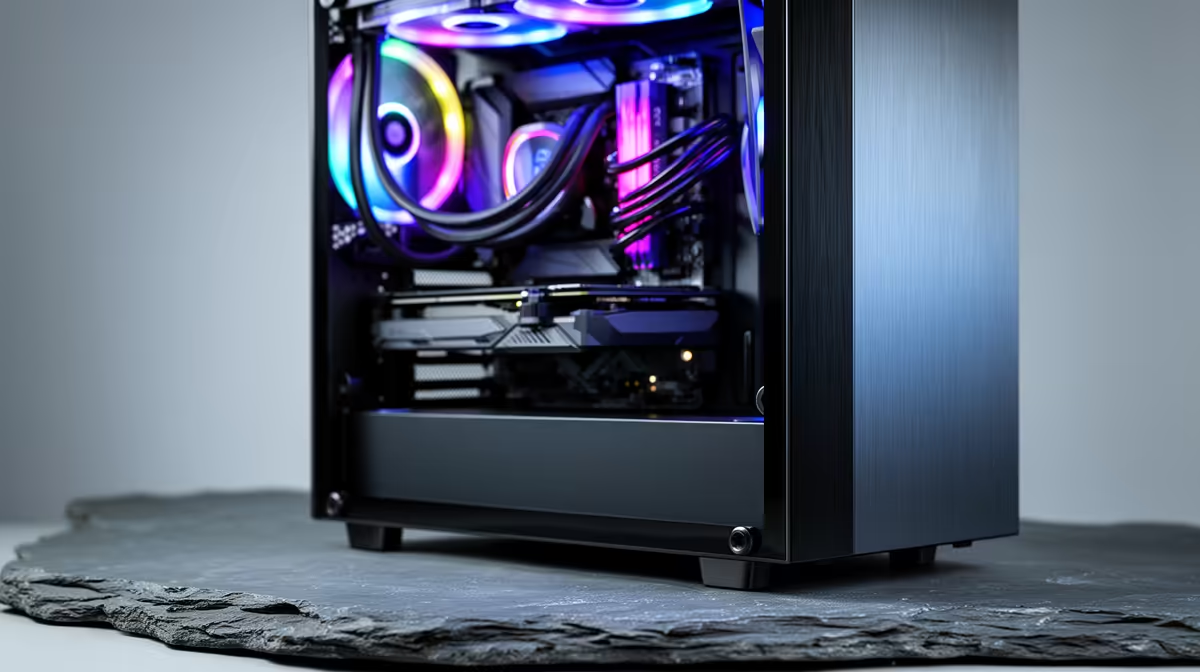
A R20,000 DAW build, part by part
Music production is CPU- and RAM-bound, not GPU-bound, so spend accordingly:
- CPU: Ryzen 7 7700 8-core (~R6,000) - more cores mean more simultaneous VST instruments
- RAM: 32 GB DDR5-6000 (~R2,000) - sample libraries (Kontakt, orchestral) are memory-hungry
- Storage: 1 TB NVMe for OS/DAW plus a 1 TB drive for sample libraries (~R2,400)
- GPU: integrated graphics or a cheap card is fine - a DAW barely touches the GPU
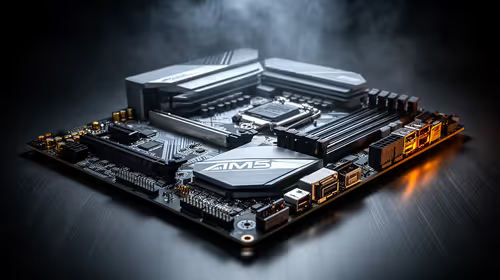
- Board/PSU/Case: B650, quiet 550-650 W Gold, low-noise case (~R4,000)
This leaves roughly R3,500 in the R20,000 budget for the audio interface.
DAW fit and the audio interface
FL Studio, Ableton Live and Reaper all run well on this spec; Logic is macOS-only, so Windows producers usually choose Ableton or FL Studio. The key add-on is a USB audio interface: a Focusrite Scarlett Solo (1 input) or 2i2 (2 inputs) gives you a clean mic preamp, near-zero latency monitoring and balanced outputs for studio monitors. A quiet PC matters here because the mic will pick up fan noise, so choose low-RPM fans.
FAQ
Do I need a powerful GPU for music production?
No. DAWs like Ableton and FL Studio rely on CPU and RAM, not the GPU. Integrated graphics or an entry-level card is fine; put the saved budget into more CPU cores, RAM and a good audio interface.
How much RAM for music production?
32 GB DDR5 is the sweet spot. Large sample libraries (Kontakt, orchestral packs) load into RAM, and 16 GB fills up fast on bigger projects. 32 GB keeps your session responsive.
Why do I need an audio interface?
A USB interface like the Focusrite Scarlett 2i2 (~R3,500) provides a clean mic preamp, low-latency monitoring and balanced outputs that a motherboard's built-in audio cannot match for recording.
audio interface buffer to 128 samples while recording for low latency, then raise it to 512-1024 samples when mixing to free up CPU for plugins.