


Clean Gaming Keyboard: Guide for Dusty & Humid Conditions
Clean gaming keyboard quickly and safely in dusty or humid conditions with step-by-step tips, tool checklist, and maintenance routines to prevent corrosion and switch failure. 🧼💨
Read moreBuilding your first PC? Our comprehensive **PC build PSU guide** demystifies power supply wattage, crucial cabling, and efficiency ratings. Learn how to pick the perfect PSU and manage cables like a pro for a stable, future-proof system. Get started right! 💡🔌
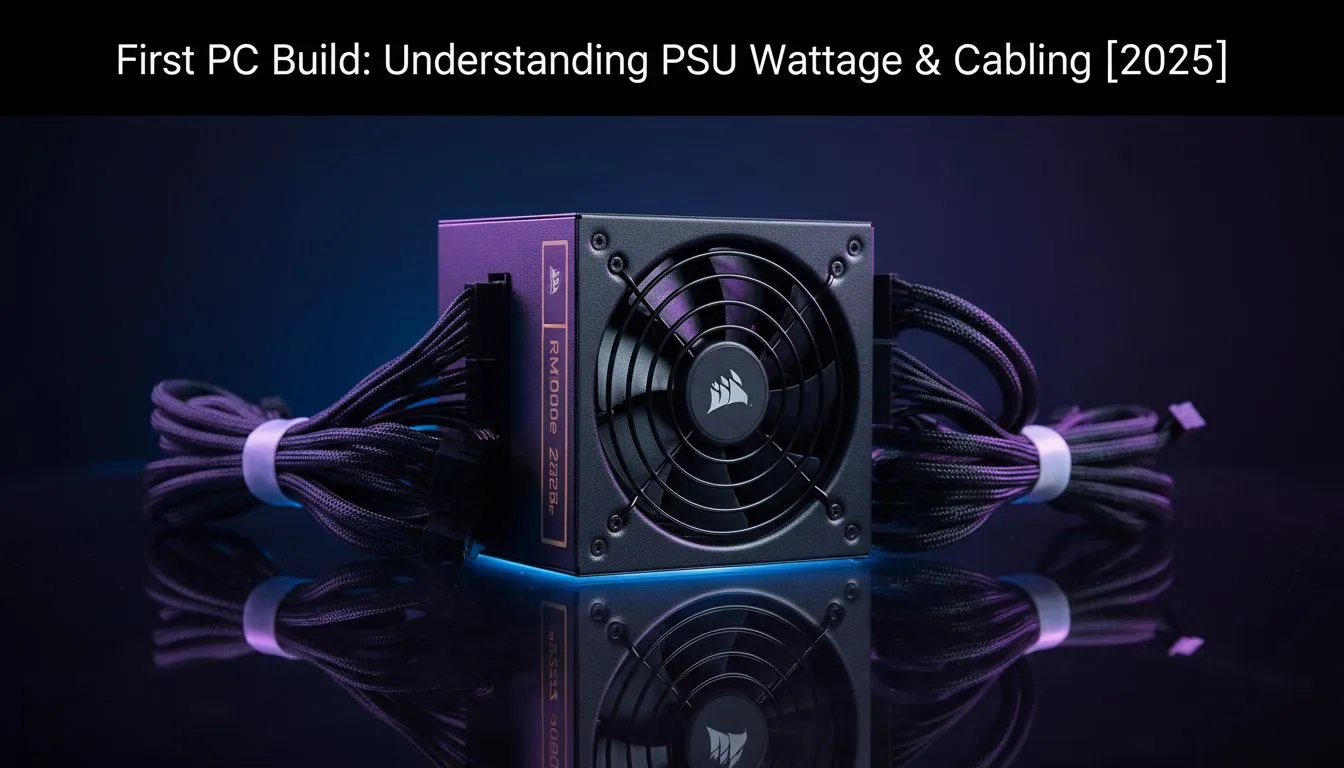
Building your first gaming PC in South Africa is an absolute thrill. You've picked your CPU, obsessed over the GPU... and now you're staring at a box called a PSU. What on earth is a "Gold rating"? Is 750W enough? It’s confusing, we get it. But choosing the right Power Supply Unit is the single most important step for a stable rig. This PC build PSU guide will make sure you get it right.
Think of your PSU as the heart of your PC. It takes the unpredictable power from your wall socket (especially during load shedding) and transforms it into stable, clean energy for your expensive components. A cheap, low-quality PSU can cause random crashes, poor performance, and even permanently damage your graphics card or motherboard.
Skimping on the power supply is a classic rookie mistake. A good one, however, provides peace of mind, system stability, and room for future upgrades. It’s not just about wattage; it’s about quality and reliability.
So, how much power do you actually need? The biggest power consumers in your rig are the CPU and the graphics card (GPU).
A simple rule of thumb for your first rig is:
This extra capacity, or "headroom," ensures your PSU isn't constantly running at its maximum limit. This makes it run cooler, quieter, and more efficiently. It also gives you the freedom to upgrade your components later without needing a whole new power supply. For a modern mid-range build, a quality 750W-850W unit from high-quality brands like Corsair is a fantastic and future-proof starting point.
You'll see labels like "80 PLUS Bronze," "Gold," or "Platinum" on PSU boxes. This isn't just marketing fluff. It’s a certification for energy efficiency. An 80 PLUS Gold PSU, for example, is guaranteed to be at least 87% efficient at converting AC power from the wall to DC power for your PC.
What does this mean for you in South Africa?
For most gamers, a Gold-rated PSU hits the sweet spot between price and performance. You can easily check out our 80 PLUS certified units to see the difference.
An 80 PLUS Gold PSU might cost a few hundred Rand more than a Bronze one upfront. But over its 5-10 year lifespan, the electricity savings in South Africa can easily pay back that initial difference, especially with rising energy costs. Think of it as a long-term investment in a lower power bill.
PSU cabling determines how easy your build process will be. There are three main types:
For a first-time builder, a semi-modular or fully-modular PSU is highly recommended. The easier building experience is worth the small price premium. Many modern power supplies, including options from brands like GAMDIAS that often provide great value, come in modular variants.
Choosing the right PSU isn't scary when you know what to look for. Focus on getting enough wattage with some headroom, aim for an 80 PLUS Gold rating for efficiency, and pick a modular design for an easier build. Get this one component right, and your first PC rig will be set for years of epic gaming. 🚀
Ready to Power Up Your Dream Rig? Choosing the right PSU is the first step to a stable, powerful PC. We've got the perfect power supply to bring your build to life, with options for every budget and performance goal. Explore our massive range of PC power supplies and find the perfect heart for your machine.
Calculate your total component power draw (CPU, GPU, etc.) and add a 20-30% buffer for efficiency and future upgrades. A 650-750W PSU is often ideal for entry-level to mid-range builds.
Modular PSUs let you connect only necessary cables, improving airflow and **PSU cable management** for first-timers. Non-modular have all cables permanently attached, which can be messier.
Connect the 24-pin ATX and 8-pin EPS (CPU) cables to the motherboard. GPUs use PCIe cables, and drives use SATA power. Consult your PSU and component manuals for specific ports.
It's generally not recommended. Older PSUs might lack sufficient wattage, modern connectors, or safety features for new components. Prioritize a new, reliable PSU for stability.
These ratings indicate how efficiently a PSU converts AC to DC power, with higher ratings meaning less wasted energy and heat. Aim for at least 80 Plus Bronze for good value.
Always unplug the PSU before handling. Avoid mixing modular cables from different PSUs. Ensure proper grounding and don't overload outlets. Handle components carefully to prevent static discharge.
Signs include random shutdowns, system instability under load, unusual noises, or components not receiving power. Use a **PSU wattage calculator** to confirm if your current unit meets demand.
Clean gaming keyboard quickly and safely in dusty or humid conditions with step-by-step tips, tool checklist, and maintenance routines to prevent corrosion and switch failure. 🧼💨
Read more
Best gaming keyboard features to prioritize when building a high-end setup: mechanical switches, low latency, hot-swap, RGB, macros, durability and ergonomics 🎮⌨️
Read more
Custom actuation point keyboard setup guide: learn to set per-key actuation on your analog gaming keyboard for faster, precise inputs and better control 🎮⚙️
Read more
Cable management for home entertainment helps you eliminate cable clutter quickly and safely. Learn routing, concealment, and product picks to tidy your setup fast 📺🔌
Read more
conference room setup Microsoft Teams Zoom: Upgrade AV, camera, mic, and network to ensure seamless meetings, clear audio, and crisp video 🎯🔧
Read more
• Audit setup • Link accounts • Configure ViewBoard • Test workflows Integrate Google Workspace with ViewSonic ViewBoard to enable secure SSO, calendar and Drive sync, and smooth collaborative whiteboarding 🔗📋
Read more
Discover webcams that automatically adjust light and color for crystal-clear video calls 🎥✨. Boost your streaming quality today!
Read more
Discover webcams that blend into your workflow 🎯 Capture moments while you work, stream, or create. Upgrade your setup with smart, multitasking tech!
Read more
Dedicated media keys give streamers one-touch control to mute, switch scenes, clip highlights, and adjust audio — cutting task time and boosting consistency 🎛️⚡
Read more
PBT vs ABS keycaps: Clear, local guide for South African gamers—compare feel, sound, durability and where to buy. Find the best material for your budget and playstyle 🎮🇿🇦
Read more
- Multi-Function Digital Dial: define benefits - Show gamer setups and macros - Offer buying and setup tips Multi-Function Digital Dial puts programmable control at your fingertips for faster actions and smoother streaming. 🎮⚙️
Read more
- Explain benefits; - Show the science; - Compare options; - Recommend picks. Magnetic wrist rest for gaming cuts wrist strain and boosts comfort during long sessions 🕹️✨
Read more