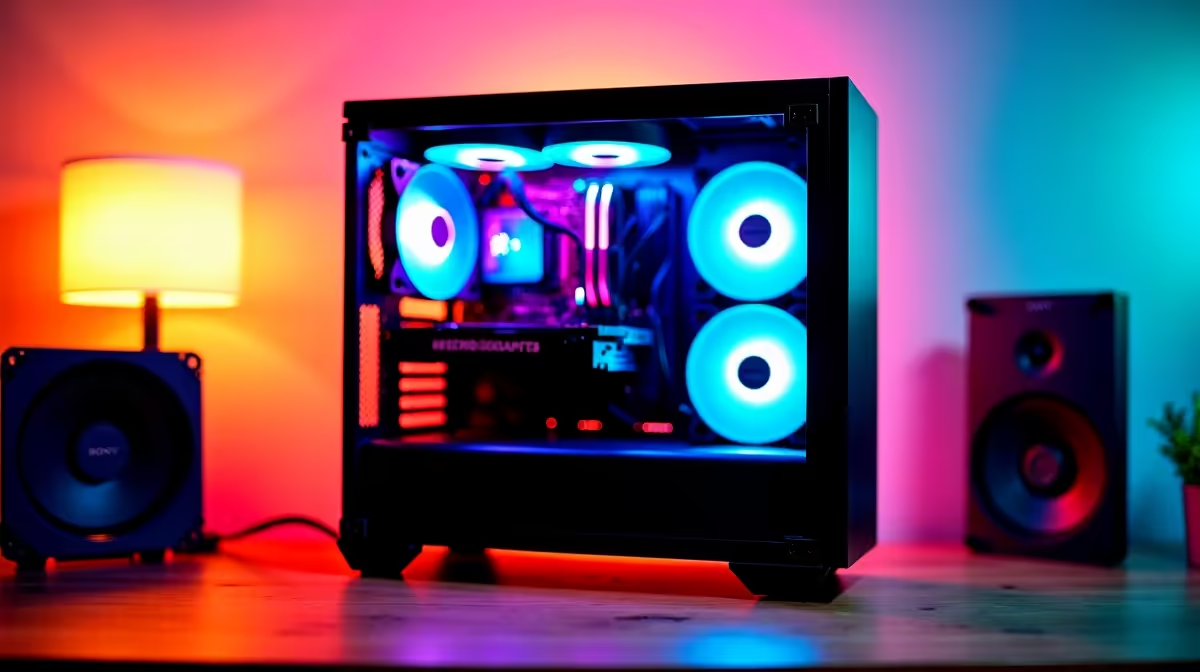
Keen to get your child off the couch and into a hobby that builds real-world skills? Forget passive screen time. PC building for kids in South Africa is like digital LEGOs on steroids… a hands-on adventure that teaches problem-solving, patience, and how technology actually works. It’s the ultimate STEM project that ends with them having a machine they built themselves, ready for homework, creativity, and of course, a bit of Fortnite. 🚀
Why PC Building for Kids is a Brilliant Idea
Embarking on a PC building journey with your child is more than just assembling parts; it's about building confidence and future-proof skills. In today's digital world, understanding the hardware that powers our lives is a massive advantage. This project demystifies technology, transforming your child from a passive consumer into an active creator.
The process teaches valuable lessons in:
- Problem-Solving: What happens when it doesn’t boot up? They'll learn to troubleshoot and think critically.
- Patience & Focus: Following instructions and handling delicate components requires concentration.
- Budgeting: Planning a build within a certain budget is a practical maths lesson.
- Achievement: The pride of hitting that power button and seeing their creation light up is priceless. ✨
This hands-on experience in PC building for kids provides a foundation for understanding STEM concepts in a fun, tangible way.
Getting Started: The Essential Parts for a First Build
Diving into PC components can seem daunting, but it's simpler than you think. Think of it as a shopping list for a high-tech recipe. Every PC needs a few core ingredients to function.
Here’s a quick, kid-friendly breakdown:
- CPU (The Brain): This is the processor, like an engine that does all the thinking and calculations.
- Motherboard (The Skeleton): A big circuit board that connects everything together.
- RAM (Short-Term Memory): This is where the PC holds things it's working on right now, making apps run fast.
- Storage (Long-Term Memory): A Solid-State Drive (SSD) or Hard Drive (HDD) where all the games, files, and the operating system are kept.
- GPU (The Artist): The Graphics Card creates all the cool visuals you see on the screen. This is super important for gaming!
- PSU (The Heart): The Power Supply Unit delivers electricity to all the other parts.
- Case (The Armour): This is the cool-looking box that protects everything inside.
You don't need the most expensive parts for a fantastic first experience. Many budget gaming PCs use a smart mix of components to deliver great performance without breaking the bank.
Safety First! ⚡
Before you or your child handle any components like the RAM or motherboard, touch a metal part of the PC case while it's unplugged. This discharges any static electricity from your body, protecting the delicate electronics from damage. It's a simple but crucial step for any PC builder!
A Simple Guide to PC Building for Kids in South Africa
The key to a successful first build is planning and taking your time. This isn't a race! It's a fantastic parent-child bonding project. 🔧
Step 1: Set Your Budget and Pick Your Parts
This is where the real-world maths comes in. Decide on a budget together. Will it be a starter rig or something more powerful? Exploring builds in different price brackets is a great way to understand what's possible. You can get a solid gaming setup with our options for PCs under R20k, or look at more powerful configurations with our range of PCs above R20k for those wanting extra performance.
Step 2: Assemble It Together
Once the parts arrive, set aside an afternoon. Clear a large table, lay out all the components, and find a good step-by-step tutorial on YouTube to follow along with. The motherboard manual is your best friend! The physical process of seating the CPU, clicking in the RAM, and routing the cables is an incredibly satisfying puzzle.
Step 3: The Magical First Boot
There's no feeling quite like hitting the power button for the first time and seeing the screen light up. This is the moment of truth where all your hard work pays off. Installing the operating system and their favourite games is the final victory lap.
The Alternative: Is a Pre-Built PC a Better Choice?
While the DIY approach to PC building for kids is incredibly rewarding, it’s not for every family. Time constraints, nerves about handling expensive parts, and the desire for a warranty-backed, plug-and-play solution are all perfectly valid reasons to choose a different path.
That’s where pre-built PCs shine. You get a professionally assembled, optimised, and stress-tested machine right out of the box. Our technicians handle the tricky cable management and ensure every component works perfectly together. This lets your child jump straight into the action without the hassle. Exploring our fantastic pre-built PC deals is a great way to get guaranteed performance and peace of mind.
Ready to Start the Adventure?
Whether you're building from scratch or looking for a ready-to-go powerhouse, the journey into PC gaming is incredible. A custom build is a rewarding project, but our expertly assembled machines offer peace of mind and top-tier performance out of the box. Explore our massive range of gaming PC deals and find the perfect rig to kickstart your child's tech journey.