


Clean Gaming Keyboard: Guide for Dusty & Humid Conditions
Clean gaming keyboard quickly and safely in dusty or humid conditions with step-by-step tips, tool checklist, and maintenance routines to prevent corrosion and switch failure. 🧼💨
Read moreMaster your PC cable management with our expert guide for South African builders. Learn how to transform a messy rig into a clean, cool, and high-performing machine. We cover everything from basic tips to advanced techniques for better airflow and aesthetics. Tidy up your setup today! 🖥️✨
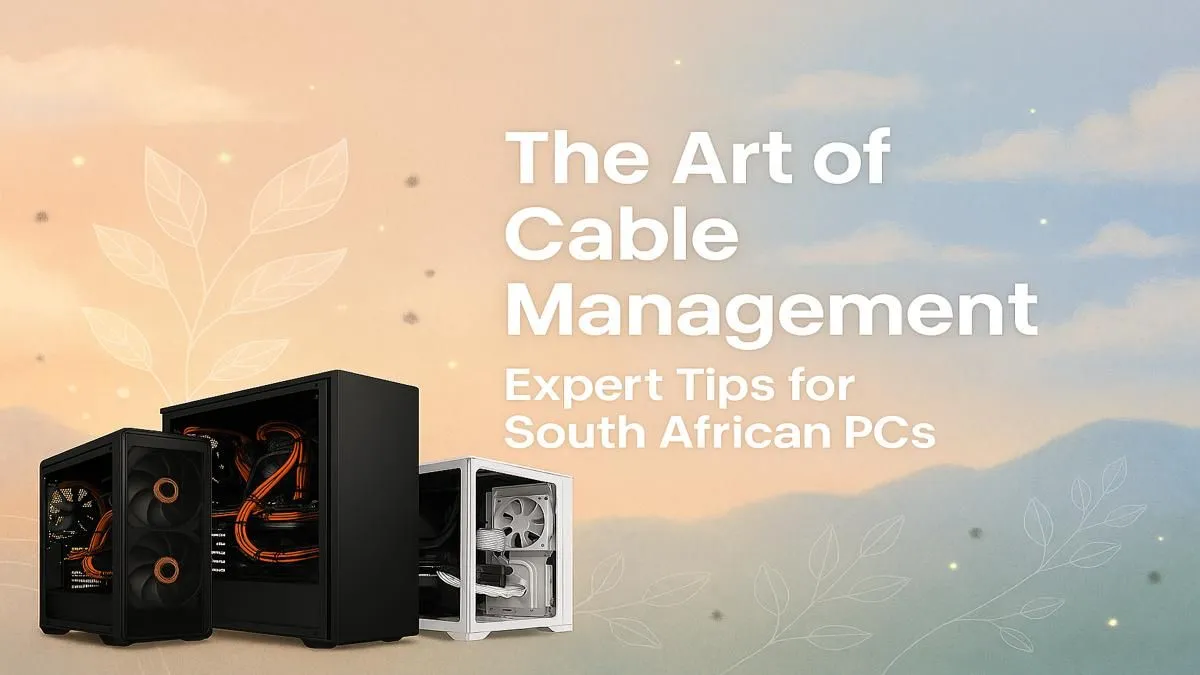
Is that tangled mess of cables behind your PC's glass panel giving you anxiety? We've all been there. That 'spaghetti monster' isn't just an eyesore; it's actively choking your PC's airflow and turning simple upgrades into a frustrating puzzle. But don't stress, boet. Mastering PC cable management is easier than you think, and it's the secret to transforming your rig from a chaotic mess into a clean, cool, and efficient powerhouse. Let’s get your South African build looking sharp. ✨
Before you start plugging things in, it's crucial to understand why this process is so important. It's not just about aesthetics, though a clean build certainly looks incredible. The benefits of proper PC cable management are practical and performance-oriented.
Ready to roll up your sleeves? Tackling your cables systematically is the key to success. Don't just connect things randomly; follow a plan.
Take a moment to look at your case. Identify the cable routing holes, grommets, and tie-down points. The goal is to run as many cables as possible behind the motherboard tray, keeping them out of sight and out of the main airflow path.
Begin with the largest cables: the 24-pin motherboard power and the 8-pin CPU power. Route these through the back of the case first, bringing them out through the cutouts closest to their respective sockets. This gets the bulkiest wires out of the way immediately. This principle applies to all builds, from affordable budget gaming PCs to high-end monsters.
These are the small, fiddly wires. Group the front panel connectors (power, reset, LED) together and route them as a single bundle. Do the same for your case fan cables. Using the routing channels in your case here is essential for a clean look, a detail that makes all the difference in popular PCs under R20k.
For bundling cables behind the motherboard tray, don't pull zip ties super tight at first. Keep them loose until all cables are routed. Then, working from one end to the other, gently tighten them to create clean 'runs'. This prevents pinching and makes future adjustments much easier. Once you're happy, snip the excess ends for a professional finish.
Finally, connect your GPU power cables and any SATA power/data cables for your drives. For the GPU, try to route the power cables from below the card if your case allows, as this often looks cleaner than draping them over the top.
While DIY PC cable management is a rewarding skill, sometimes it's best to leave it to the experts. If you're building a top-tier machine with complex liquid cooling or extensive RGB lighting, managing the sheer volume of cables can become a serious challenge. The intricate wiring in many PCs above R20k requires a level of patience and experience that can be overwhelming for a first-timer.
For many South African gamers, the convenience and guaranteed quality of a professionally assembled PC are unbeatable. Our technicians have built thousands of rigs and perfected the art of clean cable routing. If you want a flawless setup without the hassle, exploring our pre-built PC deals is a fantastic option. You get all the performance and pristine aesthetics, ready to go right out of the box. Ultimately, whether you build or buy, a tidy interior is a hallmark of the best gaming PC deals because it ensures your hardware can perform at its peak. 🚀
Ready for a Flawlessly Clean Build? Great PC cable management is the signature of a true enthusiast. It boosts performance and looks incredible. Whether you're building your dream machine from scratch or want a professionally assembled powerhouse, we've got you covered. Explore our legendary range of PC deals and find the perfect rig to dominate your game.
Absolutely. Good PC cable management isn't just for looks. It significantly improves airflow, which helps keep your components cool and can lead to better performance and longevity.
To improve cable management for pc airflow, route cables behind the motherboard tray, use zip ties or velcro straps to bundle them, and keep them away from fan intakes and exhausts.
Essential products include zip ties, velcro straps, cable sleeves, and cable combs. For advanced setups, consider custom-length PSU cables for the cleanest possible look.
Most modern PC cases have space behind the motherboard tray. Use the cutouts to route cables from the power supply to your components, securing them with ties as you go.
Indirectly, yes. Poor cable management can restrict airflow, causing components like your GPU to overheat. This thermal throttling can reduce performance and lower your FPS in games.
Great DIY pc cable management ideas include using bread ties for bundling, cutting custom-length velcro from a roll, or using adhesive hooks inside the case to guide wires neatly.
Clean gaming keyboard quickly and safely in dusty or humid conditions with step-by-step tips, tool checklist, and maintenance routines to prevent corrosion and switch failure. 🧼💨
Read more
Best gaming keyboard features to prioritize when building a high-end setup: mechanical switches, low latency, hot-swap, RGB, macros, durability and ergonomics 🎮⌨️
Read more
Custom actuation point keyboard setup guide: learn to set per-key actuation on your analog gaming keyboard for faster, precise inputs and better control 🎮⚙️
Read more
Cable management for home entertainment helps you eliminate cable clutter quickly and safely. Learn routing, concealment, and product picks to tidy your setup fast 📺🔌
Read more
conference room setup Microsoft Teams Zoom: Upgrade AV, camera, mic, and network to ensure seamless meetings, clear audio, and crisp video 🎯🔧
Read more
• Audit setup • Link accounts • Configure ViewBoard • Test workflows Integrate Google Workspace with ViewSonic ViewBoard to enable secure SSO, calendar and Drive sync, and smooth collaborative whiteboarding 🔗📋
Read more
Discover webcams that automatically adjust light and color for crystal-clear video calls 🎥✨. Boost your streaming quality today!

Discover webcams that blend into your workflow 🎯 Capture moments while you work, stream, or create. Upgrade your setup with smart, multitasking tech!

Dedicated media keys give streamers one-touch control to mute, switch scenes, clip highlights, and adjust audio — cutting task time and boosting consistency 🎛️⚡

PBT vs ABS keycaps: Clear, local guide for South African gamers—compare feel, sound, durability and where to buy. Find the best material for your budget and playstyle 🎮🇿🇦

- Multi-Function Digital Dial: define benefits - Show gamer setups and macros - Offer buying and setup tips Multi-Function Digital Dial puts programmable control at your fingertips for faster actions and smoother streaming. 🎮⚙️

- Explain benefits; - Show the science; - Compare options; - Recommend picks. Magnetic wrist rest for gaming cuts wrist strain and boosts comfort during long sessions 🕹️✨