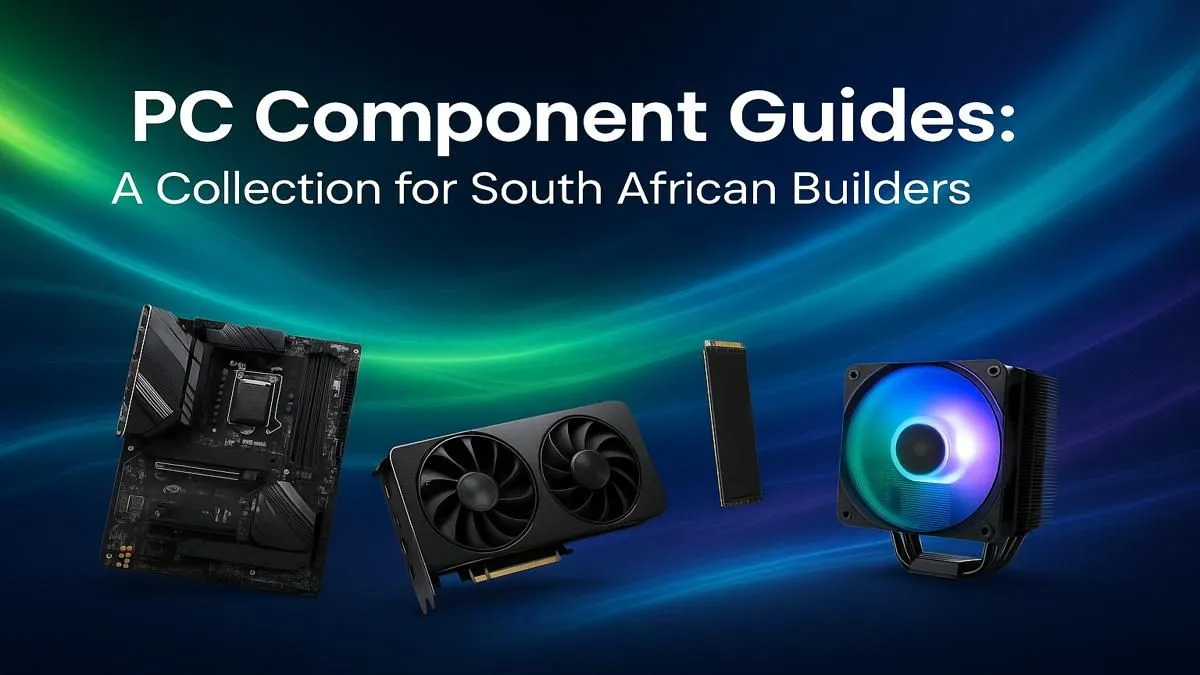
Thinking of building your own PC in South Africa? It’s a rite of passage for any serious gamer. The thrill of choosing every part, the satisfaction of that first successful boot... it's legendary. But staring at a list of components can feel like decoding a secret language. This PC components guide for South Africa is your key. We’ll break down everything you need to know to select the right parts and build your dream rig without the stress. 🚀
Your Guide to Core PC Components: CPU & Mobo
Every great PC build in South Africa starts with two key decisions: the processor (CPU) and the motherboard. Think of the CPU as the brain... it crunches the numbers and executes commands. The motherboard is the central nervous system, connecting every single component so they can talk to each other.
Choosing Your Processor
The big debate is usually between Intel and AMD. Both offer fantastic performance, but your choice often comes down to your budget and primary use case. For pure gaming, certain Intel chips might have a slight edge, while AMD often excels in multi-core tasks like streaming or video editing. The most important thing is to pick a modern CPU that won’t bottleneck your graphics card.
Selecting the Right Motherboard
Your motherboard choice is tied directly to your CPU. You can't plug an AMD CPU into an Intel motherboard, and vice versa. Look at the "chipset" (like B760 for Intel or B650 for AMD) to ensure compatibility. A good motherboard provides stable power and the connectivity you need... think USB ports, Wi-Fi, and slots for future upgrades. Even our expertly configured budget gaming PCs feature carefully matched CPU and motherboard combos for reliable performance.
Graphics Cards: The Powerhouse of Your Dream Rig
For a gamer, the graphics card (GPU) is the most exciting part. This is what renders the stunning visuals in games like Helldivers 2 or Cyberpunk 2077. The more powerful the GPU, the higher the resolution and frame rates you can achieve.
NVIDIA and AMD are the main players here. NVIDIA is known for its ray tracing performance and DLSS technology, which uses AI to boost frame rates. AMD offers competitive raw performance and its own upscaling tech, FSR. When choosing PC parts, your goal should be to match your GPU to your monitor. A GeForce RTX 4060 or Radeon RX 7600 is perfect for 1080p gaming, while a monster like the RTX 4080 Super is built for 4K glory. You'd be surprised at the graphical power you can get in systems under the R20,000 mark, making high-fidelity gaming more accessible than ever.
Choosing PC Parts for Speed: RAM & SSDs
Your CPU and GPU have the muscle, but they need lightning-fast access to data to perform at their best. That's where RAM (Random Access Memory) and storage come in.
How Much RAM Do You Need?
RAM is your PC's short-term memory. For modern gaming, 16GB of DDR4 or DDR5 RAM is the sweet spot. It's enough to run your game, Discord, and a few browser tabs without a problem. If you’re a power user who streams or works with creative apps, jumping to 32GB is a smart move for future-proofing your build. High-performance machines, like those found in our custom PCs over R20k, often come standard with 32GB for maximum multitasking power.
Don't Forget About Speed! ⚡
When choosing RAM, it's not just about capacity. Speed (measured in MHz) and latency (CL rating) matter too. For a new AMD Ryzen 7000 series build, look for a 32GB kit of DDR5 RAM around 6000MHz with the lowest CL rating your budget allows for an optimal performance boost.
SSDs are Non-Negotiable
Gone are the days of waiting ages for your PC to boot or a game to load. A Solid State Drive (SSD) is essential. Specifically, an NVMe M.2 SSD, which plugs directly into the motherboard, offers mind-blowing speeds. Use one for your operating system and your favourite games... you’ll never go back. ✨
A Solid Foundation: Power Supply and Cooling
You wouldn't put cheap fuel in a performance car, right? The same logic applies to your Power Supply Unit (PSU). This component feeds clean, stable power to all your expensive parts. Skimping here is a massive risk.
Look for a PSU from a reputable brand with an 80+ Bronze efficiency rating or higher. Use an online calculator to estimate your wattage needs, and then add a little extra headroom for future upgrades. Equally important is cooling, especially in the warm South African climate. A good case with solid airflow, paired with a decent CPU cooler (either air or an All-in-One liquid cooler), will keep your components running optimally and extend their lifespan. This is an area where our pre-built PC deals truly shine, as each one is built with thermal performance and stability as a top priority. 🔧
Bringing Your South African Dream Rig to Life
With this PC components guide, you're now armed with the knowledge to select the perfect parts for your needs. The journey of building a PC is incredibly rewarding. But let's be honest... it can also be time-consuming and a little nerve-wracking. What if a part is dead on arrival? What about cable management?
This is where choosing a professionally built custom PC makes a lot of sense. You get all the performance of a hand-picked rig, but with expert assembly, stress-testing, and a full system warranty. You can jump straight into the fun part: gaming. If you want the ultimate performance without the hassle, exploring the best gaming PC deals in South Africa is the smartest first step you can take.
Ready to Power Up Your Gaming?
Whether you're sourcing individual parts for a DIY project or looking for a masterfully-built rig that's ready to go, the perfect setup is waiting for you. This guide to PC components is your starting point. Now, take the next step. Explore our legendary range of Gaming PCs and find the machine to conquer your world.