Is your PC running hotter than a braai in December? When your frame rates start dropping mid-firefight, it’s not always your GPU… it’s often your system gasping for air. In our climate, effective PC cooling in South Africa isn’t a luxury; it’s essential for performance and longevity. Without it, your powerful components will slow down (a process called thermal throttling) to protect themselves, leaving your gaming experience in the dust. ❄️
This guide breaks down everything you need to know about fans, heatsinks, and liquid cooling.
Why Your PC Cooling Solution Matters in SA
Every component in your PC generates heat, especially the CPU and GPU. When they get too hot, they automatically reduce their speed to cool down. For you, that means stuttering, lag, and even unexpected shutdowns during a crucial moment in Apex Legends or a complex render.
Proper PC cooling ensures your components can run at their peak advertised speeds, giving you the smooth performance you paid for. This is especially true in warmer parts of South Africa, where high ambient temperatures give your system less headroom to stay cool. For entry-level builds, a solid air cooler is often the most reliable starting point, a feature you'll find in many of our best budget gaming PCs.
The Classic Choice: Air Cooling with Fans & Heatsinks
Air cooling is the most common and straightforward method of keeping your CPU temperatures in check. It’s a beautifully simple and reliable technology that has been refined over decades.
How it Works 💨
A metal block with fins, called a heatsink, sits directly on top of your CPU. It absorbs the heat, and a fan attached to it blows that heat away, dispersing it into your case. More fans in your PC case then exhaust this hot air outside. It’s a tried-and-tested method that offers fantastic performance for its price, making it a staple in builds for gamers looking for great value in PCs under R20k.
Pros:
- Cost-Effective: Generally cheaper than liquid cooling.
- Reliable: Fewer points of failure… no pumps or liquid to worry about.
- Easy to Install: Most CPU air coolers are simple to mount.
Cons:
- Size: High-performance air coolers can be bulky and may interfere with RAM slots.
- Noise: Can get loud under heavy load as the fan spins faster.
- Aesthetics: Can look less sleek than modern liquid cooling setups.
Check Your Temps! 🔧
Not sure if your PC is overheating? Download a free tool like HWMonitor or use the overlay in MSI Afterburner. For most modern CPUs, anything consistently over 90°C under load is a sign you might need to look into better PC cooling solutions. Keeping things under 80°C is a great goal for longevity.
The Premium Option: All-in-One (AIO) Liquid Cooling
For those chasing maximum performance and a clean, modern aesthetic, liquid cooling is the answer. While custom water-cooling loops are the stuff of enthusiast dreams, All-in-One (AIO) coolers offer most of the benefits in a simple, sealed package.
How it Works 💧
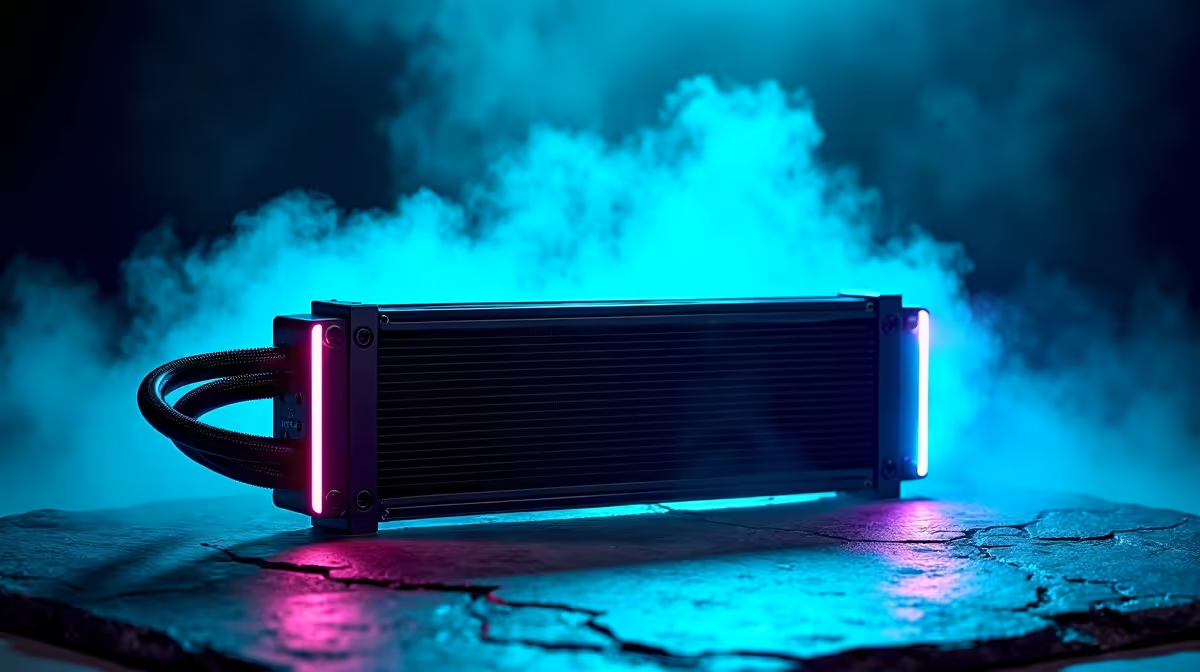
An AIO consists of a water block that sits on your CPU, two tubes, a pump, and a radiator with fans. The liquid absorbs heat from the CPU, the pump circulates it to the radiator, and the fans on the radiator dissipate the heat. It’s essentially a car’s cooling system, but for your PC.
This superior thermal efficiency allows for higher overclocks and quieter operation, which is why you'll often find them in meticulously crafted pre-built PC deals designed for serious gamers.
Pros:
- Superior Performance: Generally offers better cooling than air, especially for high-end CPUs.
- Quieter Operation: Larger radiator fans can spin slower and quieter than a single, high-RPM CPU fan.
- Sleek Looks: AIOs provide a clean, uncluttered look inside your case, often with customisable RGB lighting.
Cons:
- Price: A significant cost increase over most air coolers.
- Complexity: More points of failure (pump, potential for leaks, though rare in modern AIOs).
For rigs that need to tame the most powerful processors on the market, an AIO is almost a necessity. It’s the kind of top-tier component you’d expect to find in the best gaming PC deals, ensuring you get every last drop of performance.
So, Which PC Cooling is Right for You?
The right choice depends entirely on your budget and needs.
- For Budget-to-Mid-Range Builds: A quality air cooler is more than enough. It’s reliable, affordable, and will keep your CPU happy for years.
- For High-Performance & Overclocking: If you're running a top-tier Intel Core i9 or AMD Ryzen 9, an AIO liquid cooler is the best way to manage heat and unlock the full potential of your investment. This is the standard for most premium PCs above R20k that are built for enthusiasts.
- For Aesthetics & Quiet Operation: If a silent, clean-looking PC is your goal, an AIO is the clear winner. 🚀
Ultimately, any good cooling is better than none. Ensuring your PC can breathe is one of the most important things you can do for its health and your gaming performance here in sunny South Africa.
Ready to Beat the Heat?
Choosing the right PC cooling in South Africa can be complex, but getting it right is key to unlocking peak performance. Instead of sweating the details, let our experts handle it! Our pre-built PCs are professionally assembled with optimised airflow and cooling solutions right out of the box. Explore our best gaming PC deals and find a machine built to stay cool under pressure.