It is mid-summer in South Africa and your PC is screaming. If your PC runs hot, you are likely losing performance through thermal throttling. Don’t let high temperatures ruin your K/D ratio or bake your expensive components. Fixing airflow is often the most cost-effective way to boost longevity. Let’s look at why your rig is sweating and how to cool it down properly. 🔧
Why Poor Airflow Makes Your PC Run Hot
Heat is the silent killer of silicon. When your internal temperatures climb above 80°C, your hardware slows down to protect itself. This usually happens because of "choked" components. Many generic computer cases lack the necessary ventilation to move hot air out quickly. If your case has a solid plastic front panel with tiny side slits... your components are basically in an oven.
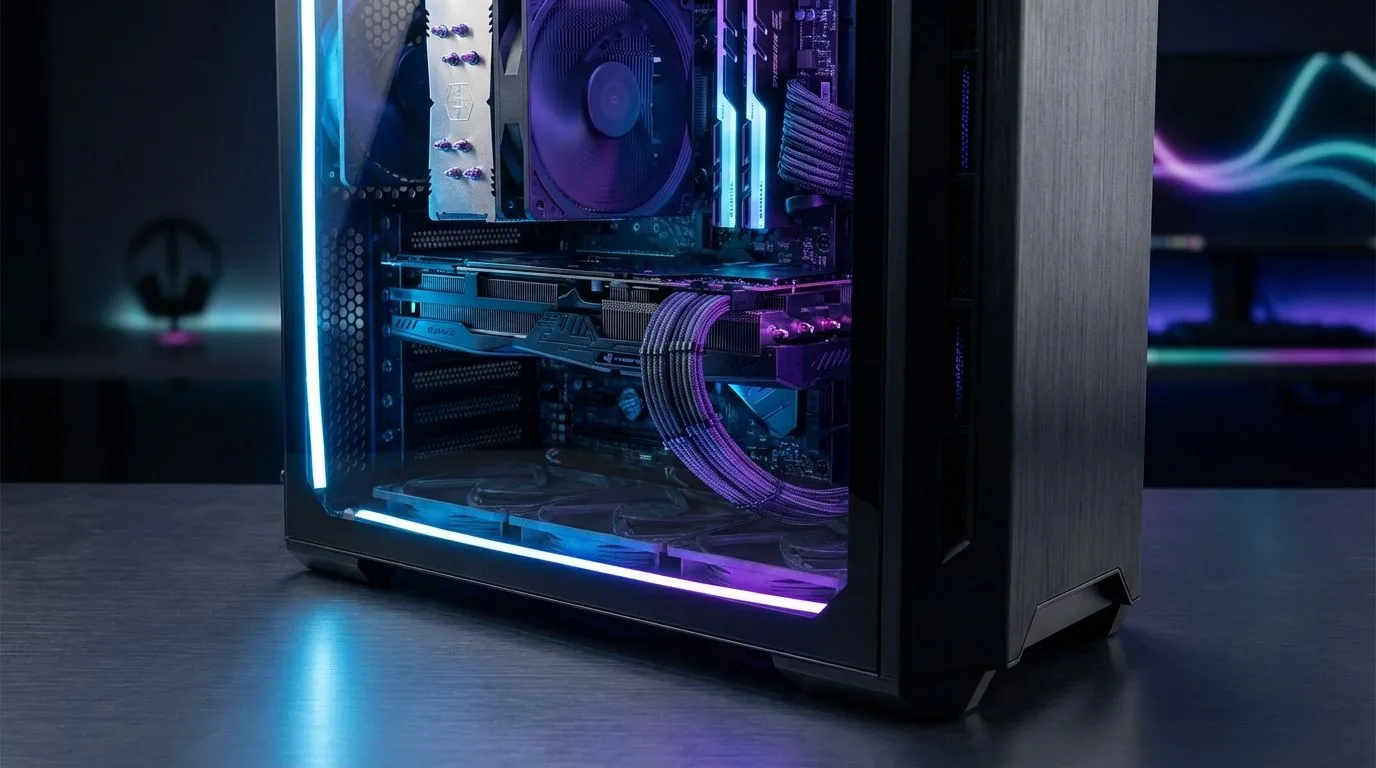
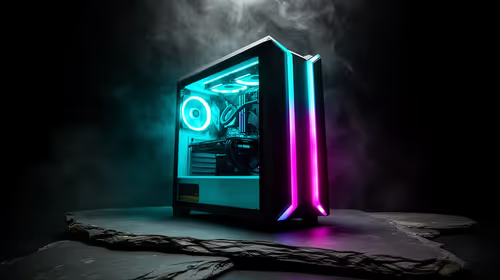
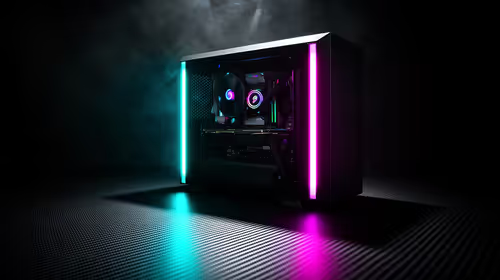
The solution starts with choosing a chassis designed for high-airflow. High-quality Evetech gaming cases often feature mesh front panels. These allow your fans to pull in fresh, cool air without restriction... keeping your GPU boost clocks stable even during intense local tournaments.
The Secret to Balanced Pressure
Most gamers think more fans automatically mean better cooling. That is a myth. You need to balance intake and exhaust. If you have four fans blowing in and none blowing out, you create "positive pressure" that traps hot air.
The Tissue Test ⚡
To check your airflow direction, hold a single ply of tissue paper near your vents while the PC is running. If it sticks to the mesh, that's an intake. If it blows away, that's an exhaust. Ideally, you want slightly more intake than exhaust to keep dust from sneaking in through the cracks.
Adding a few extra case fans can transform your thermals for less than R500. You can choose vibrant RGB options to light up your desk... or go for a stealth look with fans that have None or no lighting effects at all.
Don't Ignore Your CPU Cooler
Even with great case airflow, your processor needs direct help. Stock coolers often struggle with the South African climate. If you notice your CORSAIR fans ramping up to max speed immediately... your thermal paste might be dry or your cooler might be undersized.
Investing in dedicated cpu coolers is a must for any K-series or Ryzen 7 build. For those who want the lowest possible noise levels, a Liquid Cooler (AIO) moves the heat directly to the edge of the case. This prevents the CPU heat from soaking into your motherboard and RAM. 🚀
Cable Management and Dust
Cables are like roadblocks for air. If your build looks like a "spaghetti monster" behind the glass, your GPU is starving for air. Use cable ties to clear the path from the front intake to the rear exhaust. Also... remember to clean your dust filters every month. Dust buildup can increase temperatures by 5°C to 10°C in just a few weeks.
If your current setup is too cramped to manage cables properly, consider upgrading to Gamdias gaming cases. They offer excellent routing holes and plenty of space behind the motherboard tray to keep your airflow path clear and unobstructed. ⚡
Ready to Chill Your Rig?
Don't let heatwaves throttle your gaming experience. For the best thermal performance and value in South Africa, upgrading your cooling is the way to go. Explore our massive range of computer cases and find the perfect chassis to keep your components frosty.