


Clean Gaming Keyboard: Guide for Dusty & Humid Conditions
Clean gaming keyboard quickly and safely in dusty or humid conditions with step-by-step tips, tool checklist, and maintenance routines to prevent corrosion and switch failure. 🧼💨
Read morePer-key RGB lighting lets you build custom profiles for gaming and productivity—learn step-by-step setup, software tips, and workflow presets to boost focus 🎮💡
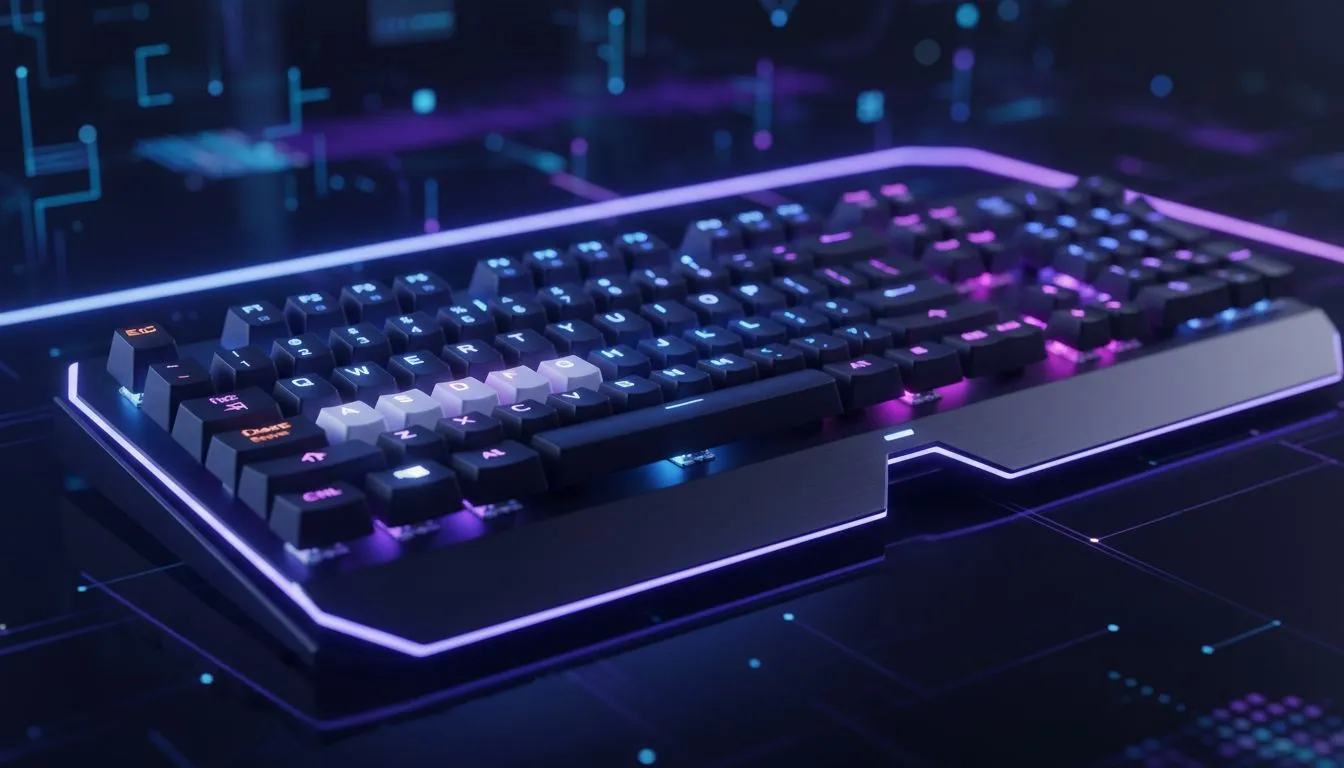
If your keyboard still looks the same as it did in 2015, you’re missing more than flair. Per-key RGB lighting lets you map keys to roles, highlight cooldowns and create profiles for work and play. It’s a tiny change that can save seconds every match and minutes every workday. Ready to see what a properly set up board can do?
Per-key RGB lighting gives you pixel-level feedback. For FPS, light your WASD, weapon swaps and grenade keys. For MOBAs, highlight ability combos and summoner spells. If you’re hunting a bargain or a top-tier switch, check Evetech’s curated list of the best gaming keyboard deals for South African prices and models.
When you build profiles, think of each profile as a game plan. Name them clearly: "CS:GO — Entry" or "LoL — Support". Loadouts become instant and muscle memory hits faster. Many keyboards let you store profiles on-board or in cloud software. If you prefer fixed setups, browse Evetech’s selection of the cheapest gaming keyboards in South Africa to pair with the right switches for your playstyle.
Beyond gaming, per-key RGB lighting can speed editing and coding. Assign colours to macro keys, debugging shortcuts and frequently used snippets. Use a green cluster for compile commands and a red key for urgent deploys... it’s visual context at a glance.
On Windows, use the PowerToys FancyZones utility to create custom snap layouts for your windows. It's a lifesaver for managing multiple apps on an ultrawide monitor, letting you organise your timeline, preview window, and asset folders perfectly for video editing.
For hybrid setups, keyboard and mouse combos offer matched aesthetics and often carry profile syncing benefits. See Evetech’s keyboard and mouse combos to simplify setup and stay consistent across devices.
Start simple. Create a gaming profile and a productivity profile. Use layers for temporary changes, like bringing up a streaming layout when you go live. Save profiles to onboard memory if you move between PCs. If you game on wired rigs for lower latency, explore Evetech’s wired keyboards for responsive options. Prefer a clutter-free desk and mobility? Check the wireless keyboards collection for battery‑friendly models that still support per-key customisation.
You can compare competitive pricing and availability directly on Evetech’s pages while sizing up specs. Local stock and ZAR pricing help you decide without surprises.
Per-key RGB lighting is more than looks. It’s an actionable layer of feedback for pro gamers and power users. Set up two profiles tonight: one for your favourite game and one for your day job. Test them for a week, then tweak. Small changes compound.
Ready to Find Your Perfect Match? The Mac vs Windows debate is complex, but for maximum power, choice, and value in South Africa, Windows is hard to beat. Explore our massive range of laptop specials and find the perfect machine to conquer your world.
Per-key RGB lighting lets you assign colours to individual keys for visibility, hotkeys and workflows. Use per-key RGB lighting for gaming and productivity cues.
Open your keyboard software, select per-key mode, paint colours per key, save a profile and assign triggers like game launch or app focus.
Major apps like Corsair iCUE, Razer Synapse, Logitech G Hub and SteelSeries Engine support per-key RGB lighting and profile syncing.
Yes—use vendor ecosystems or third-party tools to sync per-key lighting across keyboards, mice and PC peripherals for unified visuals.
Use high-contrast colours on movement and action keys, dim non-essential keys, and bind reactive effects to keypresses for clear feedback.
Map frequently used shortcuts to bright colours, create app-specific layers, and use subtle ambient tones to reduce eye strain while working.
No—per-key RGB lighting is handled by firmware/software and rarely adds latency. Use official drivers and keep firmware updated.
Clean gaming keyboard quickly and safely in dusty or humid conditions with step-by-step tips, tool checklist, and maintenance routines to prevent corrosion and switch failure. 🧼💨
Read more
Best gaming keyboard features to prioritize when building a high-end setup: mechanical switches, low latency, hot-swap, RGB, macros, durability and ergonomics 🎮⌨️
Read more
Custom actuation point keyboard setup guide: learn to set per-key actuation on your analog gaming keyboard for faster, precise inputs and better control 🎮⚙️
Read more
Cable management for home entertainment helps you eliminate cable clutter quickly and safely. Learn routing, concealment, and product picks to tidy your setup fast 📺🔌
Read more
conference room setup Microsoft Teams Zoom: Upgrade AV, camera, mic, and network to ensure seamless meetings, clear audio, and crisp video 🎯🔧
Read more
• Audit setup • Link accounts • Configure ViewBoard • Test workflows Integrate Google Workspace with ViewSonic ViewBoard to enable secure SSO, calendar and Drive sync, and smooth collaborative whiteboarding 🔗📋
Read more
Discover webcams that automatically adjust light and color for crystal-clear video calls 🎥✨. Boost your streaming quality today!
Read more
Discover webcams that blend into your workflow 🎯 Capture moments while you work, stream, or create. Upgrade your setup with smart, multitasking tech!
Read more
Dedicated media keys give streamers one-touch control to mute, switch scenes, clip highlights, and adjust audio — cutting task time and boosting consistency 🎛️⚡
Read more
PBT vs ABS keycaps: Clear, local guide for South African gamers—compare feel, sound, durability and where to buy. Find the best material for your budget and playstyle 🎮🇿🇦
Read more
- Multi-Function Digital Dial: define benefits - Show gamer setups and macros - Offer buying and setup tips Multi-Function Digital Dial puts programmable control at your fingertips for faster actions and smoother streaming. 🎮⚙️
Read more
- Explain benefits; - Show the science; - Compare options; - Recommend picks. Magnetic wrist rest for gaming cuts wrist strain and boosts comfort during long sessions 🕹️✨
Read more