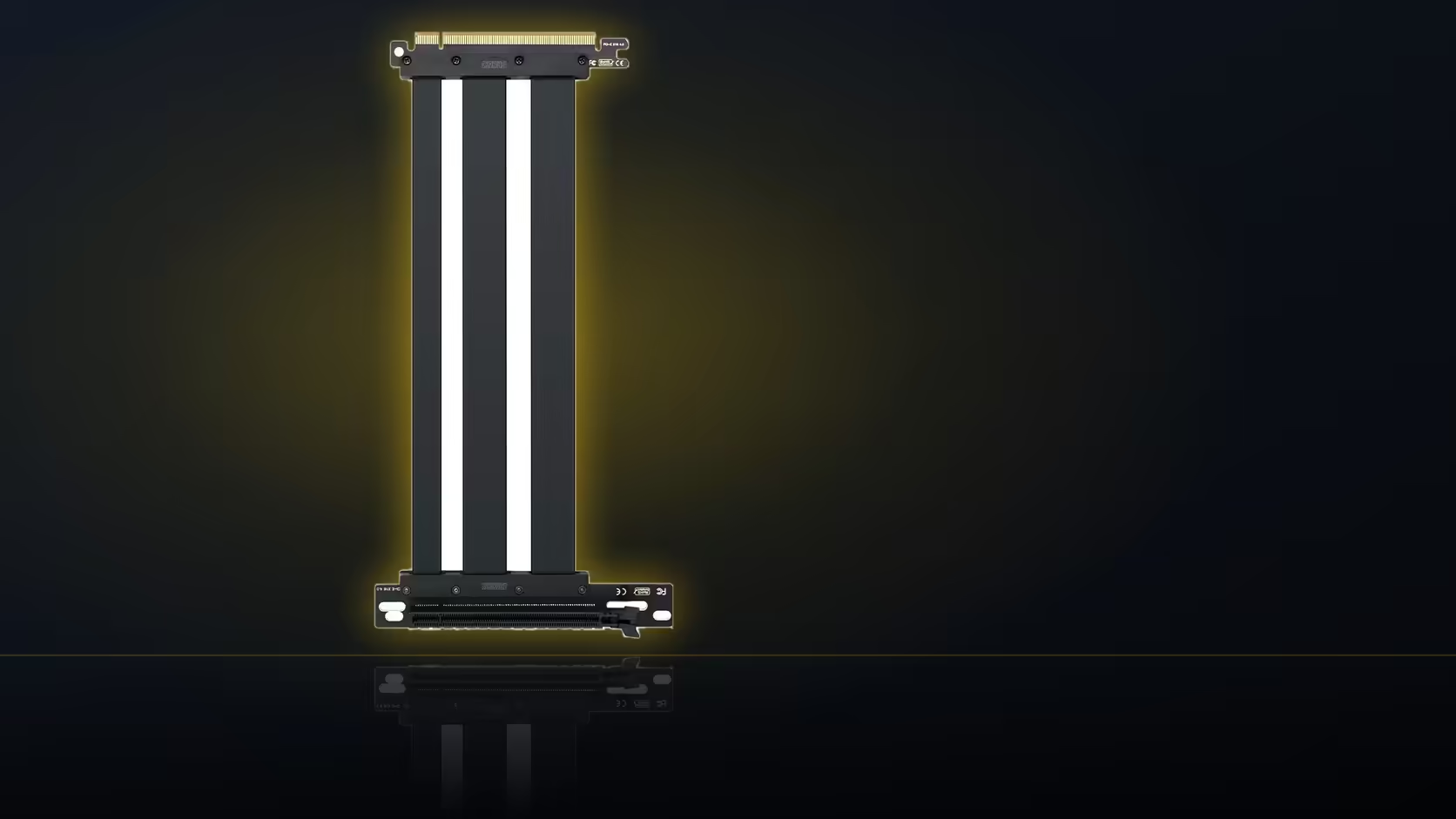
Memory is an unreliable record of how a case looked before you started taking screws out of it. A quick photograph of the expansion slot area, taken before anything moves for a vertical assembly, is a far more dependable one, and it costs nothing but a few seconds with a phone.
Quick Answer
Photograph the expansion slot area before fitting a vertical GPU assembly with the AsiaHorse riser. At R1,299 including VAT for the cable itself, the photo is free insurance against forgetting exactly how screws, brackets and blanking plates were arranged if the change is ever reversed.
📸 What the photo needs to capture
The useful shot is the expansion slot area with the card still in its original position, showing which slot covers are in place, which are removed for the current card, and where the fixing screws sit relative to everything else. This is the reference you will want if the vertical mount is ever undone and the case needs to go back to a standard layout, whether that is for a resale, a case swap, or simply changing your mind about the vertical arrangement later.
🧠 Why this is worth doing
Rebuilding a memory of exact screw positions and blanking plate arrangements weeks or months later, purely from recollection, is harder than it sounds, particularly once several other changes have happened to the build in between. A photo removes that guesswork entirely and turns a "how did this originally look" question into a quick glance at your phone's camera roll.
What tends to move during a vertical conversion
Beyond the card itself, the fixing screws holding slot covers in place often get separated from their original positions, any blanking plates covering unused slots can shift or go missing entirely into a parts drawer, and on some cases, the entire slot bracket assembly at the rear comes loose or gets replaced as part of fitting a vertical mount kit. All of it is small, all of it is easy to lose track of, and a photo taken beforehand solves the whole problem in one step.
🔩 Do the screws differ between the case and the bracket?
Often, yes. Standard case slot screws are sometimes a different thread or head type to whatever a vertical mounting bracket supplies for its own fixing points. Noting this alongside the photograph, rather than assuming all the screws from the job are interchangeable, avoids confusion later when reassembling or converting back.
Where should small parts go during the work?
Into a small tray or container kept beside the case for the duration of the job. Slot screws in particular are exactly the kind of small part that disappears into the bottom of a case or rolls under a desk during a build, and a dedicated tray solves that far more reliably than trying to keep track of loose screws by memory.
🔄 Is this worth doing even for a permanent change?
Yes, and for two reasons beyond simple reversibility. A future rebuild of the same machine, perhaps years down the line with different components, benefits from knowing the original layout. And if the machine is ever sold, returning it to a standard, more universally familiar layout is easier with a clear photographic reference of how it started, rather than reconstructing that from whatever state the vertical conversion left behind.
The mounting hardware you are about to photograph is worth sourcing properly in the first place. Case accessories covers brackets built for exactly this kind of vertical assembly, and graphics card accessories is worth a check alongside it before the first screw comes out.
Photographing the finished cable route too
Once the riser and card are fitted in their new vertical position, it is worth taking a second photograph of the completed cable route as well. A working route is exactly the kind of thing worth recording for the next time the case is opened, whether that is for maintenance, a component swap, or simply cleaning dust filters, so the correct path does not need to be puzzled out again from scratch.
Frequently Asked Questions
What exactly should the photo show?
The expansion slot area with the card in its original position, including which slots are covered and where the screws sit.
Why bother recording this before the work starts?
Because returning the card to its original layout later is far simpler with a clear photograph than relying on memory.
What parts commonly get separated during the conversion?
The card itself, its fixing screws, any blanking plates, and sometimes the entire rear slot bracket assembly.
Do the screws used differ between the case and the bracket?
They can, so it is worth noting this alongside the photograph rather than assuming every screw is interchangeable.
Where should loose screws and small parts be kept during the job?
In a small tray beside the case, since slot screws are exactly the kind of part that disappears during a build.
Is photographing worthwhile even for a permanent conversion?
Yes, it helps with any future rebuild or a resale, where returning the machine to a standard layout may be wanted.
Getting ready to convert a build to a vertical GPU mount?
Browse Evetech's graphics card accessories to see the mounting hardware you'll want documented before you start.