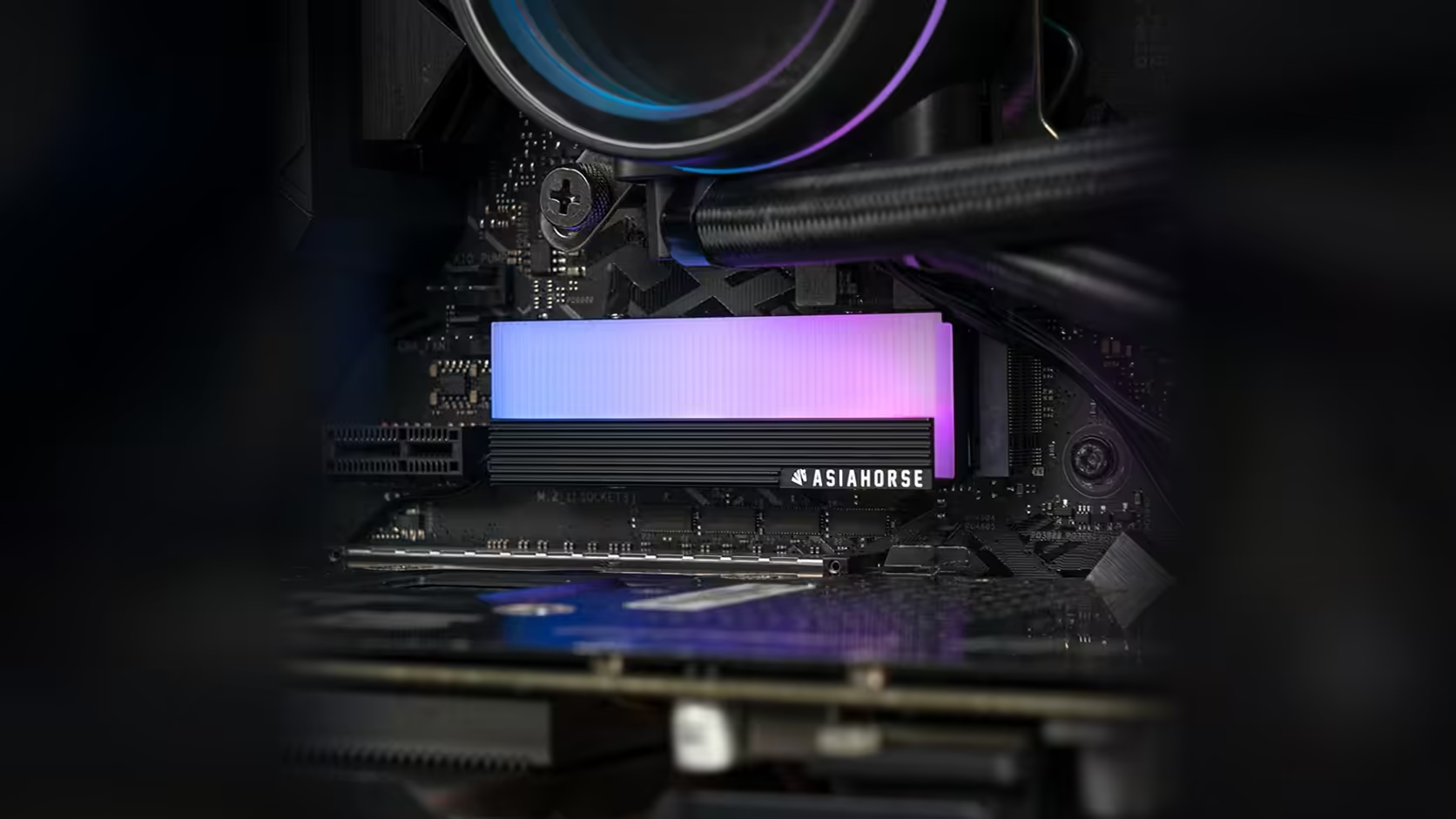
Once the four screws on this AsiaHorse cover are tightened, its position is fixed for good, and that is precisely why cable slack deserves a moment's thought before you reach for the screwdriver rather than after.
Quick Answer
Deciding where the ARGB lead on this M.2 heatsink, R199 with VAT included and always subject to Evetech's own repricing, will run, and leaving enough spare length to get there comfortably, is worth settling before the cover is fastened down. Once the four screws are in, the cover's position is locked, and a lead pulled taut from a fixed point is an awkward problem to fix without undoing the fit.
🧵 Why this is worth planning ahead of time
It costs nothing to trace the lead's intended path before fastening anything, and it saves the genuine hassle of discovering, screws already tight, that the lead cannot comfortably reach your chosen header. Undoing four screws to add slack is a small job in isolation, but it is entirely avoidable with thirty seconds of planning first.
Where the lead usually needs to reach
Most builds route the lead towards the nearest board edge and from there to an addressable header, ideally keeping clear of the graphics card where the top M.2 slot sits beneath one. Trace that path mentally, or with your finger, before deciding the cover's exact orientation and before tightening anything down.
📏 How much spare length is enough
Leave enough that the lead is not under tension at the connector itself, and enough beyond that to allow the board or graphics card to be worked on again later without the lead becoming the limiting factor. A little more slack than seems necessary is generally the safer choice over a lead pulled taut and rigid.
🔗 Securing the lead once routed
A light cable tie stops the lead drifting into a fan or moving parts, provided the tie itself does not pull the thin cable against a sharp edge or another component. It is a small finishing step but a genuinely worthwhile one on a lead this thin.
📶 Test before you fasten anything
Confirm the drive is properly detected by the system before the cover goes on for good. If something is wrong at that stage, sorting it out is far easier with the cover still loose than after everything is screwed down and routed. Cable ties and extensions for a header that sits further out live in case accessories. If the drive itself is still an open question, the solid state drive range is the place to settle it.
🔗 Chained runs need slightly more thought
If this cover is joining a chain of other addressable devices rather than connecting on its own, the lead has to comfortably reach both the previous device in the run and whatever comes after it. Plan for both connections, not just the header end, before deciding on final slack and orientation.
🧹 Tidying up after the routing is settled
Once the lead's final path is confirmed and the cover is fastened, a few cable ties along the run keeps it out of the way of anything that moves, including fan blades and a graphics card that may come out again for future upgrades. This is worth doing even in a case nobody else will ever see the inside of, since a stray lead resting against a spinning fan is a nuisance regardless of whether the build is on display. Leave a small loop of slack near the connector itself rather than pulling everything drum-tight, since a completely rigid lead is more likely to strain at the connector over time than one with a little give built in.
Frequently Asked Questions
Why does the lead route need planning before fastening the cover?
Because the cover's position is fixed once the four screws are tightened, and a lead that does not reach comfortably means undoing the fit to correct it.
How much spare cable should be left?
Enough that the connector is not under tension, plus a little extra to allow future work on the board or graphics card.
Where does the lead typically route to?
Towards the nearest board edge and on to an addressable header, ideally avoiding the space beneath a fitted graphics card.
Should the lead be secured with a tie once routed?
A light tie helps stop it drifting, as long as it does not pull the cable against anything sharp.
Does chaining change how much slack the lead needs?
Yes. Each additional connection point in a chain needs its own small amount of give, so a lead joining a longer run generally benefits from a touch more slack than one running alone to a single header.
Is testing the drive before fastening the cover worth the extra step?
Yes. Confirming detection while the cover is still loose makes correcting any problem far easier than after everything is fastened and routed.
Getting the cable routing right before the final screws go in?
Explore Evetech's NVMe drive range and plan your lead's path while the cover is still loose.