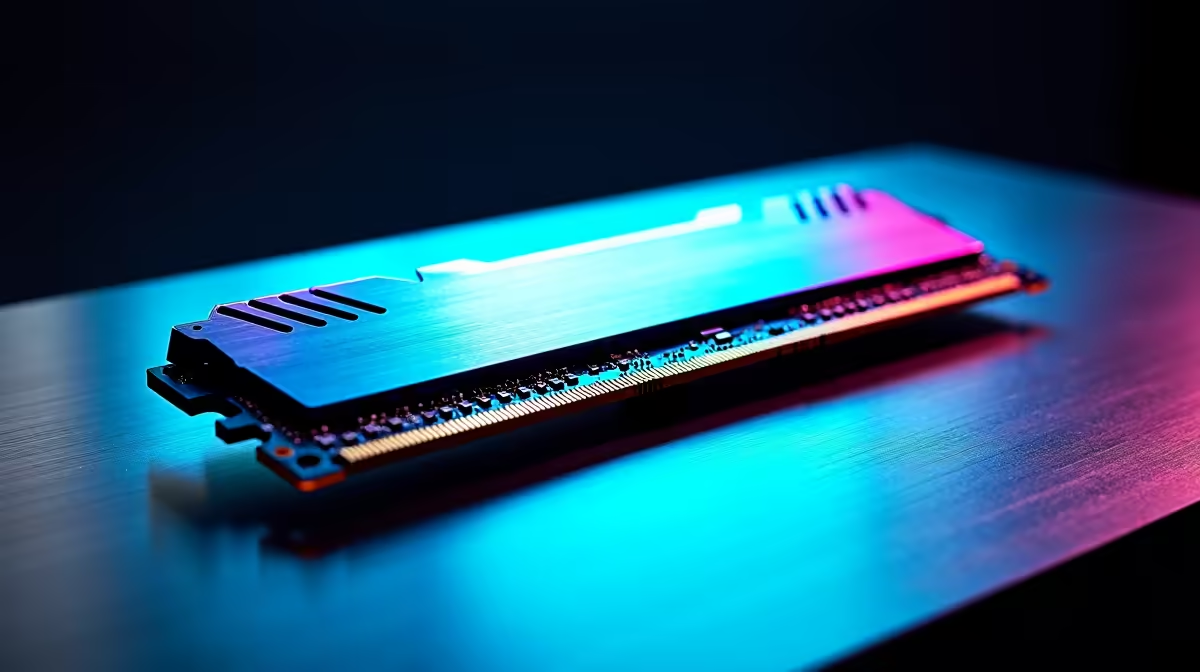
Is your PC stuttering mid-firefight in Apex Legends? Or does your whole system grind to a halt when you have more than five Chrome tabs open? Before you blame your CPU or graphics card, the culprit might be your RAM. This component is the unsung hero of a snappy, responsive PC. This ultimate RAM buying guide for South Africa will cut through the jargon and help you choose the perfect memory for your rig. 🚀
How Much RAM Do You Really Need in 2024?
Choosing the right capacity is the first step. Too little, and your PC becomes a bottleneck. Too much, and you've spent money that could've gone towards a better GPU. Here’s a simple breakdown for your next build or upgrade.
8GB: The Bare Minimum
Honestly, in 2024, 8GB is only suitable for very basic office work and web browsing. Modern games and applications will struggle. We don't recommend this for any new gaming build.
16GB (2x8GB): The Gaming Sweet Spot
For most South African gamers, 16GB is the perfect balance of price and performance. It handles almost all current AAA titles smoothly at 1080p and 1440p and gives you enough headroom for multitasking… like having Discord open while you game. This capacity is perfect for our range of budget gaming PCs, delivering excellent value.
32GB (2x16GB): The New Standard for Enthusiasts ✨
If you're a serious gamer, a streamer, or a content creator, 32GB is fast becoming the new standard. It ensures buttery-smooth performance in demanding titles like Starfield or Cyberpunk 2077 with high-res textures, and it’s essential if you're editing 4K video. You'll find 32GB kits as standard in many of our high-performance PCs over R20k.
64GB and Beyond
This is overkill for gaming alone. A 64GB kit is for professional workstations running complex simulations, heavy 3D rendering, or intense video editing workflows.
Decoding RAM Specs: DDR5, Speed, and Latency 🔧
This is where many people get confused, but it's simpler than it looks. Understanding these three things is key to finalising your PC memory guide.
DDR5 vs. DDR4: Is the Upgrade Worth It?
DDR5 is the newer, faster generation of RAM, while DDR4 is the older, more established standard.
- DDR5: Offers much higher speeds and greater efficiency, giving you a performance edge in the latest games and applications. It's the choice for future-proofing.
- DDR4: Still offers fantastic performance for the price and is a brilliant option for budget-to-mid-range builds.
Crucially, they are not cross-compatible. Your motherboard will only support one type, so always check your motherboard specs before buying! You'll find both options across many of the best gaming PC deals available today.
Speed (MHz) vs. Latency (CL): What Matters More?
Think of it like a delivery service. Speed (measured in Megahertz, MHz) is how fast the van drives. Latency (CL, or CAS Latency) is how long it takes to find the package in the back and deliver it. You want a fast van and a quick delivery!
Finding the "sweet spot" is key. For DDR5, aim for 6000MHz with a CL of 30-36. For DDR4, a kit around 3600MHz with a CL of 16-18 is ideal.
Pro Tip: Unlock Your RAM's Full Speed! ⚡
Your new RAM won't run at its advertised speed out of the box! You need to enter your PC's BIOS (usually by pressing DEL or F2 on startup) and enable the XMP (for Intel) or EXPO (for AMD) profile. It's a single click that instantly boosts performance.
The Easiest Performance Win: Why Dual-Channel Matters
Here's a tip that costs you nothing but gives you a significant performance boost: always use two sticks of RAM instead of one. Running two identical sticks enables "dual-channel mode," effectively doubling the data highway between your RAM and CPU. A 16GB kit (2x8GB) will always outperform a single 16GB stick. Even PCs under R20k can benefit massively from this simple configuration.
Your Quick RAM Buying Checklist
Feeling more confident? Let's wrap this RAM buying guide for South Africa with a simple checklist.
- ✅ Check Compatibility: Confirm if your motherboard needs DDR4 or DDR5.
- ✅ Choose Capacity: 16GB is great for most gamers, while 32GB is the new enthusiast standard.
- ✅ Balance Speed & Latency: Aim for the "sweet spot" for your chosen DDR generation.
- ✅ Always Buy a Kit: Opt for two sticks (e.g., 2x8GB or 2x16GB) to enable dual-channel mode.
If you'd rather not worry about the details, you can always take the guesswork out with our expertly configured pre-built PC deals, all optimised for maximum performance right out of the box.
Ready for a Lag-Free Experience?
Choosing the right RAM isn't scary when you know what to look for. Armed with this guide, you're ready to unlock your PC's true potential. Explore our huge range of PC memory and find the perfect kit to dominate your game.