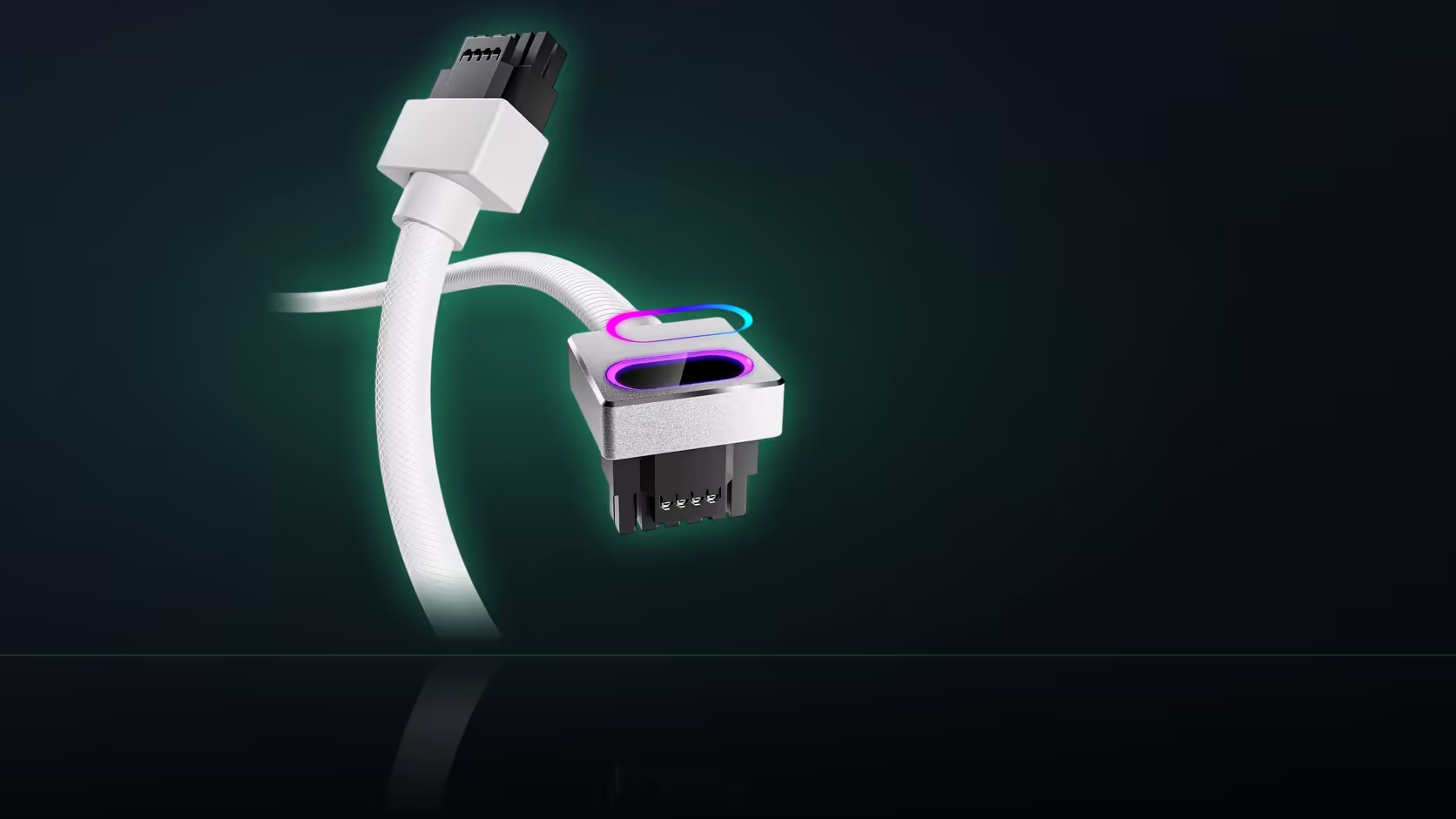
A build that ran perfectly the day it was assembled can arrive somewhere else in a slightly different state. Vibration, knocks, the ordinary shaking of a long drive or a flight in the hold - none of it is dramatic on its own, but it is enough to disturb a connection that was genuinely firm when the Hydrus 16-pin cable was first installed, which is exactly why AsiaHorse's no-gap seating check is worth repeating after any real transport.
Quick Answer
After transporting a completed PC fitted with the R699 AsiaHorse Hydrus 16-pin (12VHPWR) cable, repeat the no-gap seating check before the first power-on at the new location. Sustained vibration during transport acts on the connector in ways ordinary desk use does not, and a connection that was firm at build time is not guaranteed to still be firm after a long trip.
Why transport is a genuinely different stress
Sitting on a desk, a completed build experiences almost no movement beyond the occasional bump against a table. A car boot over a rough road, or a flight in checked baggage, is a sustained period of vibration and small repeated shocks that a stationary machine simply never encounters. That difference in kind - not just degree - is why a connector proven firm at install can end up disturbed by the time the machine reaches wherever it is going, even without any single dramatic impact along the way.
What the recheck should actually look for
The standard is identical to the original install check: the connector head sitting flush against the card's power socket with no visible gap, and no movement when gently pressed. AsiaHorse's instruction does not soften for a recheck - the same firm, no-gap standard applies whether this is the first time the connector has been inspected or the fifth.
Doing the check properly
With the side panel off and, ideally, the ARGB lighting switched off to remove glare from the joint, look directly at the seam between the head and the socket for any visible line. Follow with a light press to confirm nothing shifts. This takes only a minute or two and is considerably less trouble than running a connection you have genuine doubt about.
Should this happen before or after powering on?
Before, every time. The instruction is to confirm full seating ahead of power-on, and a recheck after transport should follow the same order - inspect first, then power the system on once you are satisfied the connection is exactly where it should be.
Does the card itself need support during a move?
A heavy graphics card puts real load on its own mounting bracket and, indirectly, on whatever is connected to it, particularly if the machine is moved on its side or jostled significantly. Providing some support for the card during a genuinely rough transport - even something as simple as a folded cloth wedged against it inside the case - is generally worthwhile alongside the connector recheck.
Is this specific to this particular cable?
The seating instruction comes stated with this product specifically, but checking power connections after any significant move is sound practice regardless of which cable is fitted. It is a small habit that costs almost nothing and catches a genuine, if uncommon, failure mode before it becomes a problem at the worst possible moment.
If the connector has shifted
Reseat it fully until it sits firm with the same no-gap standard as the original install, then recheck visually before closing the panel and powering on. There is no partial fix here - either the connector is fully home or it needs reseating, with nothing in between that counts as acceptable.
Browse comprehensive cable solutions, and check graphics card accessories for whatever else a travelling build might need.
Frequently Asked Questions
Why does transport specifically matter for a power connector?
Sustained vibration and small knocks act on the cable and head in a way that sitting on a desk simply never replicates.
What exactly should the recheck look for?
The same standard as the original install: the head sitting flush against the socket with no visible gap and no movement under gentle pressure.
Should the machine be checked before or after powering on at the new location?
Before. The instruction asks for confirmed seating ahead of power-on, and a post-transport recheck should follow the same order.
Does the graphics card need physical support during a move?
A heavy card puts load on its own mount and on anything attached to it, so some support during a rough trip is generally worthwhile.
Is this recheck specific to the Hydrus cable, or good practice generally?
The instruction comes with this product, though rechecking power connections after any significant move is sound practice across most builds.
How long does the recheck actually take?
A side panel off and a close look - roughly a minute, against the alternative of running a connection with genuine, unresolved doubt.
What should I do if the connector has visibly shifted?
Reseat it fully until it sits firm with no gap, then recheck visually before closing the panel and powering the system on.
Just moved a completed build and want to check it over first?
Pull the side panel and inspect the connector before powering on, then browse Evetech's cable range if anything needs replacing.