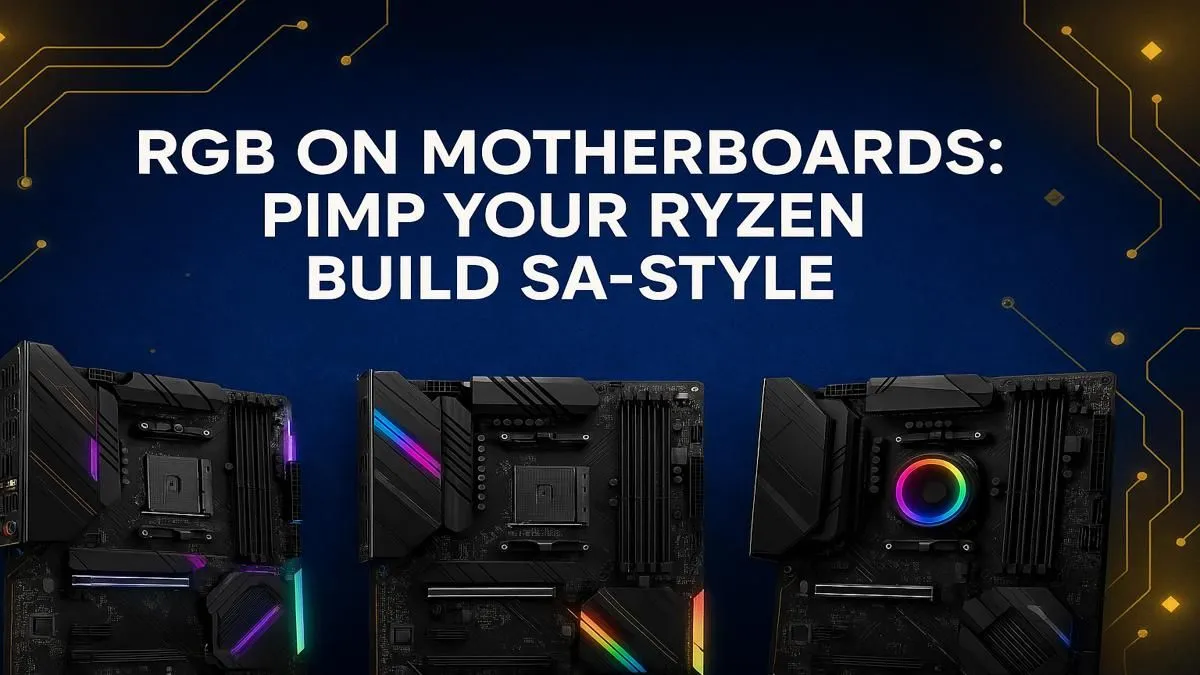
Building a new Ryzen rig in South Africa? Lekker! But a powerful PC that sits in a boring black box is a missed opportunity. Your high-end components deserve a stage, and that’s where an RGB motherboard comes in. It’s the glowing heart of your build, syncing every light for a jaw-dropping setup. This guide will help you choose the perfect one without the guesswork, ensuring your PC looks as fast as it performs.
Why an RGB Motherboard is More Than Just Lights
Thinking an RGB motherboard is just for show? Think again. While the aesthetic upgrade is undeniable, a quality RGB board serves as the central command for your entire PC’s lighting ecosystem. Instead of juggling multiple software apps for your RAM, fans, and light strips, a good motherboard with software like ASUS Aura Sync or MSI Mystic Light unifies everything.
This isn't just about pretty colours; it’s about smart integration. Your motherboard connects everything, and choosing the right one is the first step in this RGB motherboard guide to a cleaner, more synchronised, and visually stunning build. 🚀
Your Ryzen RGB Motherboard Guide: Matching Chipsets to Your Build
The heart of any motherboard is its chipset. For your AMD Ryzen CPU, the choice of chipset determines your features, connectivity, and future-proofing. Here’s a quick breakdown to help you find the perfect match for your needs and budget.
For Budget-Savvy Builders: The B550 Sweet Spot
If you're looking for the best bang-for-your-buck for a Ryzen 5000 series CPU, the B550 chipset is a legend in the South African gaming community. It offers PCIe 4.0 support for your primary GPU and NVMe SSD, giving you blistering speeds where it counts most. For a reliable and vibrant build that won't break the bank, exploring a solid range of B550 motherboards is the perfect starting point.
The New-Gen Contender: Exploring B850
Stepping up to the latest Ryzen 9000 series processors? The B850 chipset is your new go-to for mainstream performance. It brings modern features like Wi-Fi 7 and enhanced USB connectivity to the table, making it a fantastic, future-focused choice. If you want a modern platform without paying the premium for the highest-end features, keep an eye on the latest AMD B850 motherboards as they become the new standard.
For the Ultimate Power User: X870 and Beyond
When only the best will do, the X870 chipset is built for enthusiasts. Designed for overclocking and pushing Ryzen 9000 series CPUs to their absolute limits, these boards are packed with the best of everything: more PCIe 5.0 lanes for multiple high-speed devices, robust power delivery, and premium features. For an uncompromising build, the choice is clear: you need one of the top-tier AMD X870 motherboards.
Check Your Headers! ⚡
Not all RGB is created equal. A 4-pin 12V 'RGB' header allows for single-colour control across all connected LEDs. For individual LED control and rainbow effects, you need a 3-pin 5V 'ARGB' (Addressable RGB) header. Always double-check that your motherboard has the right headers for the RGB components you plan to use!
Pro Tips for a Flawless RGB Setup 🔧
Choosing the right board is half the battle. To truly make your build shine, you need a plan.
First, consider the software ecosystem. If you already have a favourite brand for your GPU or peripherals, picking a motherboard from the same brand often leads to a smoother software experience.
Second, plan your cable management from the start. RGB means more cables. A motherboard with logically placed fan and RGB headers can make routing those extra wires a breeze, resulting in a much cleaner look. Check out reviews and board layouts in our full collection of AMD motherboards to see how the headers are positioned.
Finally, don't be afraid to start simple. You can always add more RGB fans or light strips later. Your motherboard is the foundation... get that right, and the rest will follow.
Ready to Light Up Your Build? ✨
Choosing the right foundation is key to a powerful and stunning PC. From budget-friendly legends to the latest beasts, the perfect RGB motherboard for your Ryzen build is waiting. Explore our massive range of AMD motherboards and find the perfect centrepiece for your rig.