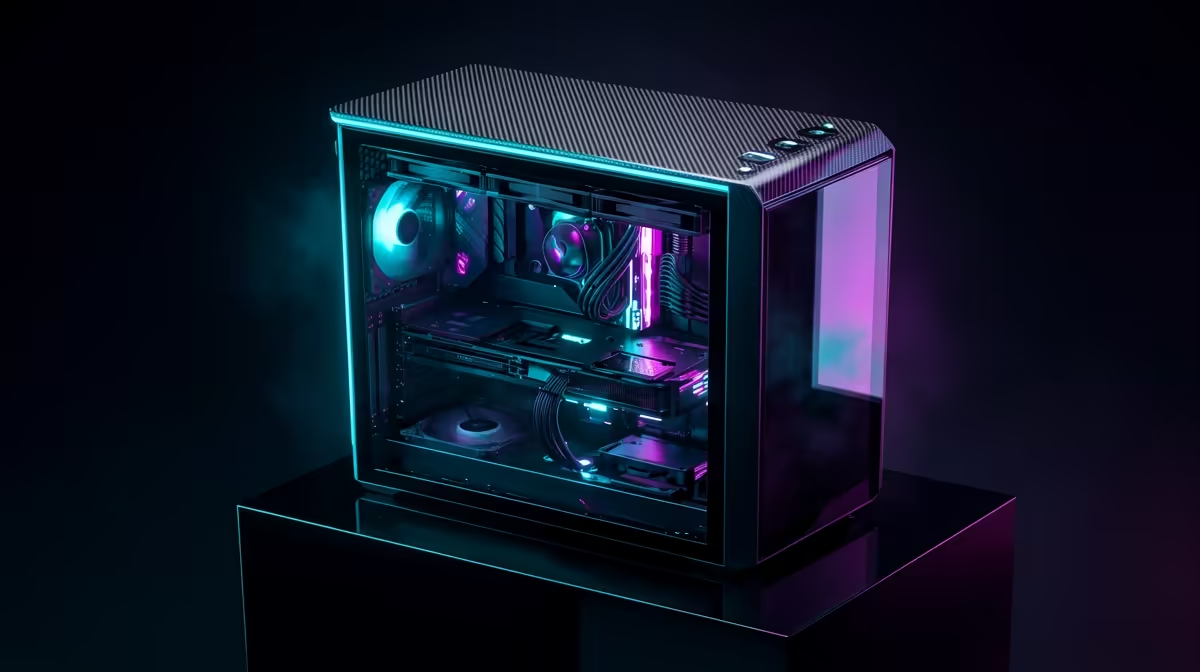
So, you’ve got a R30,000 budget for a new rig in South Africa. The big question hits: do you build a stealthy, minimalist machine that pours every last rand into raw rendering power, or do you craft a vibrant RGB beast that looks as good as your 4K exports? It's the classic head-vs-heart battle for any creator looking to build a powerful editing PC under R30000. Let’s break down where your money is best spent.
Core Components for an Editing PC Under R30000
Before we talk aesthetics, let's cover the non-negotiables. For any content creation or editing PC under R30000, your budget priority should be a balanced attack on the "big four" components:
- CPU (Processor): This is the brain of your operation. More cores and higher clock speeds mean faster rendering and smoother multitasking.
- GPU (Graphics Card): Crucial for accelerating effects, colour grading, and providing smooth playback in programs like DaVinci Resolve and Adobe Premiere Pro.
- RAM (Memory): 32GB is the sweet spot for 4K video editing. It allows you to handle complex timelines and run multiple creative apps without your system grinding to a halt.
- Storage (SSD): A fast NVMe SSD for your operating system, applications, and active project files is essential. Slow storage is a workflow killer.
Getting this balance right is key. You can see how these components scale across different price points in our PCs above R20k section, where performance starts to seriously ramp up.
The Case for Minimalist Focus: Performance First 🚀
A minimalist build philosophy is simple: every single rand goes towards performance. This means choosing a simple, well-ventilated case over a glass-and-RGB masterpiece. It means opting for standard, reliable RAM sticks instead of ones with flashy heat spreaders.
What do you get in return? Tangible, time-saving power. A slightly better CPU could shave minutes... or even hours... off a final export. A more powerful GPU means no more choppy playback when you stack a few colour-grading layers. For a professional or aspiring creator, time is money. This performance-first approach is often visible in our PCs under R20k range, where every component is chosen for maximum value.
An affordable editing rig built this way might not turn heads, but its blistering performance will feel incredible when you’re on a tight deadline.
Editing Workflow Pro Tip ⚡
For smoother 4K video editing, always create low-resolution proxies. Most editing software (like Premiere Pro and DaVinci Resolve) can do this automatically. You edit using the small, snappy proxy files, and the software swaps in the full-resolution originals for the final export. It's the single best way to make a mid-range PC feel like a high-end workstation.
The Argument for RGB Flash: More Than Just Lights? ✨
Now, let's talk about the flash. Is RGB just a gimmick? Not entirely. For many creators, the workspace is a source of inspiration. A clean, custom-lit setup that reflects your personal brand can genuinely boost creativity and make the long hours of editing more enjoyable.
Furthermore, many high-performance components now come with RGB as a standard feature. Top-tier AIO coolers, high-speed RAM kits, and premium motherboards often include customisable lighting. So, sometimes, chasing performance leads you to RGB anyway. If you're a streamer who also edits, a visually appealing PC is part of your on-screen brand. Many of the builds in our best gaming PC deals showcase how aesthetics and power can go hand-in-hand.
Finding the Sweet Spot: A Balanced Build 🔧
You don't have to choose between a boring box and a rainbow disco. The best editing PC under R30000 often finds a middle ground. Here’s how:
- Prioritise the Core: Allocate the bulk of your R30k to the best CPU, GPU, and RAM combo you can afford.
- Smart Case Selection: Choose a case with excellent airflow first, and aesthetics second. You can find many affordable cases that look clean and professional without the "gamer" tax.
- Strategic RGB: Add one or two RGB fans or a single LED strip. It’s a cost-effective way to add a pop of colour and personality without compromising your budget for core components.
This balanced approach is common in our budget gaming PCs, where smart choices deliver a great experience without breaking the bank.
Our Verdict: Where Should Your R30k Go?
For a pure editing and content creation PC, our advice is to lean towards minimalist focus. Raw performance will save you more time and frustration than any lighting effect ever will. Get the fastest processor and graphics card your R30,000 budget allows, then see what’s left for aesthetics.
Ultimately, the perfect build is one that makes you excited to sit down and create. Whether it's a silent, black monolith or a vibrant, glowing powerhouse, you can find fantastic options within your budget. The key is making an informed choice that serves your workflow first. Check out our full range of pre-built PC deals to see what a R30k budget can really get you.
Ready to Build Your Creative Powerhouse?
The RGB vs. Minimalist debate is personal, but getting the best performance for your budget is universal. Explore our wide range of pre-built PC deals and find the perfect machine to bring your creative vision to life.