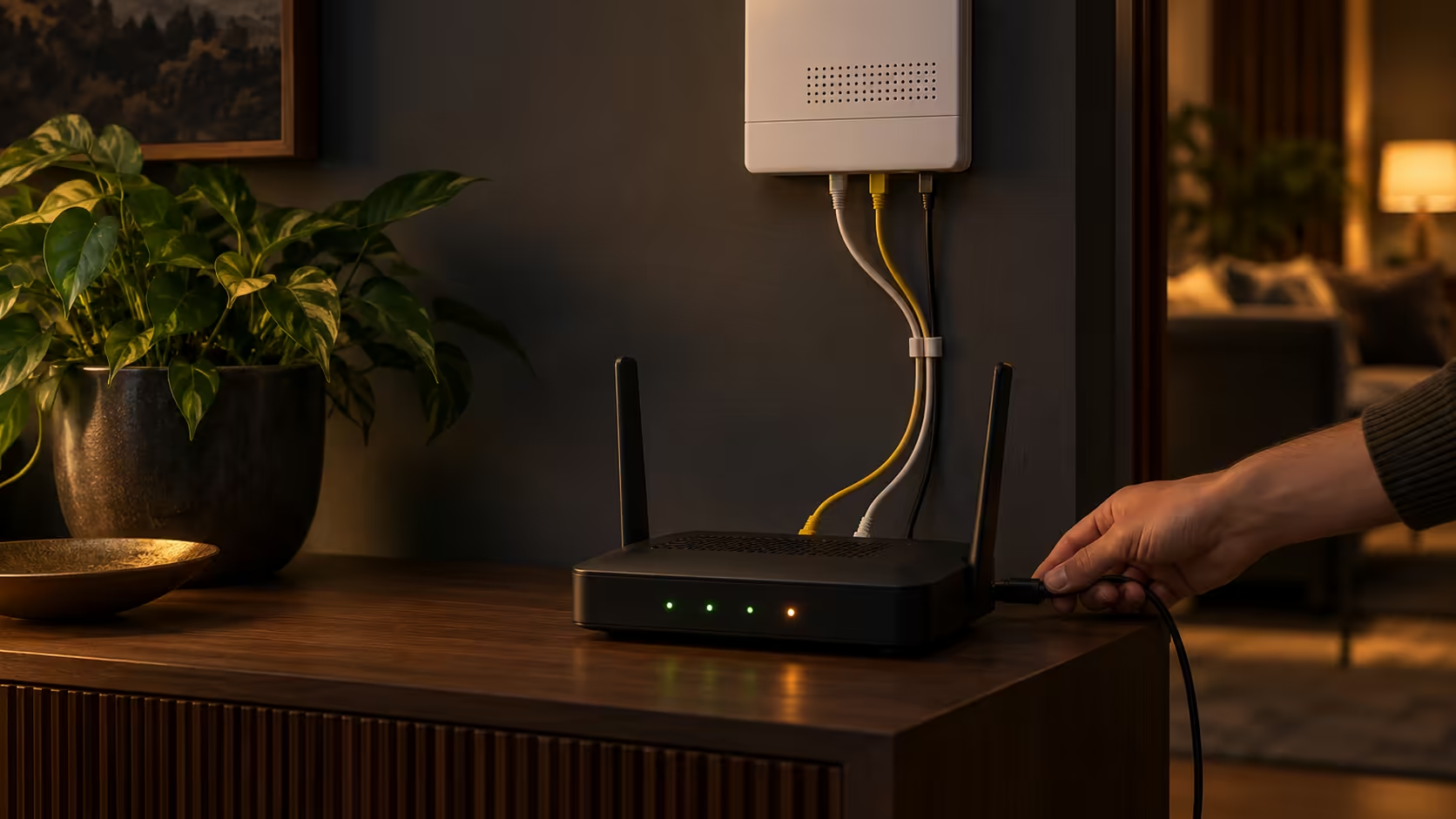
The lights are on, the fan is humming, and still nothing loads. When you have no internet but the router has power, the fault sits in one of three places: the fibre line, the box on your wall, or the router itself. Guessing wastes an evening. Testing one box at a time takes about fifteen minutes and tells you exactly who to blame.
Quick Answer
Start at the fibre ONT, the small box where the line enters your home. A red or dark internet light there means the problem is on the line, and no router setting will fix it. If the ONT looks healthy, plug a laptop straight into it with a cable: if that works, the router is at fault, and a replacement such as the Cudy AC1200 at R699 or the ASUS RT-AC1200 at R599 gets you back online.
🔦 Read the ONT before you touch the router
The ONT converts the light signal in the fibre into a network signal your router can use. In a Pretoria townhouse it is usually a white or grey box near the front door, with a thin yellow or green cable going into it. Read its lights first.
Labels differ by make, but most carry the same few names:
- POWER: solid means the ONT has electricity.
- PON: solid means the ONT has registered on the provider's network. Flashing means it is still searching.
- LOS: off is good. Red or flashing means loss of signal, so no light is reaching the box.
- LAN or ETH: lit or blinking when a cable is plugged into the port and something is talking on it.
A red LOS light, or a PON light that never goes solid after five minutes, is a line fault. Check that the yellow fibre cable is not kinked, crushed behind furniture or pulled out of its socket, and never bend it tightly: a bend sharper than a few centimetres can stop the light dead. If the cable looks fine and LOS stays red, the fault is outside your walls and the provider has to fix it.
🔌 Test one box at a time with a laptop
If the ONT looks healthy, the cleanest test cuts the router out of the picture completely.
- Unplug the router's WAN cable, the one running to the ONT, from the router and plug it into your laptop instead.
- Wait 30 seconds. Open Command Prompt and type
ipconfig. - Look at the IPv4 address. Anything starting with 169.254 means the laptop never got an address from the line.
- Type
ping 8.8.8.8. Replies mean the connection works. Then type ping google.com. If the first works and the second fails, the line is fine and the problem is name lookup (DNS).
If the laptop gets online, the line, the ONT and the cable are all fine, and the router is the suspect. Skip ahead to the router section.
If the laptop gets no address, swap in a different network cable, ideally a short Cat5e or Cat6 patch lead you know works. Cables fail more often than people expect, especially ones squeezed under a door or chewed by a pet. Still nothing after a cable swap with healthy ONT lights? Many providers lock the line to the router's hardware address, or need a login the first time. That is a call to the provider, covered below.
🧰 When the router is the weak link
A router that powers up but will not connect has usually lost its settings, overheated, or died quietly. Work through these in order.
Power cycle it properly
Unplug the router for a full 30 seconds, then give it three minutes to boot after powering back on. Many "dead" routers come back after this alone, especially ones that have run for months in a hot cupboard through a South African summer.
Check the right port and the right settings
The cable from the ONT must sit in the router's WAN or Internet port, usually blue or labelled separately from the four LAN ports. A cable in a LAN port gives you power and lights and no internet at all, and it is a common mistake after a move or a tidy-up.
Next, open the router's admin page in a browser, typically 192.168.1.1 or 192.168.0.1, and find the internet or WAN page. Some South African fibre providers hand out an address automatically, so the connection type should read DHCP. Others need PPPoE, which means typing the username and password your provider sent you. A router that was reset to factory defaults loses that login, and the router will then show full power and zero internet.
Know when to replace it
If the router fails the laptop test every time, resets itself, or stays hot to the touch, replace it. For a flat or small house, the Cudy AC1200 is a dual-band Wi-Fi 5 mesh router with five Gigabit Ethernet ports and coverage of up to about 100 square metres, at R699. The ASUS RT-AC1200 dual-band router at R599 covers a lighter setup. Browse our fibre-ready routers to compare, or read the wider networking range if you also want switches or extenders.
📞 What to tell your provider
If the ONT shows a red LOS light, or the laptop test fails with a good cable and settings, stop troubleshooting and call. A good fault report saves a repeat visit:
- Say which light is red or dark, and which is solid.
- Say you tested with a laptop plugged directly into the ONT, and what
ipconfig showed. - Say how long it has been down and give the ONT serial number from its label if they ask.
Providers can often see the line from their side and tell you in a minute whether the signal reaches your house. Having done the laptop test, you skip the whole "have you tried switching it off and on" round.
Frequently Asked Questions
Why does my router show all lights on but there is no internet?
Lights only prove the router has power and a link to something. The internet light is the one that matters, and it needs a working line, a correct WAN cable and the right login. Test with a laptop plugged into the ONT to learn which part is missing.
What does a red LOS light on the ONT mean?
It means loss of signal: the ONT cannot see any light coming down the fibre. Check the yellow cable for kinks or a loose connector, then call the provider, because a cut or faulty line cannot be fixed from inside your home.
Should I factory reset my router?
Only after a power cycle and the laptop test. Holding the reset pin for about 10 seconds wipes every setting, including any PPPoE login your provider needs, so have those details to hand before you press it.
Does Wi-Fi being down mean the internet is down?
Not always. If a laptop on a cable works but Wi-Fi does not, the line is fine and the router's wireless side is at fault.
Ready to get your connection back?
If the laptop test points at the router, browse the Evetech networking category for Wi-Fi routers sized for a flat or a full house, and pick one that suits your fibre line.