


Clean Gaming Keyboard: Guide for Dusty & Humid Conditions
Clean gaming keyboard quickly and safely in dusty or humid conditions with step-by-step tips, tool checklist, and maintenance routines to prevent corrosion and switch failure. 🧼💨
Read more- Secure private Wi-Fi in coffee shops: assess risks - Segment guest and private networks - Configure VPN, firewall, and device hardening - Train staff and enforce policies Secure, step-by-step guide to build encrypted, isolated networks for cafes and co-working spaces. 🔒☕
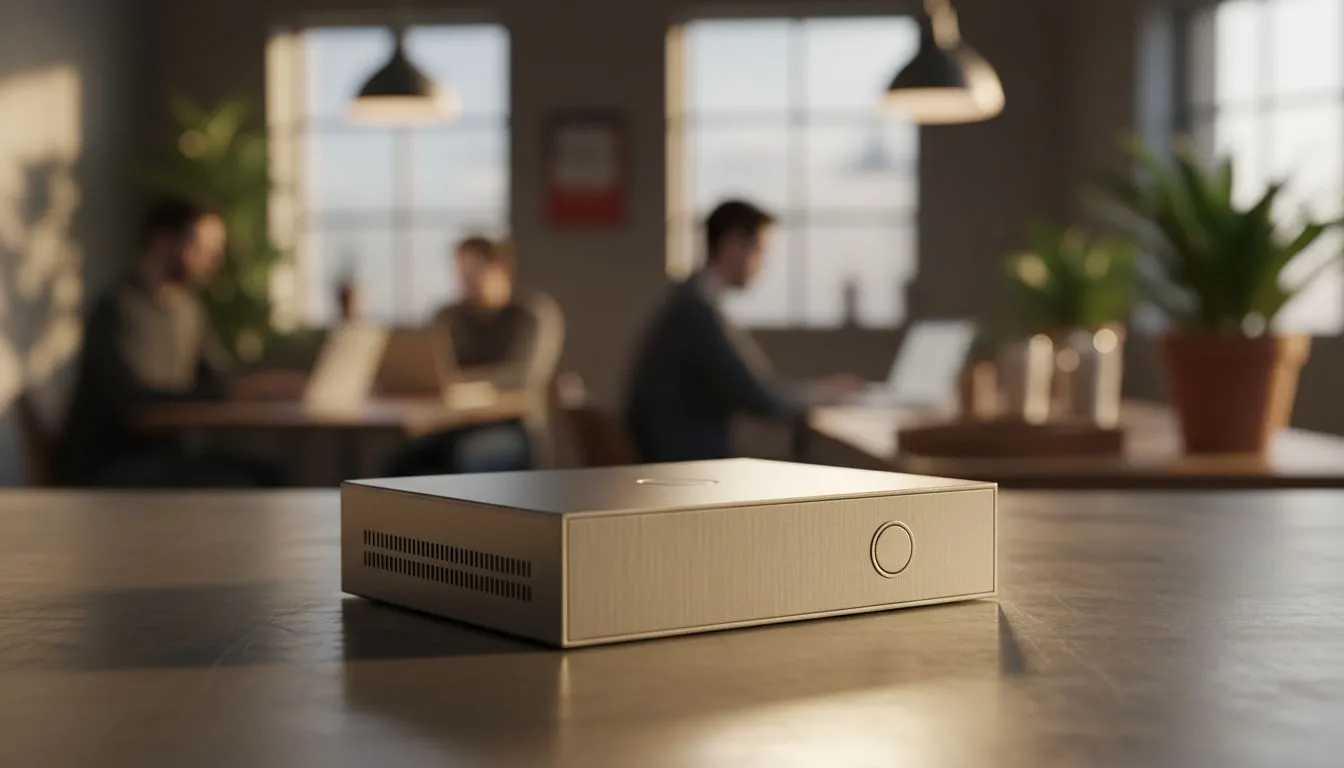
Whether you are dodging load shedding at a local Mugg & Bean or just need a change of scenery, coffee shop Wi-Fi is a lifeline. But that open connection often comes with hidden risks. Hackers love public hotspots as much as you love a flat white. Securing your connection is not just about privacy... it is about protecting your digital life while working remotely. ☕
Public networks are usually unencrypted. This means anyone with basic software can intercept your data. From login credentials to banking details, everything is potentially visible. To stay safe, you need to create a private "bubble" for your devices. Reliable brands like TP-LINK wireless routers offer robust security features that act as a first line of defence against these intruders.
The best way to secure private Wi-Fi in coffee shops is to bring your own hardware. A travel router or a portable LTE gateway allows you to connect to the shop’s internet via an Ethernet cable or another Wi-Fi signal... then rebroadcast it as a secure, encrypted network only you can access.
For those who want total independence from flaky cafe connections, the Cudy LT700 AC1200 4G Cat6 Router is a powerhouse. By inserting a local SIM card, you bypass the public network entirely. This ensures that your work session remains private and uninterrupted by the crowd.
Always enable 'Force HTTPS' in your browser settings and use a reputable VPN when connecting to any public network. Even if someone intercepts your traffic, the encryption makes the data unreadable. It is an essential second layer of protection for remote workers in South Africa.
Setting up your secure zone takes less than five minutes. First, power on your portable router and access the admin panel via your phone or laptop. Change the default SSID and set a strong WPA3 password. If the coffee shop provides a wired connection, plug it directly into the WAN port.
If you are using a wireless bridge mode, connect the router to the shop's Wi-Fi... then connect all your personal devices to your router. This hides your devices from other users on the public network. You can explore the full range of Cudy networking gear in South Africa to find a model that fits your mobile office setup.
Remember to disable file sharing on your OS before you start. Windows and macOS often have "Public Network" profiles that do this automatically. It is a small step that prevents accidental data leaks while you focus on your grind.
Ready to Secure Your Mobile Office? Don't let public Wi-Fi vulnerabilities compromise your data or your productivity. Whether you need a high-speed LTE gateway or a compact travel router, we have the tech to keep you connected safely. Explore our massive range of wireless routers and find the perfect machine to conquer your world.
Yes. Use a VPN for public Wi-Fi to encrypt traffic and avoid eavesdropping; a VPN for public Wi-Fi protects logins and data.
Enable guest network segmentation on the router and apply VLANs or SSID isolation for guest network segmentation cafes.
Modern routers with VLAN and guest SSIDs plus proper firewall settings for coffee shop Wi-Fi can provide strong isolation.
WPA3 improves hotspot encryption for cafes; enable WPA3 where supported and fall back to WPA2 with strong passwords if needed.
Use HTTPS, VPNs, and monitor for rogue APs to reduce risk—preventing man-in-the-middle cafe Wi-Fi requires layered defenses.
Often yes. Secure tethering in cafes using a personal hotspot reduces exposure compared to open public networks.
Apply co-working space network security basics: segmented SSIDs, enforced VPN use, firewall rules, and device hardening policies.
Clean gaming keyboard quickly and safely in dusty or humid conditions with step-by-step tips, tool checklist, and maintenance routines to prevent corrosion and switch failure. 🧼💨
Read more
Best gaming keyboard features to prioritize when building a high-end setup: mechanical switches, low latency, hot-swap, RGB, macros, durability and ergonomics 🎮⌨️
Read more
Custom actuation point keyboard setup guide: learn to set per-key actuation on your analog gaming keyboard for faster, precise inputs and better control 🎮⚙️
Read more
Cable management for home entertainment helps you eliminate cable clutter quickly and safely. Learn routing, concealment, and product picks to tidy your setup fast 📺🔌
Read more
conference room setup Microsoft Teams Zoom: Upgrade AV, camera, mic, and network to ensure seamless meetings, clear audio, and crisp video 🎯🔧
Read more
• Audit setup • Link accounts • Configure ViewBoard • Test workflows Integrate Google Workspace with ViewSonic ViewBoard to enable secure SSO, calendar and Drive sync, and smooth collaborative whiteboarding 🔗📋
Read more
Discover webcams that automatically adjust light and color for crystal-clear video calls 🎥✨. Boost your streaming quality today!
Read more
Discover webcams that blend into your workflow 🎯 Capture moments while you work, stream, or create. Upgrade your setup with smart, multitasking tech!
Read more
Dedicated media keys give streamers one-touch control to mute, switch scenes, clip highlights, and adjust audio — cutting task time and boosting consistency 🎛️⚡
Read more
PBT vs ABS keycaps: Clear, local guide for South African gamers—compare feel, sound, durability and where to buy. Find the best material for your budget and playstyle 🎮🇿🇦
Read more
- Multi-Function Digital Dial: define benefits - Show gamer setups and macros - Offer buying and setup tips Multi-Function Digital Dial puts programmable control at your fingertips for faster actions and smoother streaming. 🎮⚙️
Read more
- Explain benefits; - Show the science; - Compare options; - Recommend picks. Magnetic wrist rest for gaming cuts wrist strain and boosts comfort during long sessions 🕹️✨
Read more