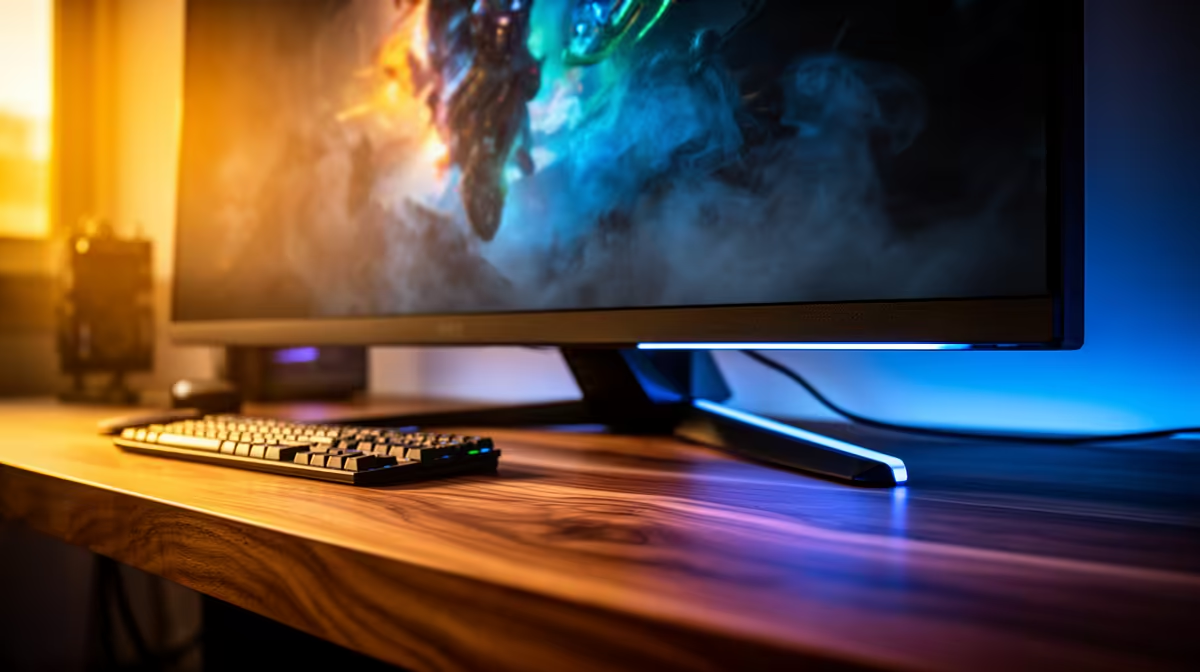
The MSI PRO MP275W at R1,850 suits home creators who want a 27-inch-class workspace for colour checks, edits, and everyday admin without overspending on a monitor. It is the strongest first pick here because a larger screen makes photo review, Canva layouts, spreadsheet columns, and browser reference tabs easier to judge from a normal desk distance.
Best starter picks for a colour-aware home desk
The Dell SE2726H 27in FHD 144Hz at R1,797 is the practical alternative when you want smoother motion as well as a bigger canvas. Its 27in FHD panel gives you enough size for side-by-side windows, while the 144Hz refresh rate helps if the same desk also handles casual gaming after work.
The Dell SE2426H 23.8in FHD at R1,532 is better for a tighter desk where viewing distance is shorter. The 23.8in FHD spec keeps text and menus comfortable without taking over the whole surface, which matters if your keyboard, notebook, phone stand, and speakers all share the same table.
Pinetown home creator desk setup
For a compact work corner in Pinetown, keep the screen away from harsh window glare and use one consistent light source when judging colour. The Dahua LM27 100Hz at R1,500 is useful as a budget 27-inch option for layout checks, browsing, and reference work, while the 100Hz spec keeps scrolling and cursor movement feeling cleaner than a basic office display.
Ready to choose the right monitor?
Use Dell SE2726H 27in FHD 144Hz at R1,797 as the monitor shortlist benchmark, then check whether its listed spec matches the space, workload, and upgrade path.